14
USER INTERFACE
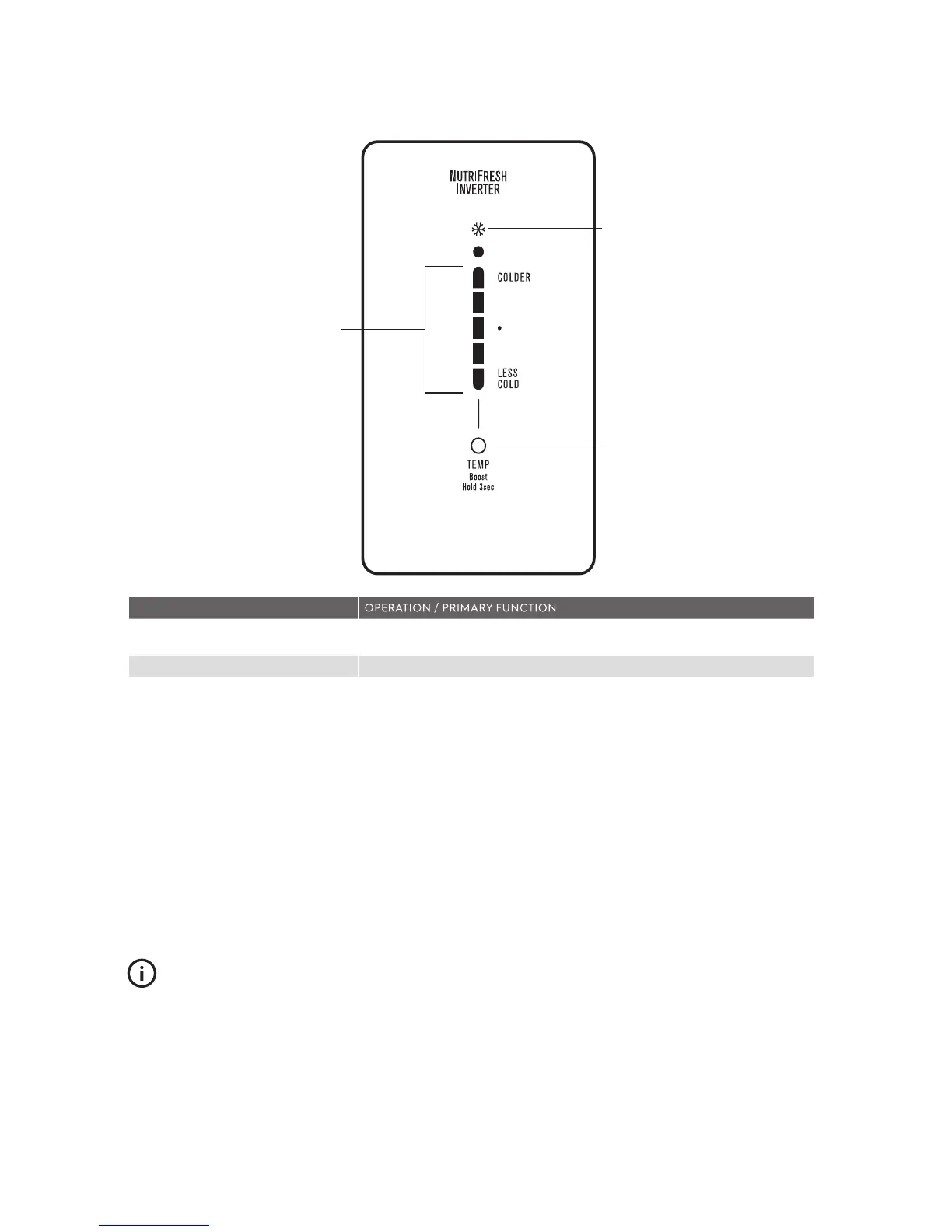
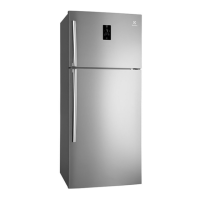
Controls – ETB4602 & ETB5702 Models
Refrigerator
temperature
scale icons
Quick chill on/
off icon
Temperature adjust/
boost on/off button
DESCRIPTION
Refrigerator temperature scale icons
• Indicates the temperature setting of the refrigerator compartment.
Quick Chill On/ Off icon • Indicates the status of the Quick Chill function
Temperature adjust/ quick chill on/ off
button
Temperature Control
• Touch the ‘Temp’ button to awaken control.
• Touch the ‘Temp’ button to decrease the refrigerator temperature. Once the
coldest temperature is reached the display will return to the warmest setting
with the next press.
Quick Chill
- Use the quick chill function when you add a large amount of
food to the
refrigerator compartment.
• Press and hold the ‘Temp’ button for 3 seconds. The Quick Chill icon will flash
indicating that the Quick Chill is active.
• Your refrigerator will run at 2°C for 90 minutes, then automatically return to
normal mode.
• The Quick Chill function can be cancelled anytime by pressing the ‘Temp’
button again.
IMPORTANT
The factory default settings for the refrigerator is “Mid”. If
you want to change the temperature, remember to make
only small adjustments and wait 24 hours to see if it’s
correct.
ABOUT THE USER INTERFACE




 To Next Page