10 electrolux.com.au
PRODUCT DESCRIPTION (CONTINUED)
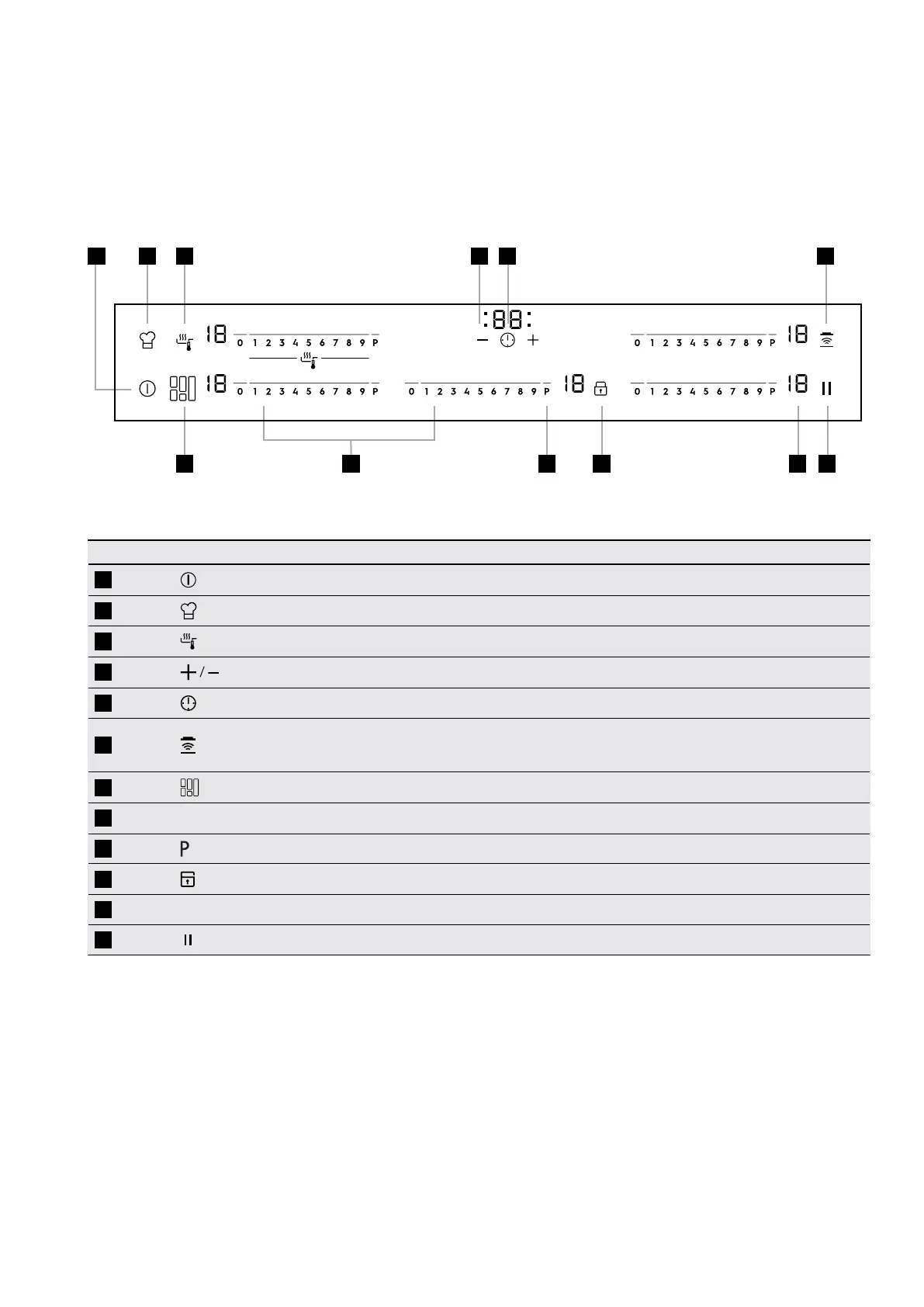
Control panel layouts
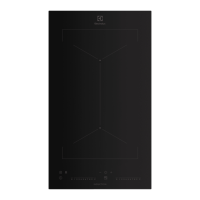
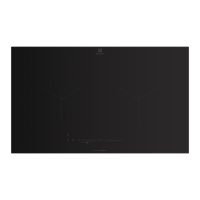
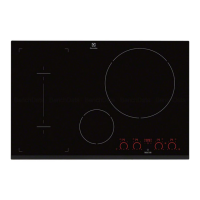
EHI977BE
Sensor field Function
1
To activate and deactivate the appliance
2
To activate the chef function
3
To activate the Sensefry function
4
To increase or decrease the time
5
To set the timer function
6
To activate and deactivate the manual mode of the
Hob
2
Hood function.
7
To switch between the modes of the function
8
Control bar To set a heat setting
9
To activate the Power function
10
To lock / unlock the control panel
11
A heat setting display To show the heat setting
12
Sets all operating zones to a keep warm setting
1 2 3
7
4 5 6
109 12118



 To Next Page