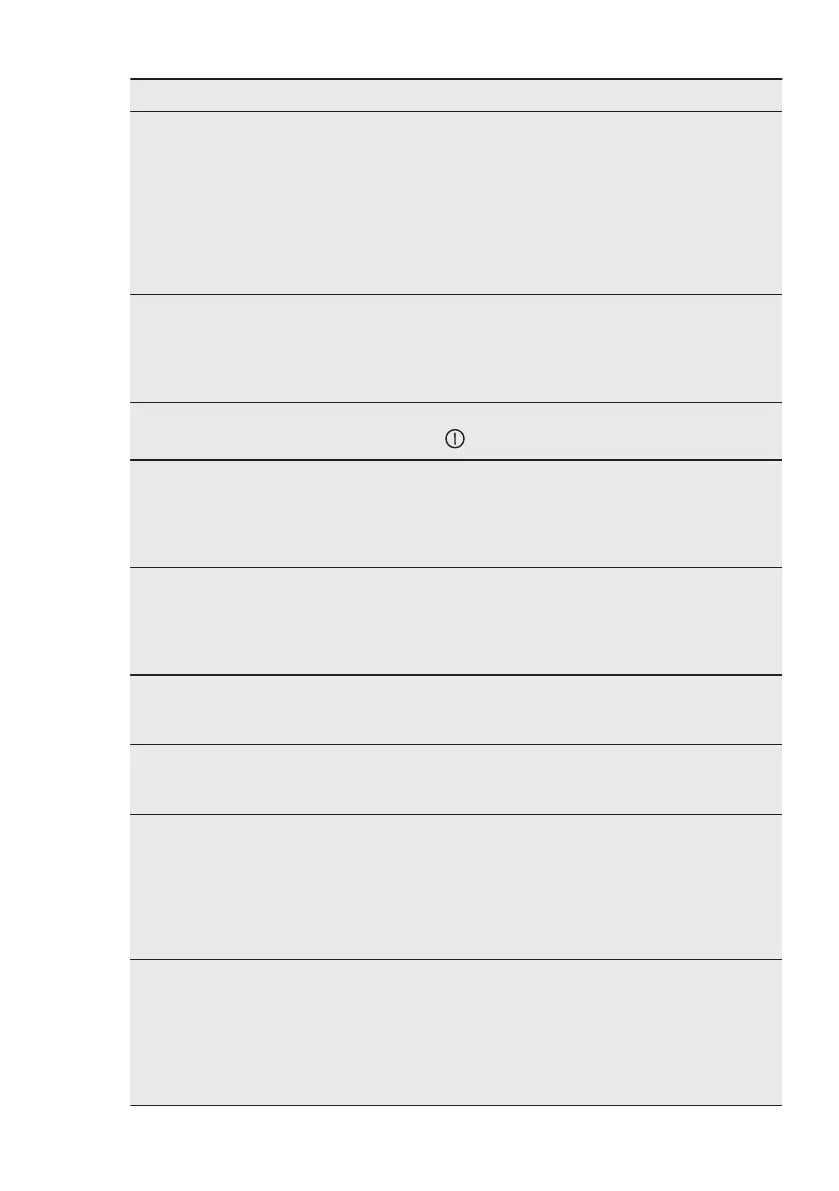
Problem Possible cause Remedy
The display does not react
to the touch.
Part of the display is cov‐
ered or the pots are placed
too near to the display.
There is some liquid or an
object on the display.
Remove the objects. Move
the pots away from the dis‐
play.
Clean the display, wait un‐
til the appliance is cold.
Disconnect the hob from
the electrical supply. After
1 min, connect the hob
again.
An acoustic signal sounds
and the hob deactivates.
An acoustic signal sounds
when the hob is deactiva‐
ted.
You put something on one
or more sensor fields.
Remove the object from
the sensor fields.
The hob deactivates. You put something on the
sensor field .
Remove the object from
the sensor field.
Residual heat indicator
does not come on.
The zone is not hot be‐
cause it operated only for a
short time or the sensor
under the hob surface is
damaged.
If the zone operated suffi‐
ciently long to be hot,
speak to an Authorised
Service Centre.
After you activate Assisted
Cooking, the hob starts
heating up, stops, and then
starts again.
This is a safety check to
ensure that the Food Sen‐
sor is in a pot for which the
Assisted Cooking function
was activated.
It is a normal procedure, it
does not indicate any mal‐
function.
You cannot activate the
highest heat setting.
Another zone is already
set to the highest heat set‐
ting.
First reduce the power of
the other zone.
The sensor fields become
hot.
The cookware is too large
or you put it too near to the
controls.
Put large cookware on the
rear zones if possible.
The display shows that the
Food Sensor is not found.
The position of the Food
Sensor is incorrect.
Something blocks its signal
(e.g. cutlery, a pan handle
or another pot).
Position the Food Sensor
correctly. Refer to the illus‐
trations in the "Hints and
tips" section.
Remove any metal objects
or other objects that may
block the signal.
The display shows the
temperature of water is
higher than 100°C.
You did not calibrate the
Food Sensor or you did it
incorrectly.
You moved the hob to a
different location.
Calibrate the Food Sensor
again. Refer to "Calibrat‐
ing".
You may also need to
check if the calibration
code is correct. Refer to
"Pairing".
ENGLISH 29



 To Next Page