14 electrolux before using for the first time
Setting the clock
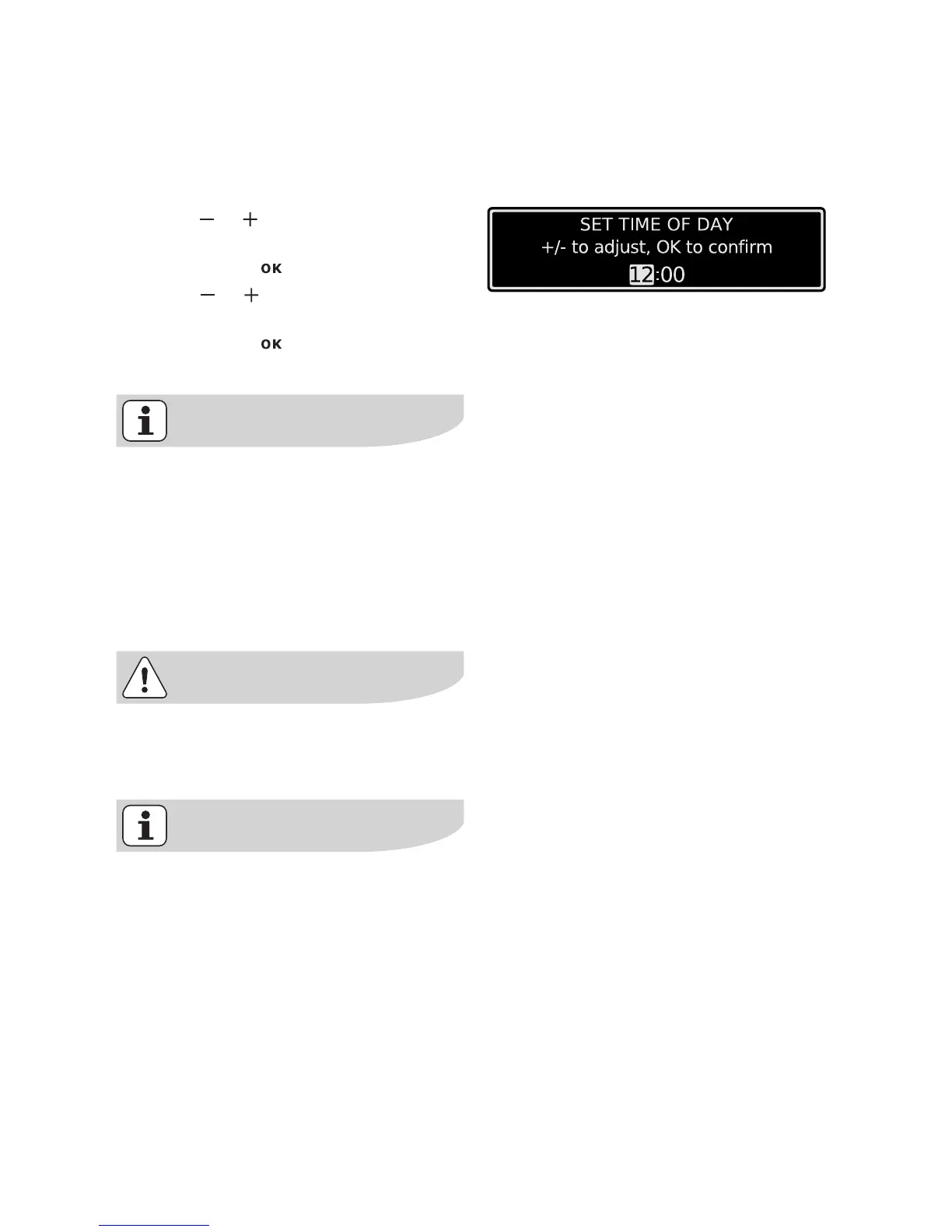
After you have set the contrast and the
brightness, the message ”Set Time of
Day” is displayed.
4. Using or set the hour of the cur-
rent time.
5. Confirm with .
6. Using or set the minutes of the
current time.
7. Confirm with .
The appliance is now ready to use.
The time only has to be set if the ap-
pliance is disconnected from the
power supply for a long time.
Initial cleaning
Clean the oven before using it for the
first time.
Important: Do not use caustic or
abrasive cleaning agents! These
can damage the oven surfaces.
For the metal surfaces, use com-
mercially available cleaning agents.
1. Open the oven door.
The oven light is lit.
2. Remove all oven accessories, and
clean them with warm water and a
scouring agent.
3. Wash the oven in the same way, and
wipe dry.
4. Wipe the front of the appliance with
a damp cloth.







 To Next Page