26 electrolux using the oven
Warning: The Meatprobe is hot!
There is a risk of being burned when
removing the plug and the tip of the
meat probe.
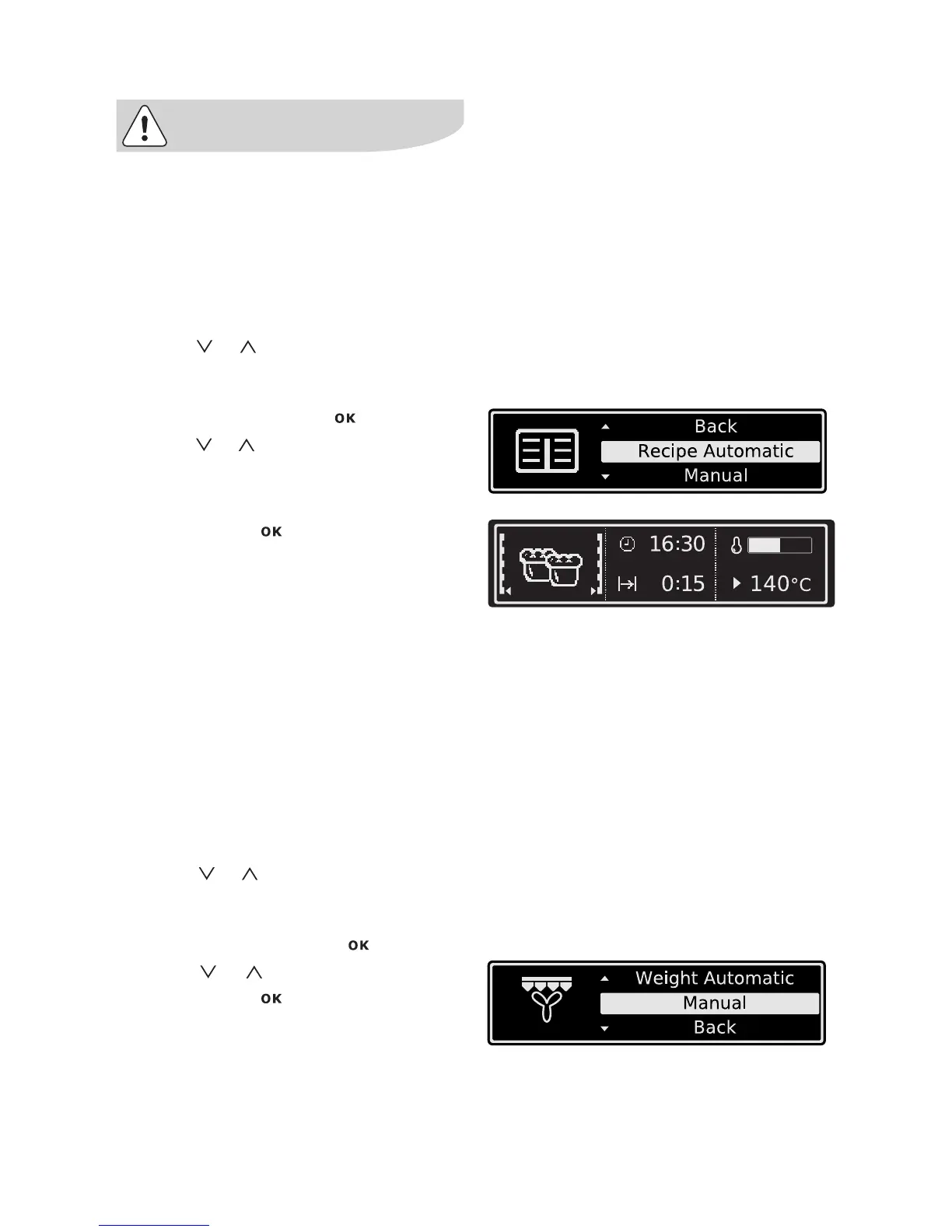
Assisted Cooking with Recipe Automatic
All settings are fixed and cannot be changed.
Example
1. Using or select the menu option
Assisted Cooking, the desired category
and the dish.
2. Confirm each one with .
3. Using or select Recipe Automatic.
4. Confirm with .
The automatic programme is started.
As soon as the automatic programme has
finished, an audible signal sounds.
5. Press any key to switch off the signal.
Manual
With Manual the optimum settings (oven
function and temperature) for the respective
dish are taken, but you can change them.
This may be the case if you don’t want to use
the Meatprobe,you don’t know the weight of
your food or have your own recipe.
Example
1. Using or select the menu option
Assisted Cooking, the desired cate-
gory and the dish.
2. Confirm each one with .
3. Using or select Manual.
4. Confirm with .
You are now in the corresponding oven
function and can carry out the setting
you want (see section “Operating the
oven functions”).







 To Next Page