using the oven electrolux 25
Important: Only the Meatprobe sup-
plied may be used. If replacing,
please use only original replace-
ment parts.
Example
1. Switch the appliance on using .
2. Using or select the menu option
Assisted Cooking, the desired cate-
gory and the dish.
3. Confirm each one using .
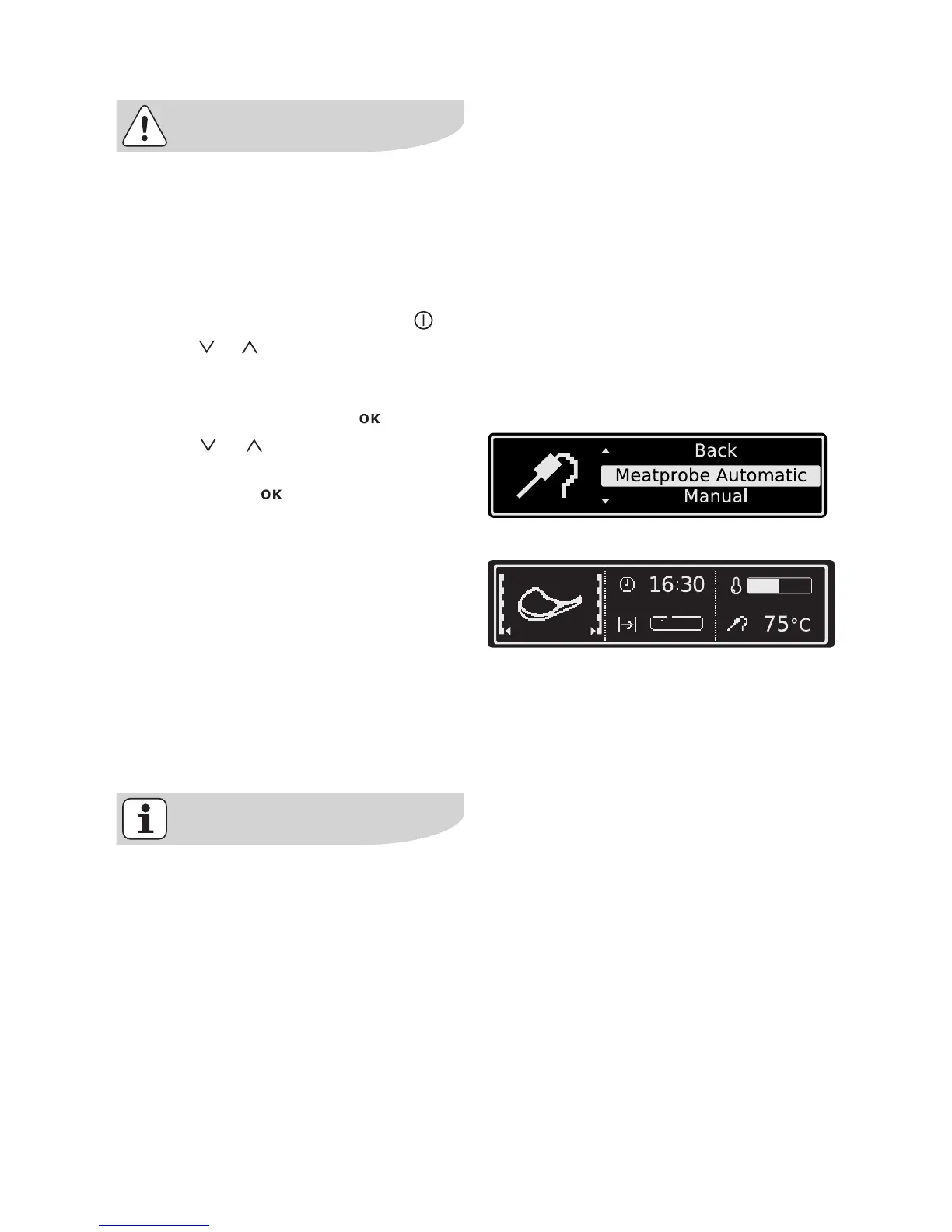
4. Using or select Meatprobe Au-
tomatic.
5. Confirm with .
Message appears telling you to insert
the Meatprobe.
6. Insert Meatprobe (see section Meat-
probe).
7. The automatic programme is start-
ed.
As soon as the automatic programme
has finished, an audible signal sounds.
8. Press any key to switch off the sig-
nal.
9. Remove Meatprobe.
Within a few minutes a provisional
end time at which the set core tem-
perature will be reached is calculat-
ed. This time is constantly
recalculated and updated in the dis-
play. The system requires that the
Meatprobe is pushed into the meat
and into the socket at the beginning
of the cooking process and that it is
not removed during the cooking
process.







 To Next Page