28 electrolux using the oven
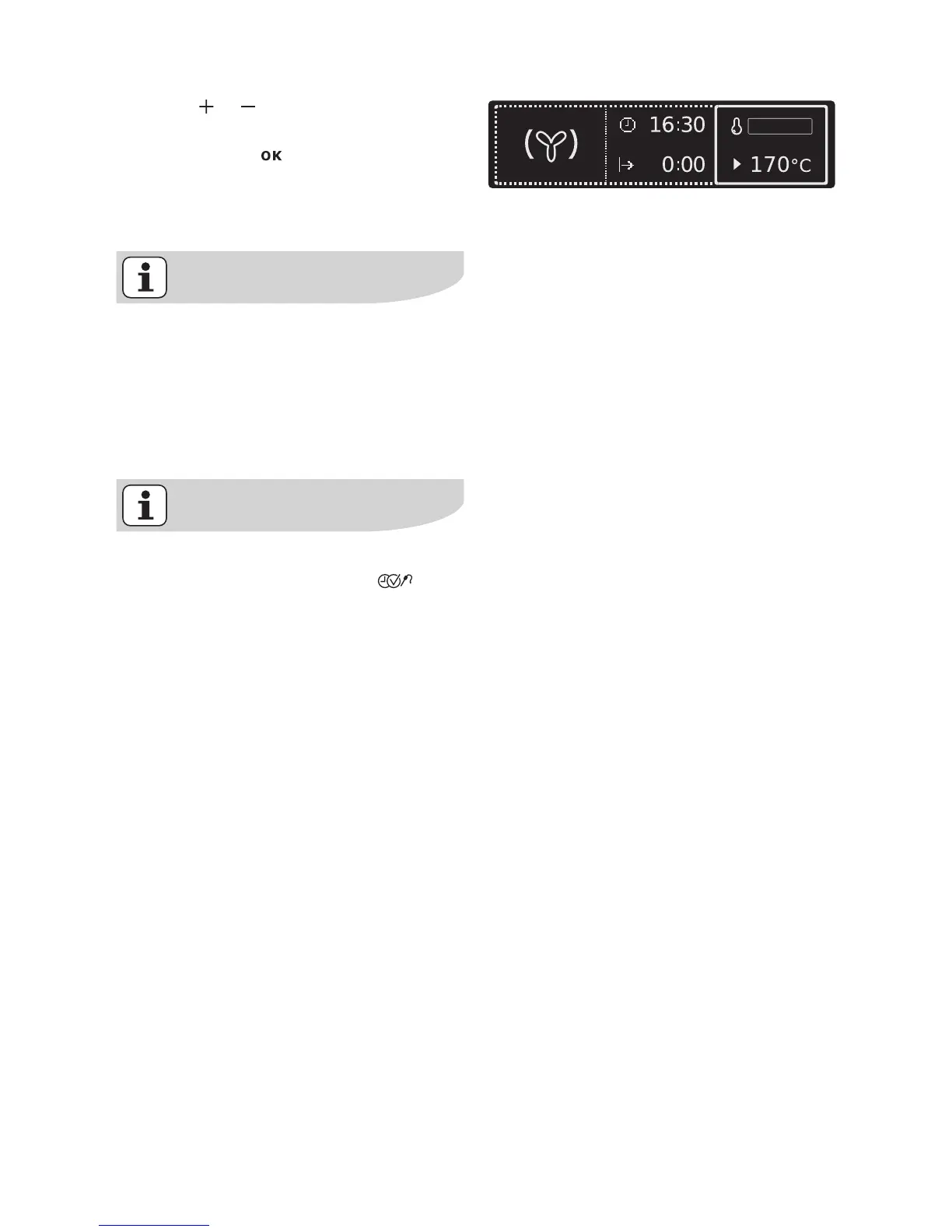
6. Using or set the desired temper-
ature.
7. Confirm with or wait 5 seconds.
The oven starts to heat up.
When the temperature set is reached,
an acoustic signal sounds.
The oven is starting to heat up if
• the symbol for the oven function is
animated.
• the oven light is switched on.
• the corresponding heating element
(e.g. fan) is switched on.
Besides the temperature other
functions can be set using
(see section Additional functions).







 To Next Page