using the oven electrolux 33
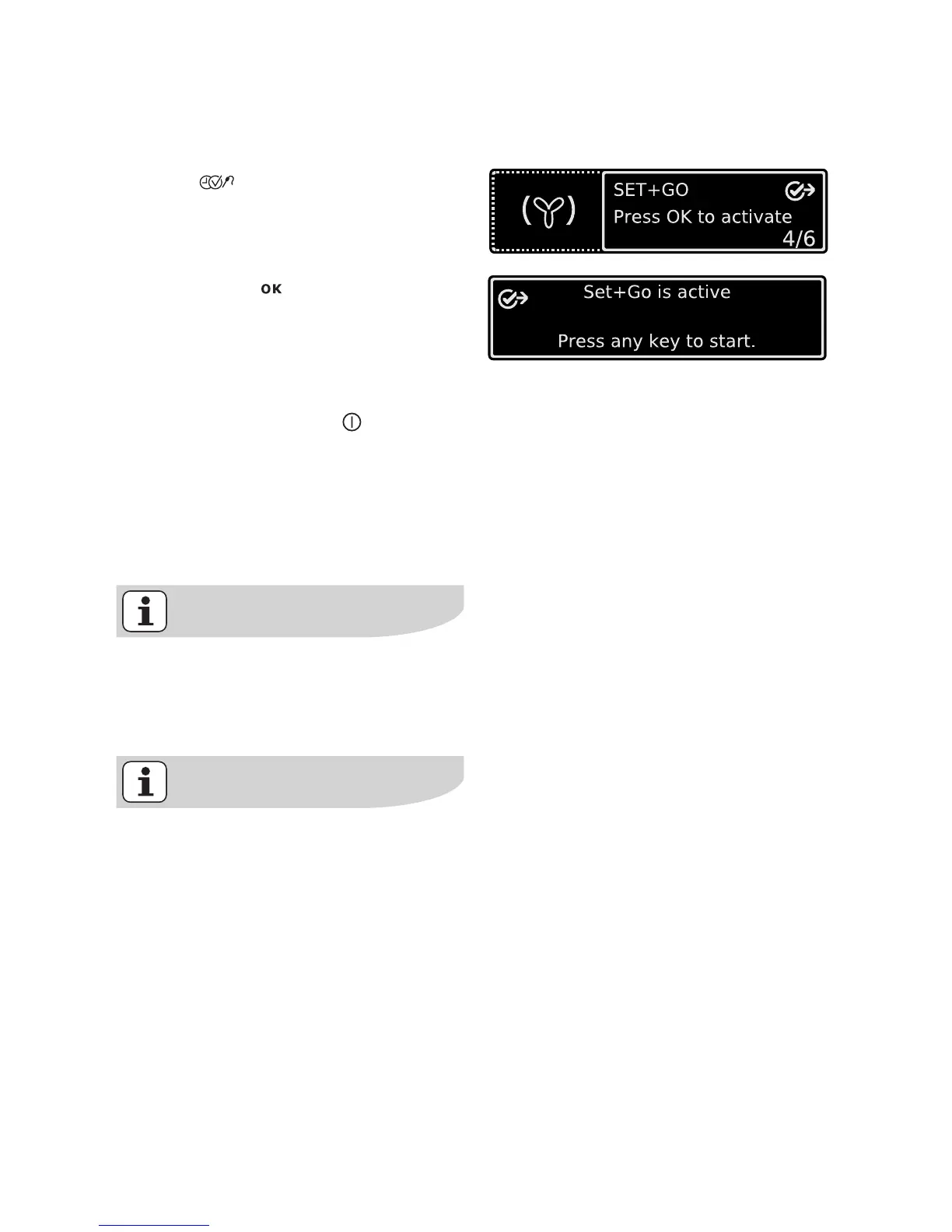
To switch on Set+Go
1. Select oven function with desired
settings.
2. Press key repeatedly until the
”Set+Go” window appears.
3. Confirm with .
The function Set+Go is now
switched on.
To start Set+Go
1. Press any key (except ).
Selected oven function starts.
As soon as the oven function is com-
pleted, a signal sounds.
2. Press any key to switch off the sig-
nal.
While the selected oven function
with is operating Set+Go, the Key
Lock is active (see section Key
Lock).
Set+Go can be activated or deacti-
vated in the Basic Settings menu.







 To Next Page