32 electrolux operating the oven
Between 22:00 and 6:00 the display re-
duces its brightness when the appliance
is switched off to save energy.
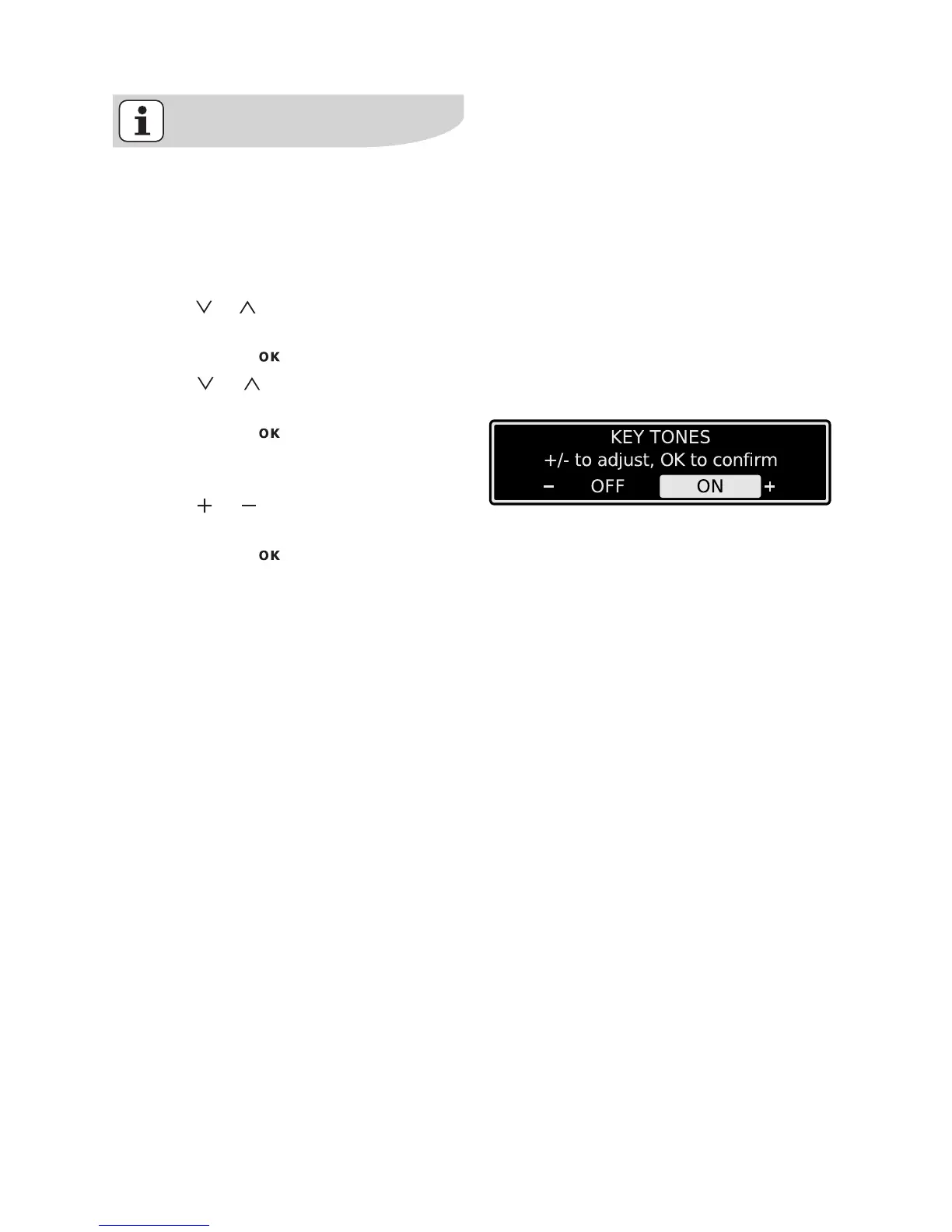
Operation of the Basic Settings
Example
1. Using or select the menu option
Basic Settings.
2. Confirm with .
3. Using or go to the setting that
you want to adjust.
4. Confirm with .
The value currently set appears in
the display.
5. Using or select the desired val-
ue.
6. Confirm with .
The setting is changed.
Everyday use of Basic Settings






 To Next Page