Before the pyrolytic cleaning:
Turn off the oven and wait until
it is cold.
Remove all accessories. Clean the oven floor and the inner door
glass with warm water, a soft cloth and
a mild detergent.
Step 1
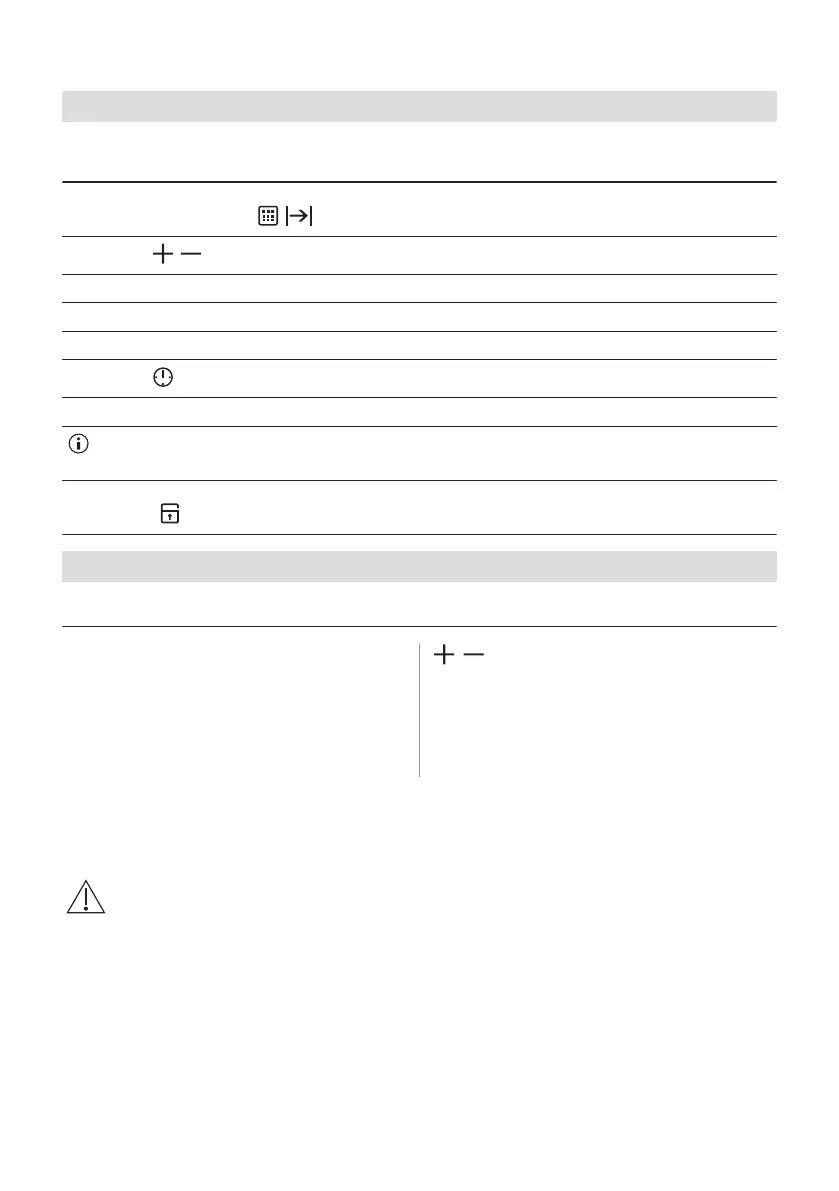
Set the function: . - flashes.
Step 2
, - press to set the cleaning mode.
Option Cleaning mode Duration
P1 Light cleaning 1 h
P2 Normal cleaning 1 h 30 min
Step 3
- press to start the cleaning.
Step 4 After cleaning, turn the knob for the heating functions to the off position.
During the cleaning the oven lamp is off. The oven door stays locked. When the oven is cold, the door un‐
locks.
When the oven is at the set temperature, the door locks. Until the door unlocks the display shows: the bars of the
heat indicator, . To stop cleaning before it is completed, turn the knob for the oven functions to the off position.
When the cleaning ends:
Turn off the oven and wait until it
is cold.
Clean the cavity with a soft cloth. Remove the residue from the bottom of
the cavity.
12.4 Cleaning reminder
The oven reminds you when to clean the
oven with: pyrolytic cleaning.
PYR - flashes in the display for 10 sec after
each activation and deactivation of the oven.
, - press at the same time to turn off the
reminder.
12.5 How to remove and install: Door
The oven door has three glass panels. You can remove the oven door and the internal glass
panels to clean them. Read the whole "Removing and installing door" instruction before you
remove the glass panels.
CAUTION!
Do not use the oven without the glass panels.
26 ENGLISH



 To Next Page