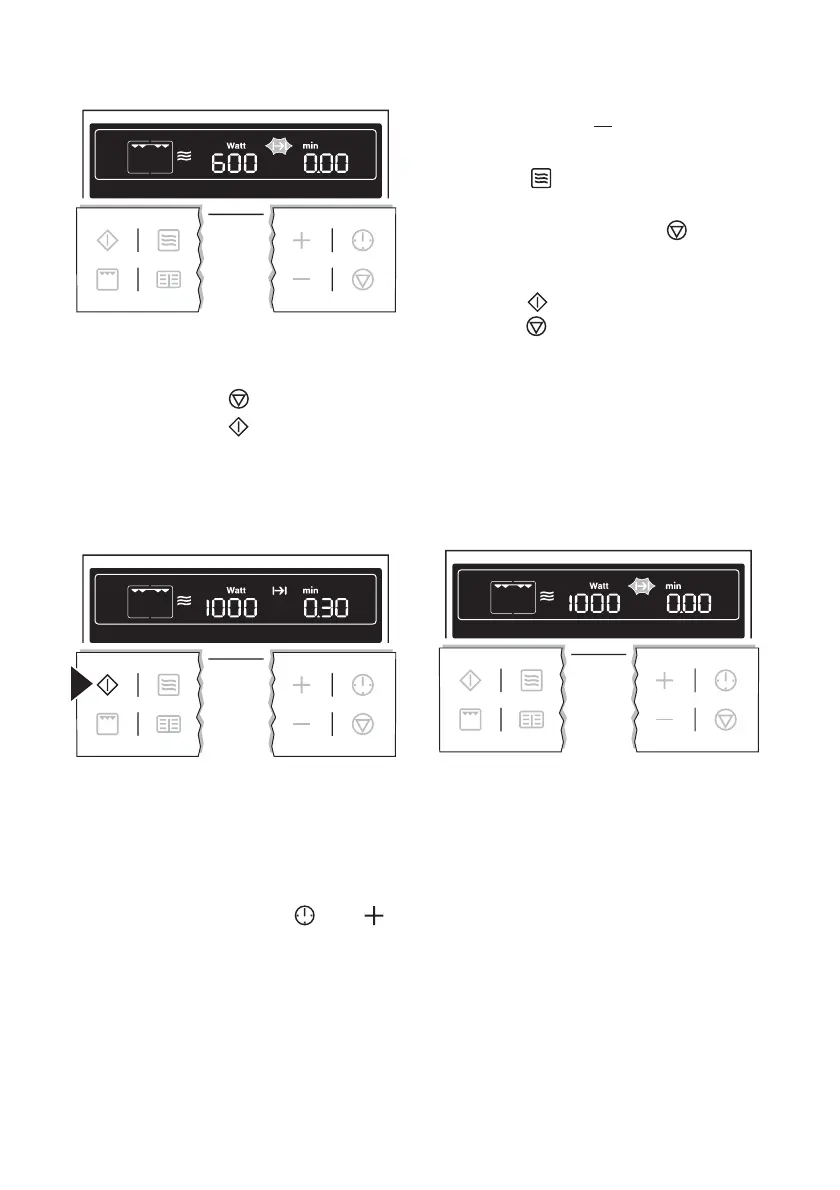
Microwave Quick Start
1. If necessary, switch off the appliance
using the Stop
button.
2. Press the Start
button repeatedly
until the desired period of operation
appears. The appliance switches it-
self on at maximum microwave pow-
er.
– Each press of the button adds 30
seconds to the period displayed.
Maximum of 7 mins. with maxi-
mum microwave power.
– While the time counts down, using
the Clock Functions
and
buttons the cooking time can be
increased or
reduced.
– By repeatedly pressing the Micro-
wave
button, the microwave
power can be changed.
– By pressing the Stop
button
once, operation can be interrup-
ted. Continue operation using the
Start
button. Pressing the
Stop
button twice switches the
appliance off.
When the time has elapsed, an acoustic
signal sounds for 2 minutes. The appli-
ance switches itself off. The symbol for
Cook time flashes and the clock display
appears.
To turn off the acoustic signal: Press any
button.
Information on power settings
The overview indicates at which power
setting certain processes can be per-
formed. The powers given are guide-
lines.
using the oven electrolux 19



 To Next Page