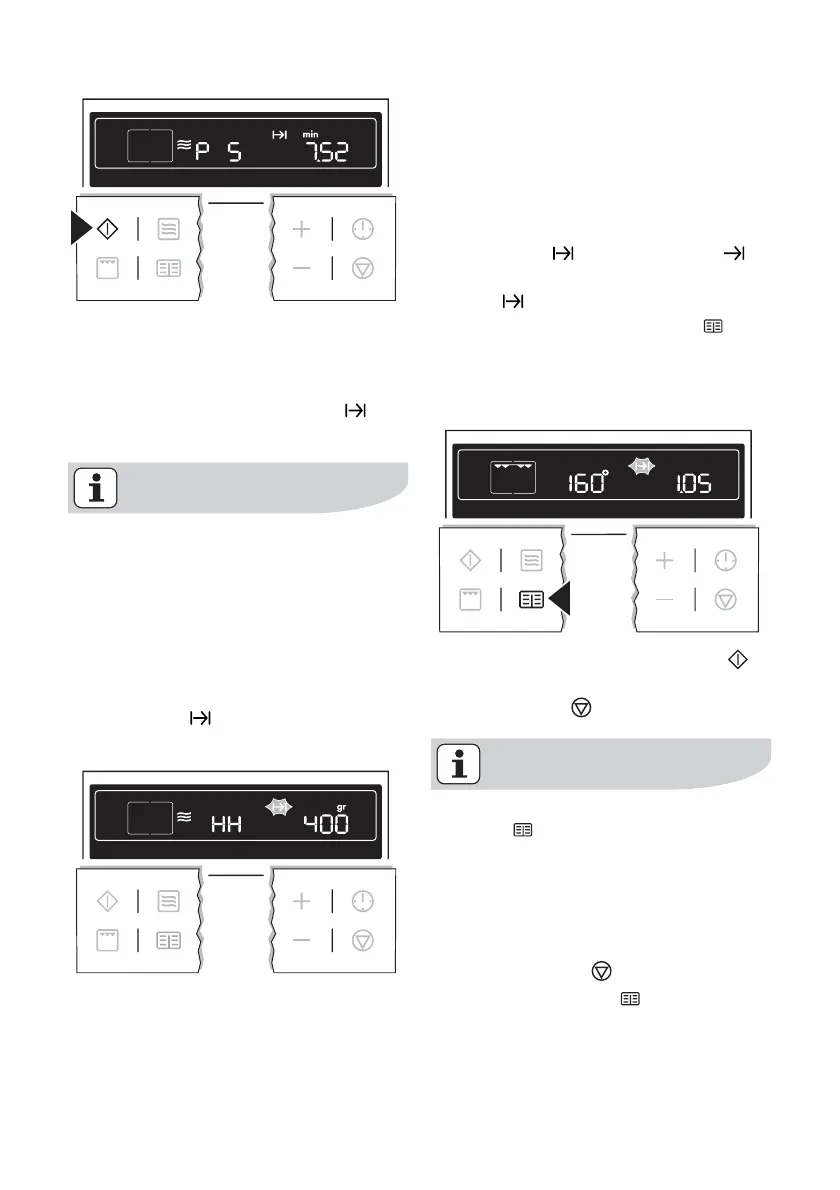
– When the time has elapsed, an
acoustic signal sounds for 2 mi-
nutes. The oven switches itself off.
The symbol for Cook time
flashes.
With some programmes, after the
time has elapsed a Keep Warm func-
tion is started. A signal sounds and
in the display “HH” lights up.
After the Keep Warm function has
ended, the signal sounds for 2 minutes.
The oven switches itself off. The symbol
for Cook time
flashes and the time
display appears.
To turn off the acoustic signal: Press any
button.
Memory Function
The Memory Function can be used to
save one setting which is used very fre-
quently.
1. Set oven function, temperature and,
if necessary the clock functions
Cook time
and/or End time or
set microwave power and Cook
time
.
2. Press and hold the Recipes
but-
ton for approx. 2 seconds, until an
acoustic signal sounds. The setting
is saved.
3. Continue by pressing the Start
button or switch the appliance off us-
ing the Stop
button.
To save another setting, press the
Recipes
button again for approx.
2 seconds. The previously saved
setting is replaced by the new one.
Starting the Memory Function
1. If necessary, switch off the appliance
using the Stop
button.
2. Using the Recipes
button, call up
the saved setting.
22 electrolux using the oven



 To Next Page