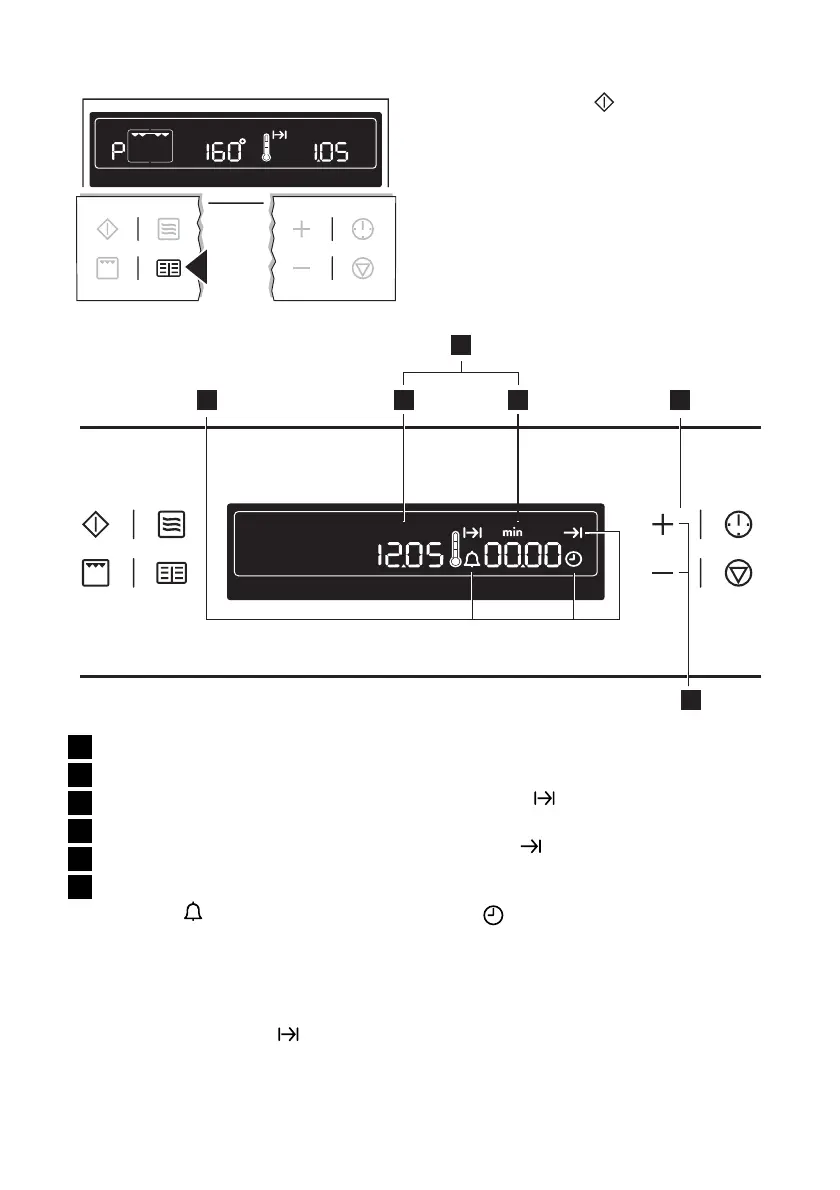
3. Press the Start button.
Clock Functions
1 3 4 5
6
2
1 Clock Functions
2 Time display
3 Clock
4 Cook time/End time/Operating time
5 Clock Functions
6 Settings buttons
Countdown
To set a countdown. When it has coun-
ted down, an audible signal sounds. This
function has no effect on the operation
of the microwave and oven.
Microwave cook time
min
For setting how long the oven is to op-
erate.
Cook time
To set how long the oven is to be in use.
End time
To set when the oven is to switch off
again.
Time
To set, change or check the time (See
also section “Before Using for the First
Time”).
using the oven electrolux 23



 To Next Page