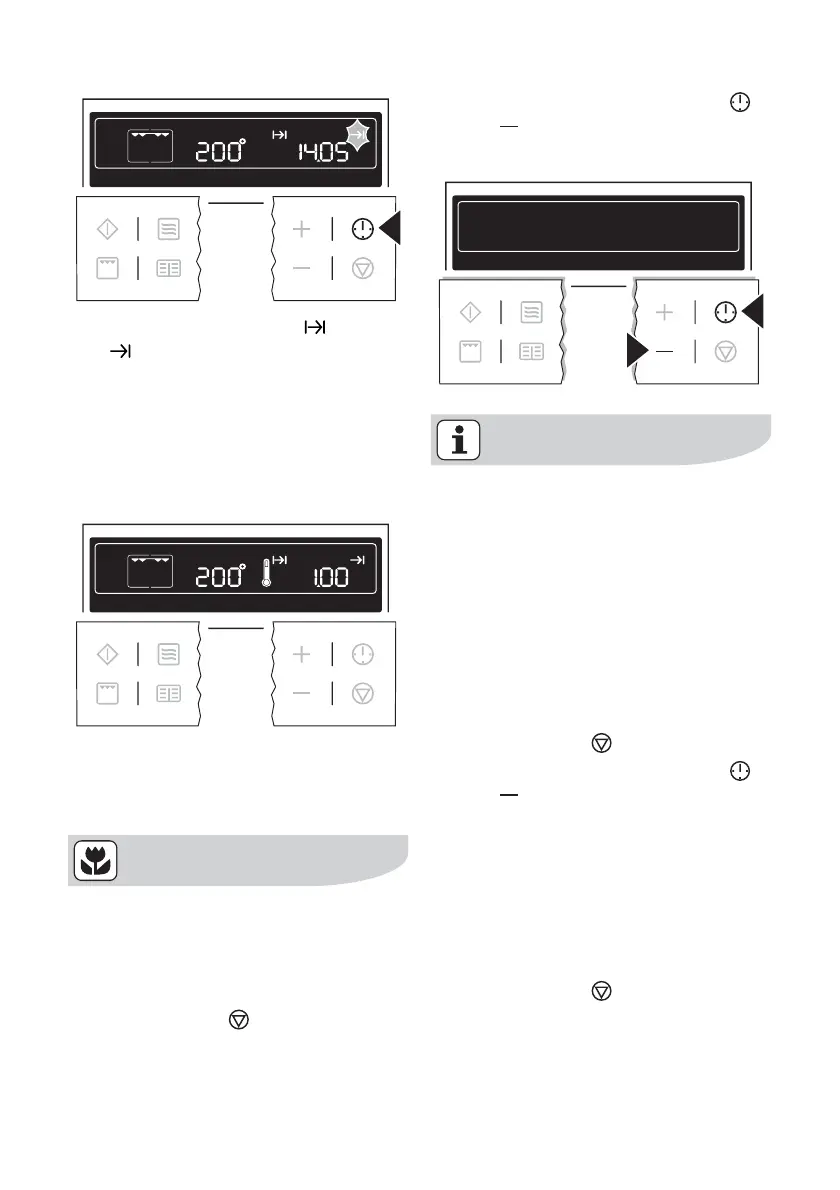
The symbols for Cook time and End
time
light up.
The oven switches on automatically at
the time calculated. e.g. at 13:05.
When the set cooking time has elapsed,
an acoustic signal sounds for 2 minutes
and the oven switches itself off. e.g. at
14:05.
Other functions
Switching off the display
You can save energy by switching
off the display.
Switching off the display
1. If necessary, switch off the appliance
using the Stop
button. Residual
heat must not be displayed.
2. Press buttons Clock Functions
and at the same time until the
display goes out.
As soon as the appliance is switched
on again, the display automatically
switches itself on. When the appli-
ance is next switched off, the display
goes out again.
To have the time permanently dis-
played again, you must switch the
display on again.
Switching on the display
1. If necessary, switch off the appliance
using the Stop
button.
2. Press buttons Clock Functions
and at the same time until the
display comes on again.
Child safety device
As soon as the child safety device is ac-
tivated, it is no longer possible to operate
the appliance.
Activating the child safety device
1. If necessary, switch off the appliance
using the Stop
button. An oven
function must not be selected.
28 electrolux using the oven



 To Next Page