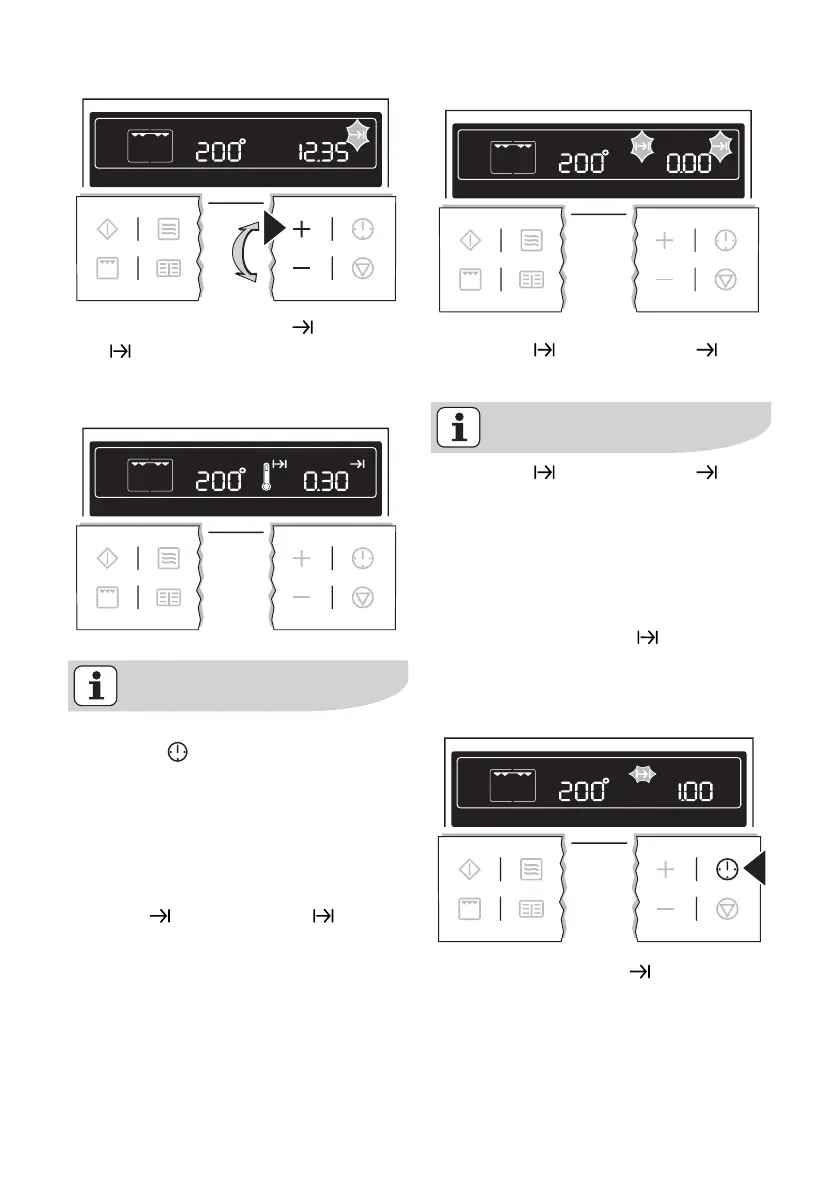
The symbols for End time and Cook
time
light up.
The oven switches itself off automatical-
ly.
By repeatedly pressing the Clock
Functions
button, the current
time can be called up.
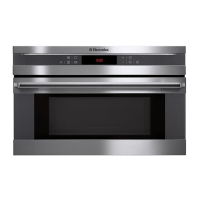
When the time has elapsed, an acoustic
signal sounds for 2 minutes. The oven
switches itself off.
“0.00” is displayed and the symbols for
End time
and Cook time flash.
To turn off the acoustic signal: Press any
button.
Cook time and End time
combined
Cook time and End time can
be used simultaneously, if the oven
is to be switched on and off auto-
matically at a later time.
1. Select oven function and tempera-
ture.
2. Using the Cook time
function, set
the time required for cooking the
dish.
e.g. 1 hour.
3. Using the End time function, set
the time at which the dish is to be
ready.
e.g. at 14:05.
using the oven electrolux 27



 To Next Page