6 electrolux.com.au
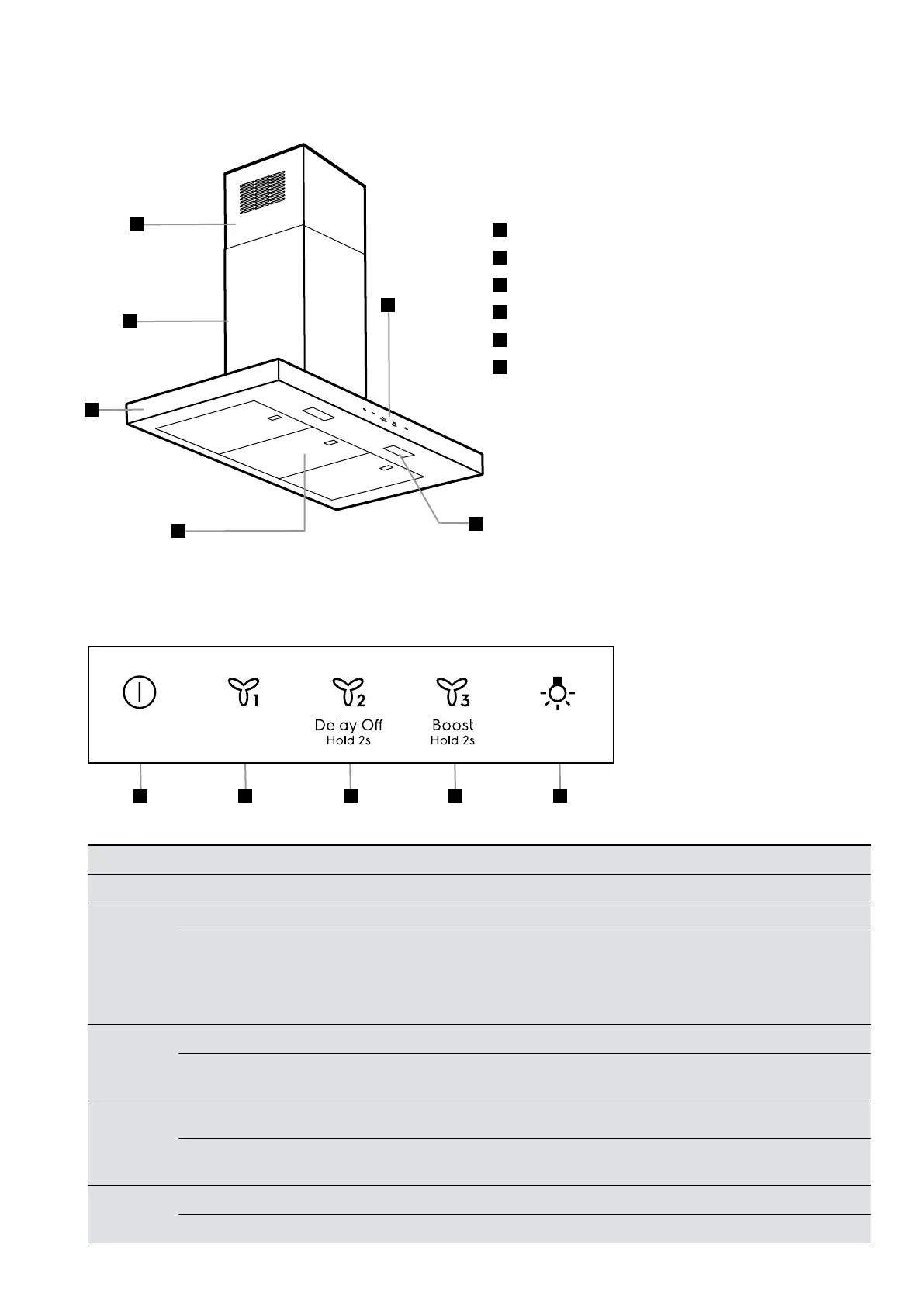
1
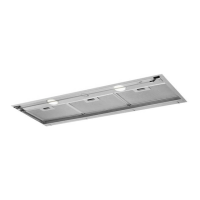
Upper chimney
2
Lower chimney
3
Hood body
4
LED Lighting
5
Grease filter
6
Control panel
DESCRIPTION
CONTROL PANEL
button function
A = Off Turns off the motor.
B = Speed
Turns the motor on at speed 1.
Press and hold the button for approximately 2 seconds, with all the loads turned off (Motor+Lights), to turn
the Activated Charcoal Filter alarm on. LED (A) flashes twice to confirm
To turn the alarm off, press the button again and hold for at least 2 seconds.
The relevant LED flashes once (A).
C = Speed
Turns the Motor on at speed 2.
Press and hold the button for 2 seconds to activate delay off function for speed 1, 2 and 3.
After 6 minutes the fan will automatically turn off.
D = Speed
Turns the motor on at speed 3.
Press and hold for 2 seconds to activate intensive Boost speed. After 6 minutes, the motor will
automatically return to the speed that the hood was previously set to.
E = Light
Press briefly: Turns the lighting system on and off at maximum intensity
Press and hold to change the lighting intensity up or down.
1
2
3
6
4
5
A
B C D E



 To Next Page