The first time you use your oven, there will be an initial set
up required. Follow the steps as prompted in the display
to select your preferred options.
Initial oven setup Optimise your oven’s performance
Conditioning your oven
New appliances may have a smell and some residue. For the first use, it is
recommended to heat your oven with/without all accessories before cooking to
remove the smell and burn off any residue.
• Select Fan Cooking function.
• Set the temperature to 180˚C and run for approximately 30 minutes.
Note: the oven may emit odour or smoke during the heating process, so be sure the kitchen is
well ventilated during the conditioning process.
Ready, set, cook! Your oven is now set up. Here are a few hot tips
Pre-heat the oven for best results
Always pre-heat your oven to the desired temperature before cooking to maintain a consistent
temperature for the entire cooking time. For best baking results, we recommend that you pre-heat your
oven for approximately 30 minutes.
1
2
3
5
4
STARTSTART
12:3012:30
180°C
Welcome!
This is the initial setup for optimal
performance of your new oven
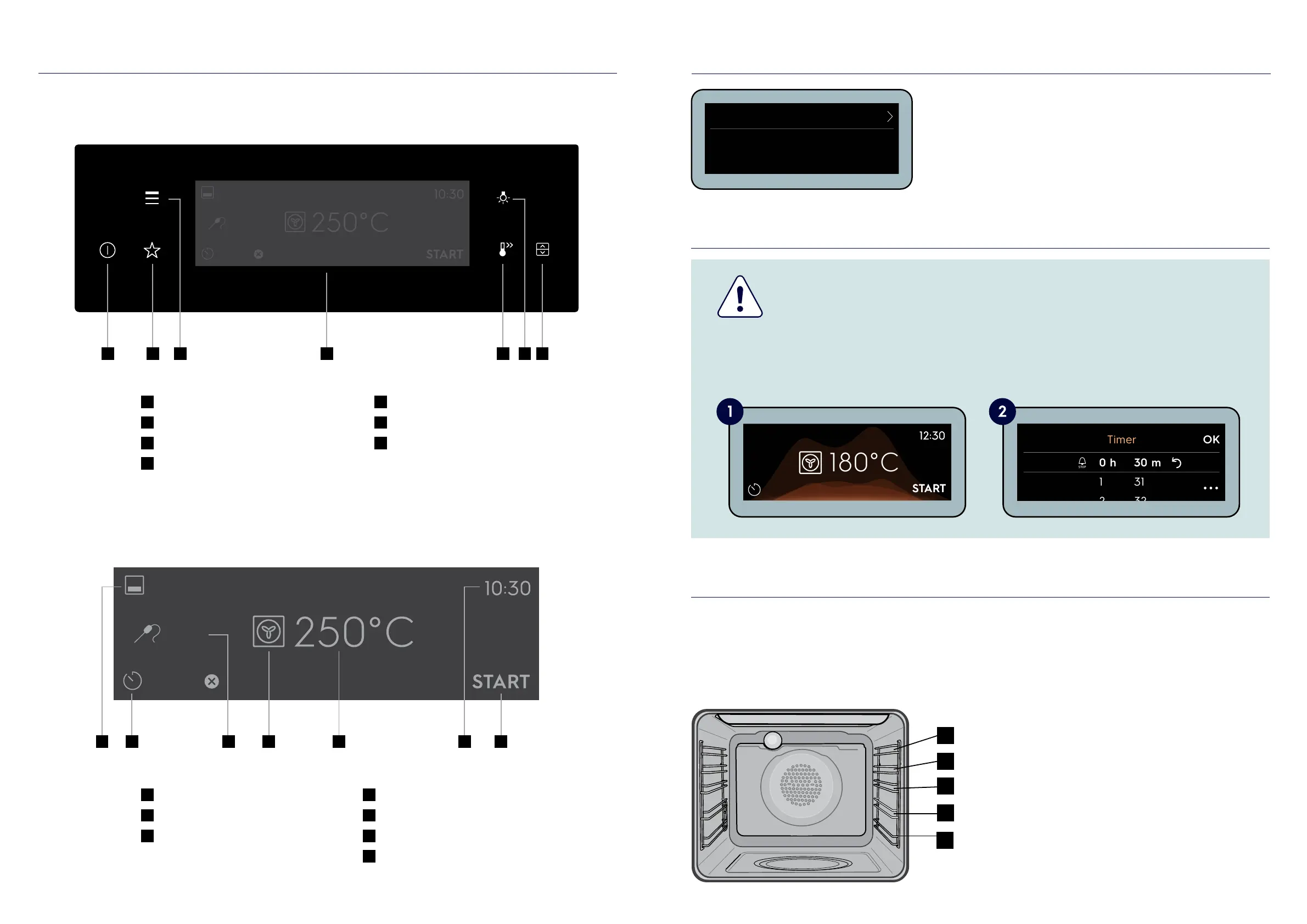
Oven shelf locations
The oven has five positions for shelves (as shown
in the diagram). As a general guide we suggest
giving maximum space above and below the
shelves. Eg. When cooking with one shelf, position
at 2 or 3. When cooking with two shelves, position
them at 2 and 4.
This can vary depending on food being cooked
and function used. We have offered a shelf
position guide to use. However, to increase
base browning simply lower the shelf position.
To increase top browning, raise the shelf position.
See full user manual for additional tips.
Oven controls Get to know your oven’s control panel
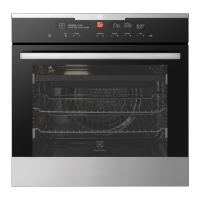
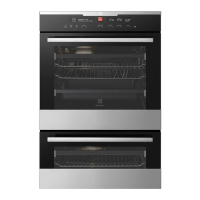
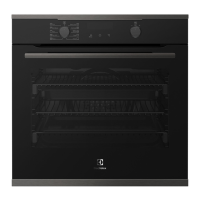
First of all, familiarise yourself with your oven’s control panel.
43
15min
85°C
1
On/off button (Press and hold)
2
Favourite button
3
Menu button
4
Touch screen display
5
Fast heat up button
6
Light button
7
Oven cavity selection
(EVEP626, EVE636)
1
Oven cavity selection
2
Timer
3
Smart Food Probe
Sensor temperature
4
Heating function
5
Oven temperature
6
Time of day
7
Start/stop
1 2 5 74 63
15min
85°C
2 4 5 71 3 6
Next, familiarise yourself with the touch screen display.




 To Next Page