9. Select the “Delay Start”
Before you start the programme, if you wish the
starting to be delayed, press the “Delay Start” button
repeatedly, or keep it pressed, to select the desired
delay.
The selected delay time value (up to 23 hours) will
appear on the display for 3 seconds, then the
duration of the programme will appear again.
10. Start the programme
Press the “Start/Pause” button. The relevant light
will stop flashing and only the light relevant to the
phase that is in progress will remain lit.
If you have chosen a delayed start, the machine will
begin the countdown.
The display will show the duration of the programme
or the selected delay.
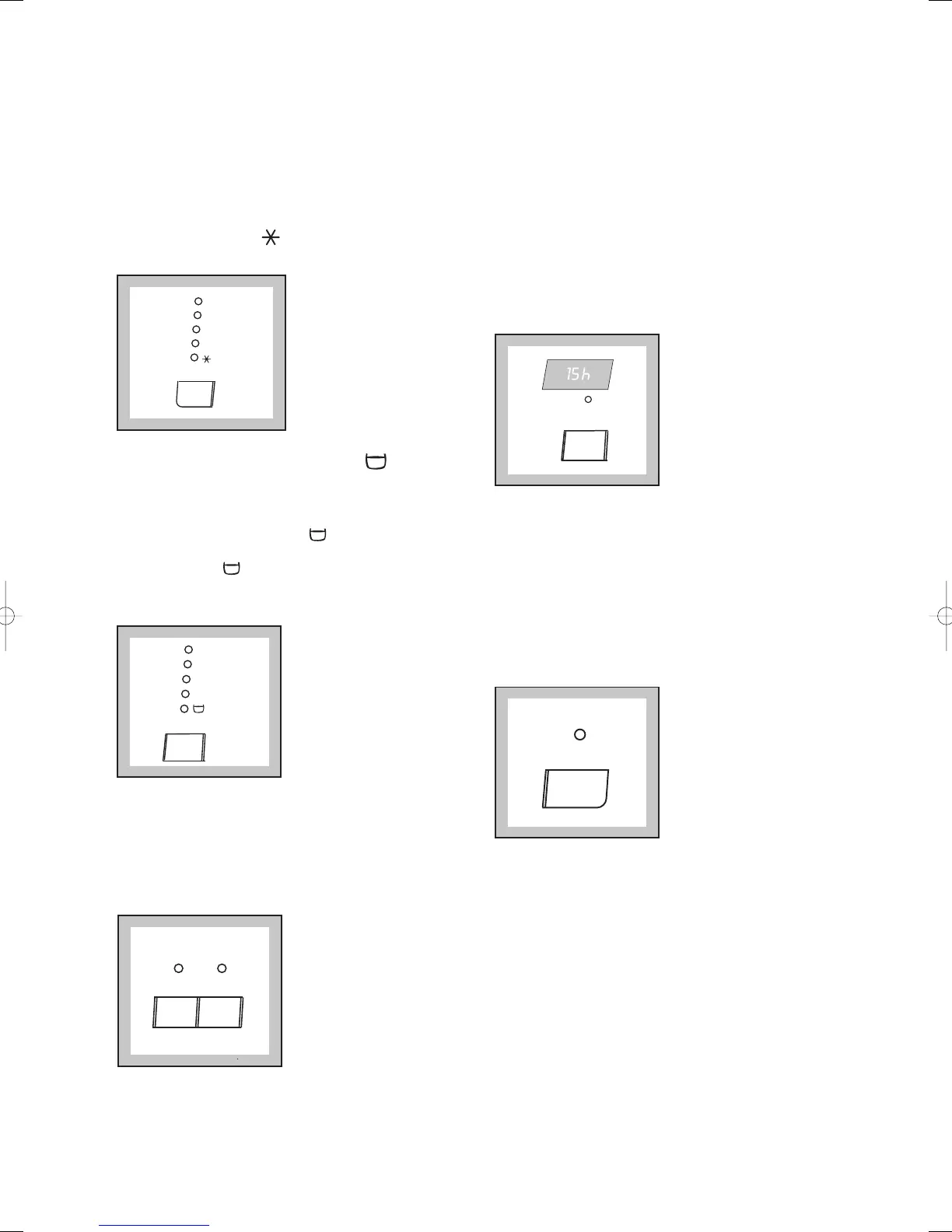
6. Select the temperature
Press the “Temp.” button if you wish to select a
temperature value different from the one proposed
by the machine or the (COLD WASH). The
relevant light will light up.
7. Select the spin speed or (Rinse
Hold) option
Press the “Spin” button repeatedly, in order to select
the desired spin speed or the option. The
relevant light will light up.
If you select the option, the machine will stop at
the end of the programme with the water still in the
tub.
8. Select the desired options
If your laundry is very dirty, it may be advisable to
select the “Prewash” option.
If your laundry needs an extra rinse, select teh
“Extra Rinse” option. The relevant light illuminates.




 To Next Page