8
Use
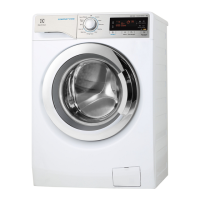
Control panel
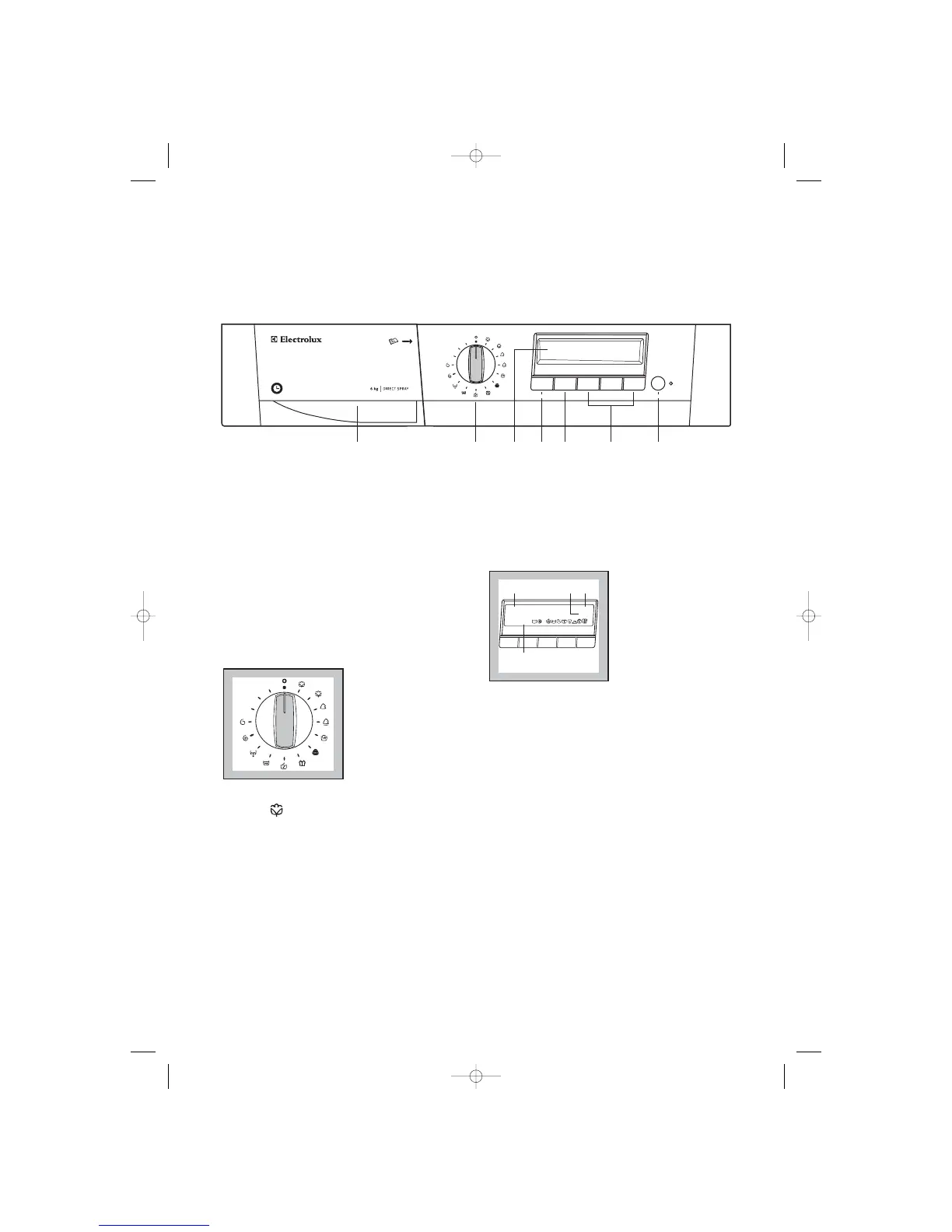
only a few control elements (1 programme selector
dial and 6 buttons). This simple control method is
made easy thanks to the interactive display.
Interactive means that the washing machine display
changes to reflect each step you have entered. This
ensures that only those settings that make sense are
made. You are able to see the current settings at any
time in the information panel and in the option row.
1. Information panel shows the current settings
2. Real time clock
3. End cycle time
4. Selection shows temperature, spin speed,
options and extras.
4 Temperature button “Temp.”
Press this button repeatedly to increase or decrease
the temperature, if you want your laundry to be
washed at a temperature different from the one
proposed by the washing machine.
Maximum temperatures are 95°C for cotton, 60°C
for synthetic fabrics, 40°C for delicate fabrics, wool
and fabrics to be hand-washed, 30°C for silk and
«Miniprogramme», while «0» corresponds to cold
wash.
By depressing Temperature “Temp.” button, the
relevant message will appear on the second row of
the display (instead of «cycle end at»). In the corner
of the third row appears the indication of the
selected temperature.
1 Programme chart
A programme chart in English is in the interior part
of the detergent dispenser drawer.
A programme chart in other languages is provided
with the instruction booklet.
2 Programme selector dial
The selector dial is divided into 4 sections:
• Cotton, synthetics and delicates (blue section)
• Handwash, wool, silk and mini-programme
(green section)
• Rinses, drain, spin and delicate spin (grey
section)
• Memory 1, memory 2, memory 3 (green section)
The selector dial can be turned either clockwise or
anticlockwise.
Position E corresponds to the ENERGY SAVING
programme for cotton and position O to Reset
programme/Switching OFF of the machine.
At the end of the programme the selector dial must
be turned to position O, to switch the machine OFF.
Attention!
If you turn the programme selector dial to another
programme when the machine is working, a
warning message appears for 4 seconds on the
display while the buzzer sounds for 3 times .
3 Display
The DISPLAY is used for setting a large number of
functions and combine them with each other using



 To Next Page