Do not overfill the washing machine.
When choosing a manual water level, use only the amount
of water you need for the wash load. If you are unsure what
level to choose, select auto sensing and the machine will
automatically fill with water to the correct level for you.
Auto sensing water level
Selecting the auto sensing water level option ensures you
will use just the right amount of water for the wash load.
When you start your wash program, the machine will
conduct a series of water fill and short agitations to
determine the amount of water needed.
will show in the
digital display.
will disappear and automatically normal wash agitation
will commence when there is sufficient water in the bowl.
If you add more clothes to the washbowl after an auto
sensing water level wash program has started, the machine
will auto sense the new load and add extra water if needed.
For auto water level, the amount of water the machine
determines for a load is an optimised level. You can adjust
the auto level to be a small amount above or below the
optimised level if you consider the amount of water you
normally get using the auto option is too high or too low. To
do this, see ‘Customising the auto sensing water level’ on
page 14.
Digital display
shows
followed
by
then program time
is shown. eg.
sequence repeats
until end of sensing
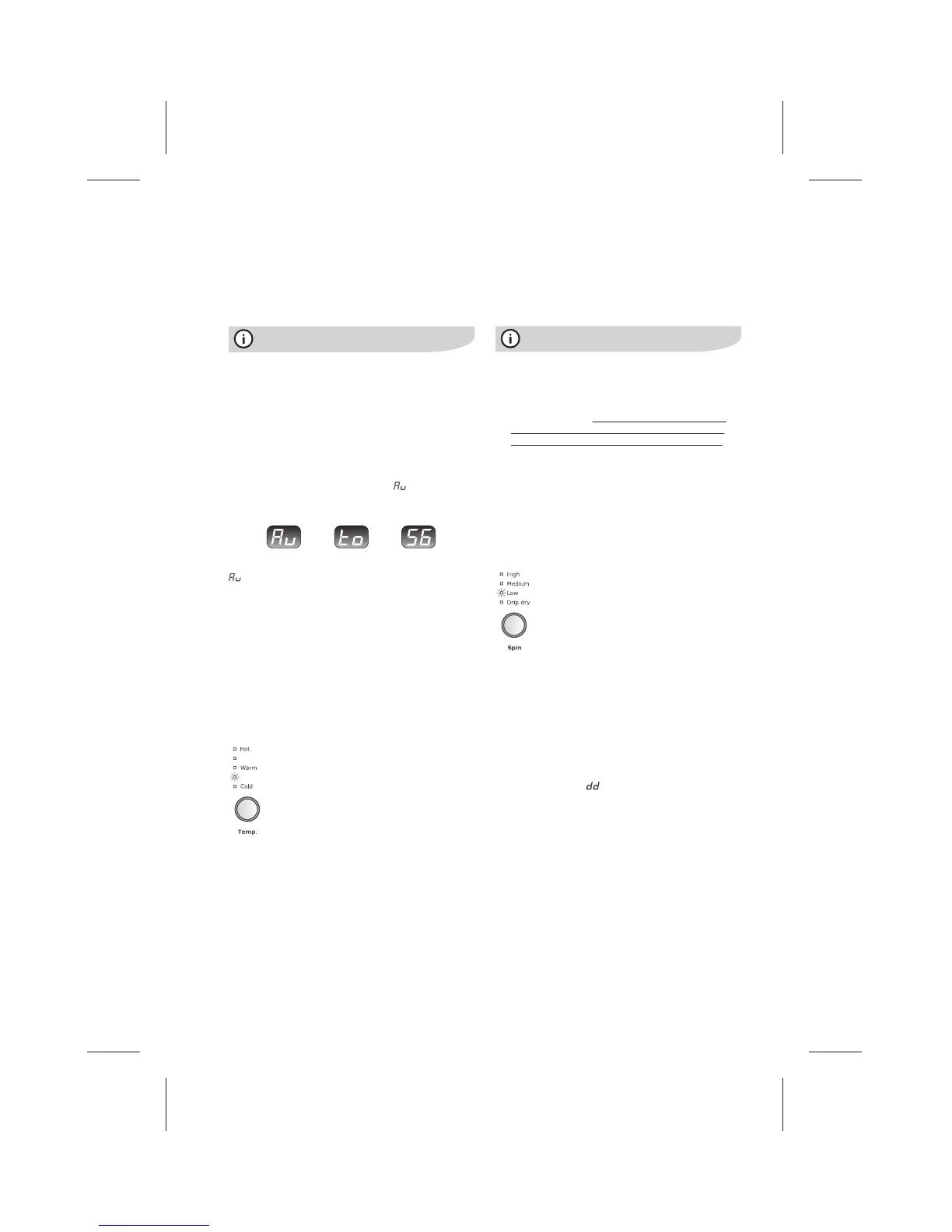
Temp. button
Press the Temp. button to set the wash water
temperature.
There are 5 temperatures to choose from:
• Hot
• <--(Temperature between hot and warm)
• Warm
• <--(Temperature between warm and cold)
• Cold
Press the Temp. button repeatedly until the temperature you
want is highlighted with an indicator light.
Your washing machine has a temperature sensor. This
sensor measures the temperature of the incoming water
and controls the entry of hot and cold water to give you the
wash temperature you have selected.
The hot and cold water valves may open together or
independently to achieve the chosen wash temperature.
• If you have a cold water connection only and the hot
valve is capped off, you must select cold washes
only, or the machine will sense the unavailability of
hot for washes other than cold and shutdown.
(Refer Installations instructions).
• All rinse water temperatures are cold except for the
wool wash program. Wool has a warm wash and a
warm rinse.
• Components in the washing machine are designed to
be used with water no hotter than 70°C. You should
have a temperature limiting valve fitted by a qualied
plumber if your water supply is too hot.
Spin speed
Press the Spin button to change the spin speed.
The indicator lights will show the speed that has
been selected at each press of the button.
Recommended spin speeds are:
• High – for cottons & non-delicates
• Medium – for delicates
• Low – for delicates & woollens
• Drip dry – for drip dry clothes (no spin)
Drip dry
Drip dry clothes, that need to be taken out of the washing
machine dripping wet, do not require a spin cycle after deep
rinse.
To select Drip Dry:
• ensure the rinse option Deep rinse is selected.
(See “Rinse Option button” below)
• press the Spin button until the Drip Dry light is ‘ON’.
At the end of deep rinse in your wash program, the washing
machine will stop and
will be shown in the digital
display.
Open the lid and remove the drip dry clothes from the
machine.
To drain the remaining water from the washing machine,
simply close the lid and allow the cycle to complete.
If you have other non drip dry items remaining in the bowl,
de-select drip dry and select a spin speed to spin those
items dry.
Selecting spin only
You may want to only spin clothes eg. clothes you have
washed and rinsed by hand in a wash tub, or for very wet
clothes to remove water.
Press the Advance button until only the ‘Spin’ progress
indicator light is ‘ON’ (blinking).
Press the Start/Pause button. The washing machine will
pump any water out first and then start a spin cycle.



 To Next Page