EasyManua.ls Logo

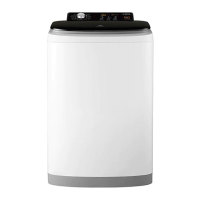
Electrolux EWT806 - Operating Your Washing Machine; Control Panel and Display Navigation

Electrolux EWT806
33 pages
Print Icon
To Next Page IconTo Next Page
To Previous Page IconTo Previous Page
Loading...
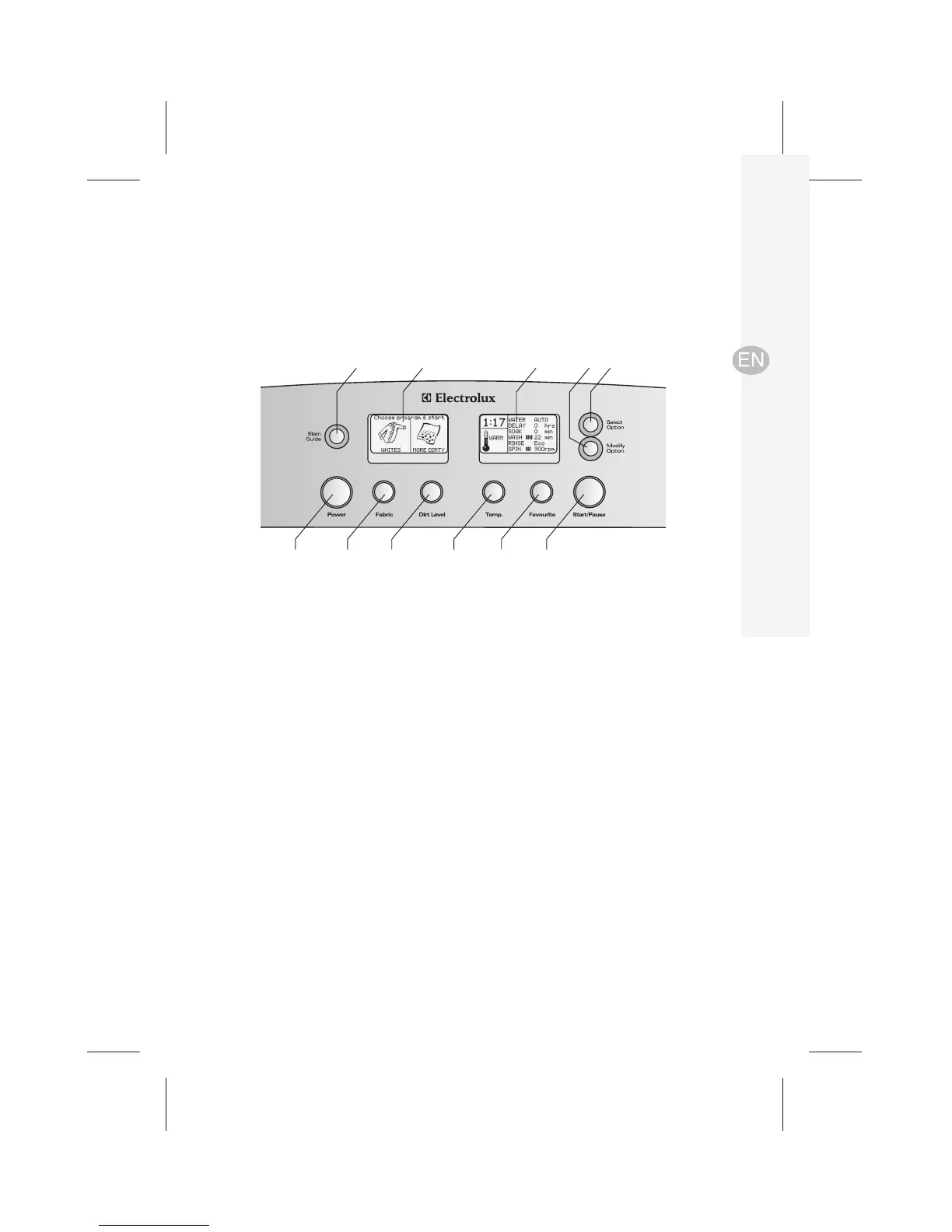
1 Power button
2 Fabric button – press to select wash program
3 Dirt level button – press to select wash time
4 Temp. button – press to select wash temperature
5 Favourite button – select and save a wash program
6 Start/Pause button
7 Stain Guide button – press to enter User Help Menu
8 Left LCD display screen
9 Right LCD display screen
10 Modify Option button
11 Select Option button
1

2 3 4 5 6
7 8 9 10 11
Operating your washing machine
Model: EWT959
electrolux water aid washing machine operating your washing machine 9
Control panel

Related product manuals