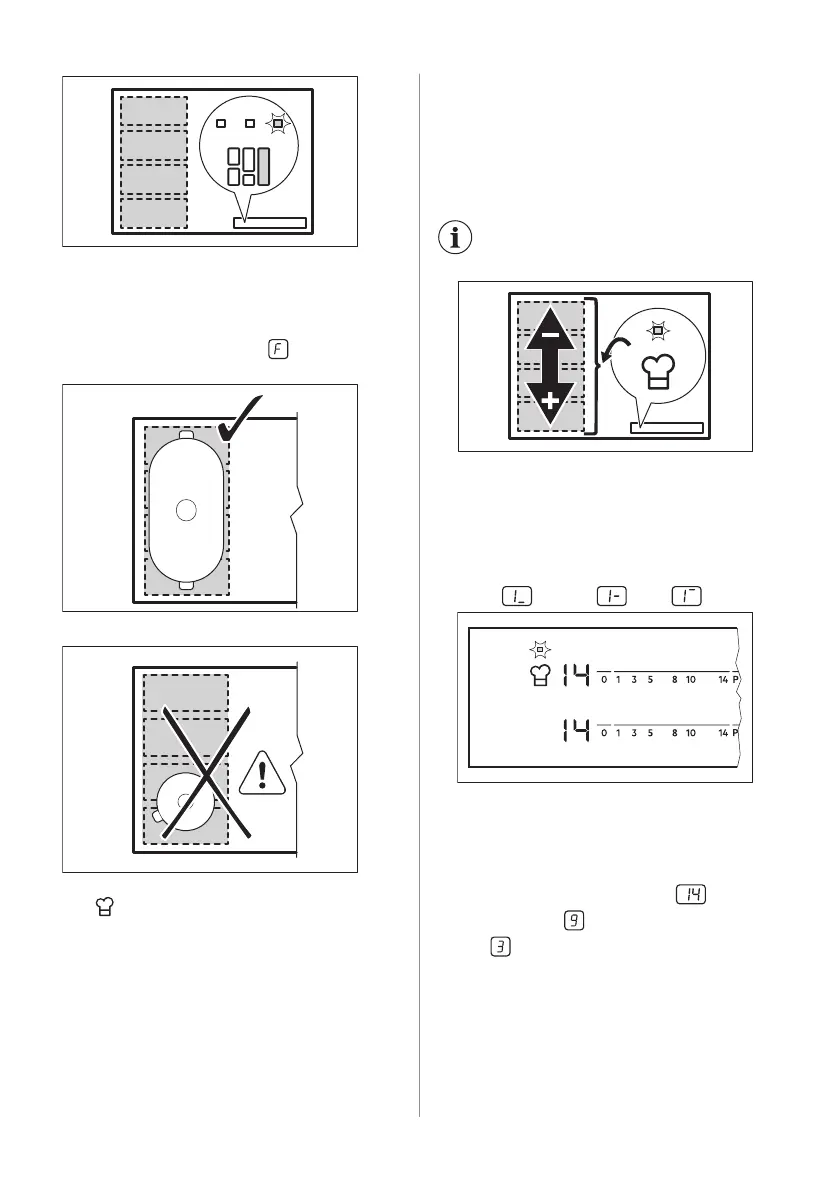
Correct cookware position:
To use this mode you have to place the
cookware on the four connected sections. If
you use cookware smaller than three
sections the display shows
and after 2
minutes the zone switches off.
Incorrect cookware position:
6.5 PowerSlide
This function allows you to adjust the
temperature by moving the cookware to a
different position on the induction cooking
area.
The function divides the induction cooking
area into three areas with different heat
settings. The hob detects the position of the
cookware and adjust the heat setting
corresponding with the position. You can
place the cookware in the front, middle or
rear position. If you place the cookware in the
front you get the highest heat setting. To
decrease it, move the cookware to middle or
rear position.
Use only one pot when you
operate the function.
General information:
• 160 mm is the minimum bottom diameter
of the cookware for this function.
• Heat setting display for the left rear
control bar shows the position of the
cookware on the induction cooking area.
Front , middle , rear .
• Heat setting display for the left front
control bar shows the heat setting. To
change the heat setting use left front
control bar.
• When you activate the function for the first
time you will get heat setting for the
front position, for the middle position
and
for the rear position.
38 ENGLISH



 To Next Page