EasyManua.ls Logo

Electrolux IC44832 LF - Control Display Upgrade

Electrolux IC44832 LF
290 pages
Print Icon
To Next Page IconTo Next Page
To Previous Page IconTo Previous Page
Loading...
14
17
6
5
4
3
2
1
Service Option
Value Set 1 Set 2
Cylinder Diameter
33 48
Value of Length 1550 0
- + ENTER
No Address CMIS 000
- + ENTER
Model Number: 000
- + ENTER
Select a Language
Francais ENTER
Heating:
STEAM GAS ELEC
Cylinder Type
Dubixium Normal
Folder
NO STD RS485
Temperature Unit
°C °F
Speed Unit
m/min f/min
Min Speed 1.5m/min
- + ENTER
Max Speed 5.5m/min
- + ENTER
D. Start Spe 3,0 m/min
- + ENTER
D. End Spe 6,0 m/min
- + ENTER
Service
Manual
Control display
04106016/GB
43-09
17.13
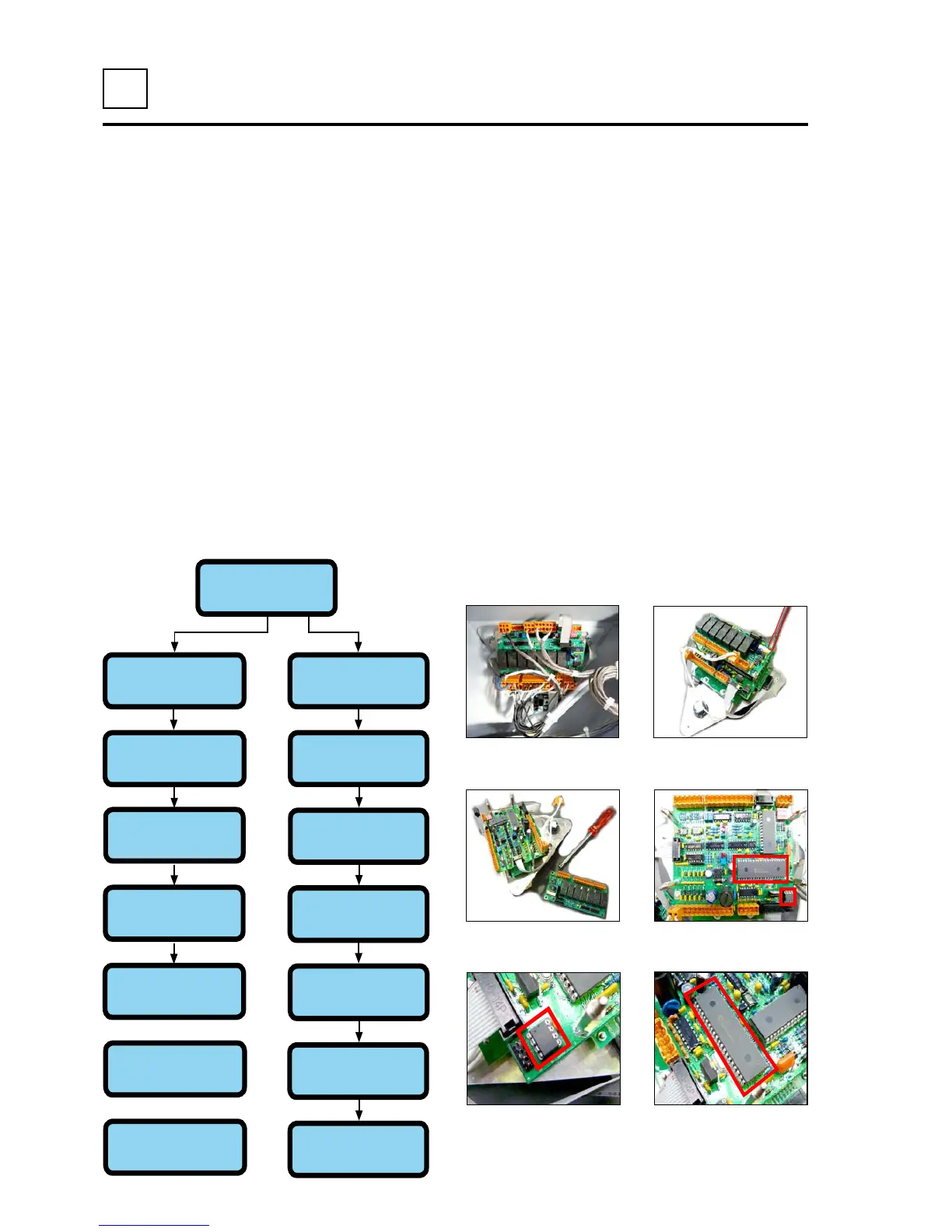
Control display upgrade :
- Switch off the machine.
- Remove the left cover.
- Disconnect all wires connected to the programmer.
- Remove the panel from its housing.
- Remove the upper electronic card from the programmer.
- Remove the language IC, and replace it with the new one.
- Remove the program IC, and replace it with the new one.
- Ret the parts in the reverse sequence.
- Start the machine, and check the parameters (type of machine, type of heating, length of the
ironing cylinder...).


Table of Contents

Related product manuals