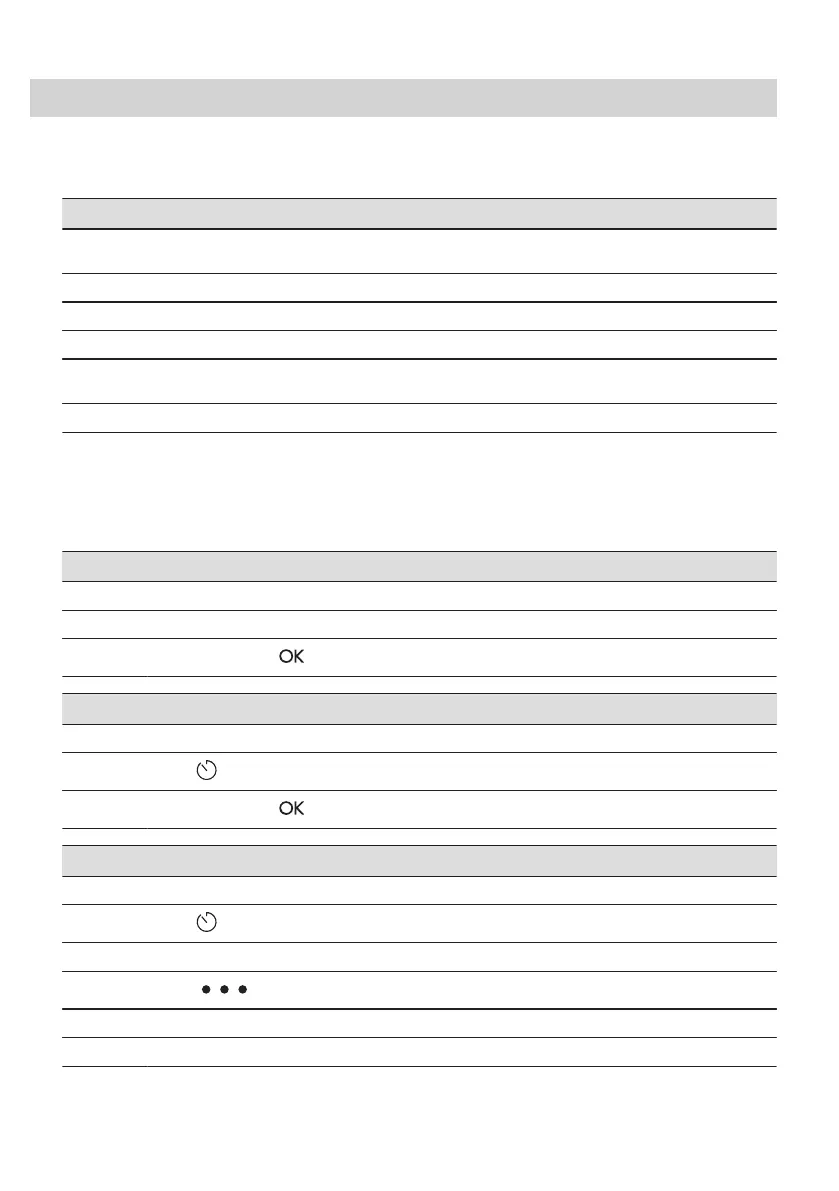
7. CLOCK FUNCTIONS
7.1 Clock functions description
Clock function Application
Cooking time To set the length of cooking. Maximum is 23 h 59 min.
Maximum for combined functions (microwave + standard) is: 23 h 59 min.
End action To set what happens when the timer ends counting.
Delayed start To postpone the start and / or end of cooking.
Time extension To extend cooking time.
Reminder To set a countdown. Maximum is 23 h 59 min. This function has no effect on the
operation of the appliance.
Uptimer Monitors how long the function operates. Uptimer - you can turn it on and off.
End action and Delayed start are not
available for microwave functions.
7.2 How to set: Clock functions
How to set the clock
Step 1 Turn on the oven.
Step 2 Press: Time of day.
Step 3
Set the time. Press: .
How to set cooking time
Step 1 Choose the heating function and set the temperature.
Step 2
Press: .
Step 3
Set the time. Press: .
How to choose end option
Step 1 Choose the heating function and set the temperature.
Step 2
Press: .
Step 3 Set the cooking time.
Step 4
Press: .
Step 5 Press: End action.
Step 6 Choose the preferred: End action.
ENGLISH 15





 To Next Page