30
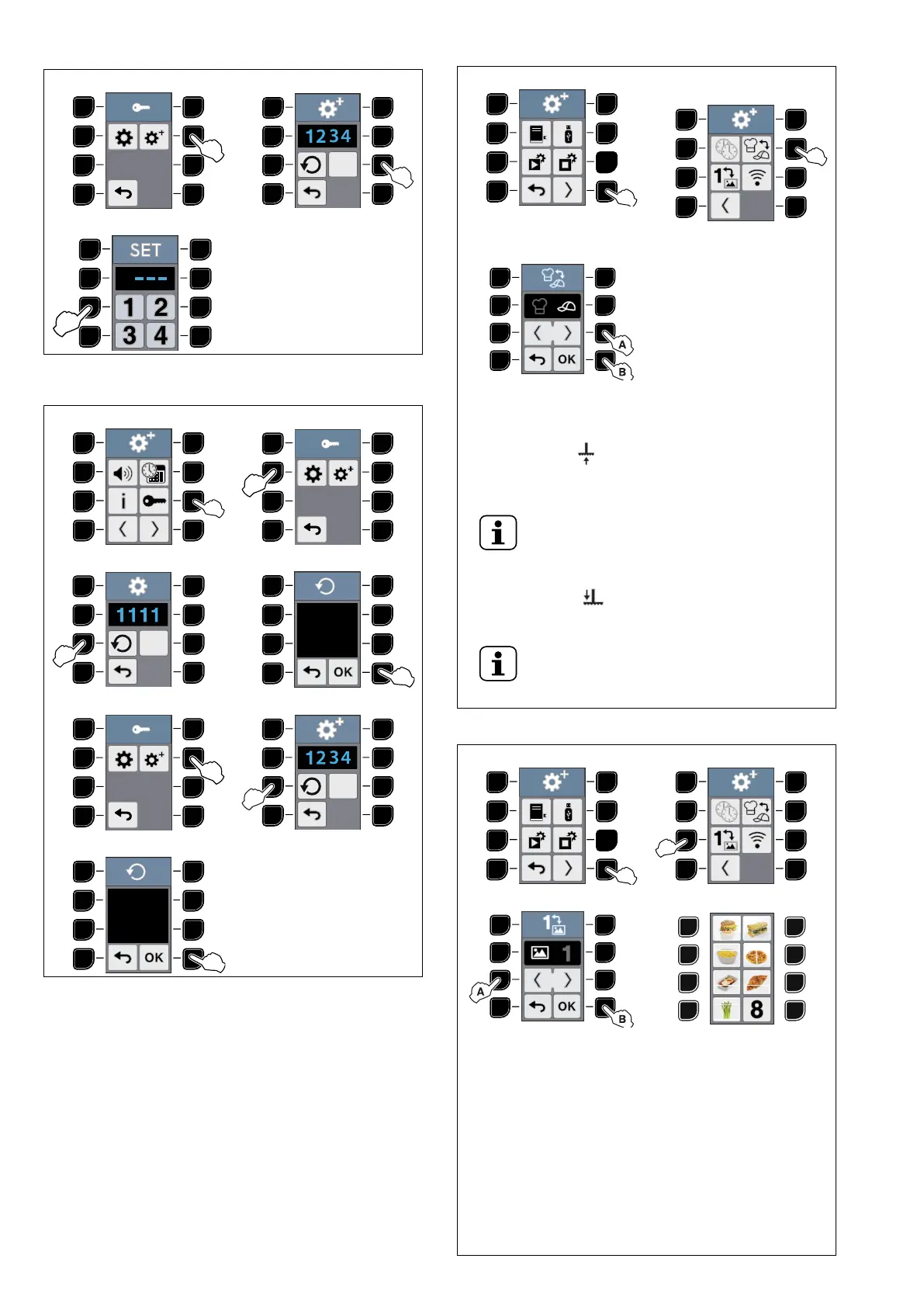
CHANGE PASSWORD (cont'd.)
5 ADVANCED SETTINGS 6 ADVANCED SETTINGS
7
1
1. Insert 4 digit to set a new password.
RESET PASSWORD
1 2 BASIC SETTINGS
3 4
5 ADVANCED SETTINGS 6
7
EXPERT - UNEXPERT SETTING
1 2 EXPERT/UNEXPERT
SELECTION
3 EXPERT/UNEXPERT
SETTING
UNEXPERT mode becomes useful when switching from
FLEX ON program to FLEX OFF one and viceversa.
In the first case after a FLEX OFF program (before it was
set ON), the icon appears in order to advice to raise
the plate. Raise the plate and press the OK button to
confirm.
NOTE!
If the OK button is not pressed, the lid opens
again.
In the second case after a FLEX ON program (before it was
set OFF), the icon appears in order to advice that the
plate lowers automatically.
NOTE!
EXPERT mode does not provide any action,
except for lowering automatically the plate when
the operator forgets to do it.
IMAGE MENU SETTING
1 2
3 4 DISPLAY IMAGE MENU
In this mode the program numbers are replaced by
IMAGES that can be uploaded in the appliance from an
USB key.
To upload the IMAGES:
1. Switch the appliance OFF.
2. Insert the USB key with the IMAGES file.
3. Switch the appliance ON.
Create the IMAGES file with the special program “Menu
Icons Editor” in the area “My Professional” at the following
WEB site:
https://electroluxprofessional.com/ (to enter this site you
need to register).





 To Next Page