Page 13
1.8 Float Switch
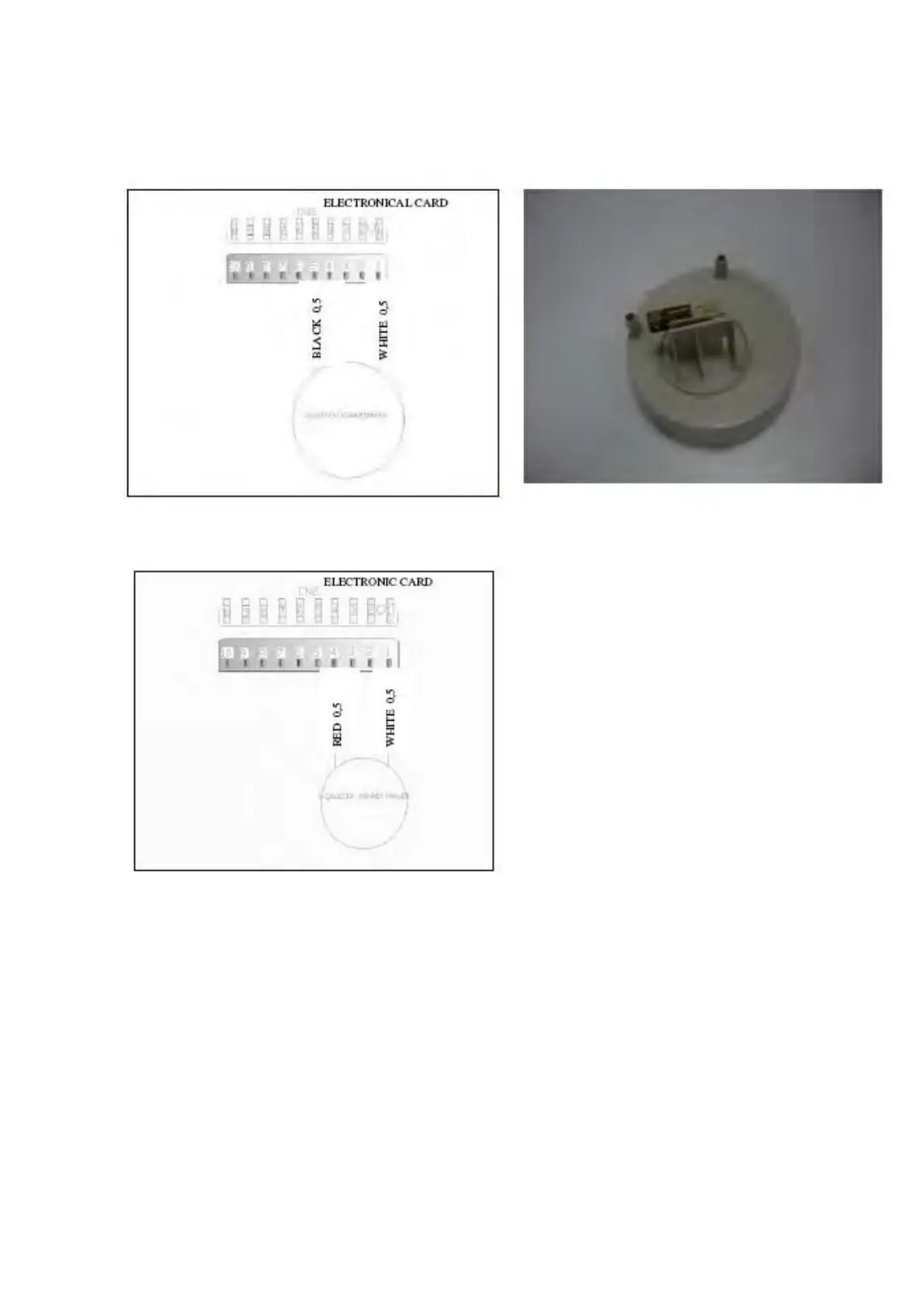
From the Main P.C.B. Connector:
0 (Position 1) on the connectors KN2.1 – KN2.5 Microswitch Inactive (No Water)
(Position 2) on the connectors KN2.1 – KN2.4 Microswitch Active (Water)
Position 1: You can check the floater by controlling the specified value intervals.
Position 2: If failure code has occurred related with the floater within control the above values;
you can figure out whether leakage occurs or not.




 To Next Page