-3-
2: Overview
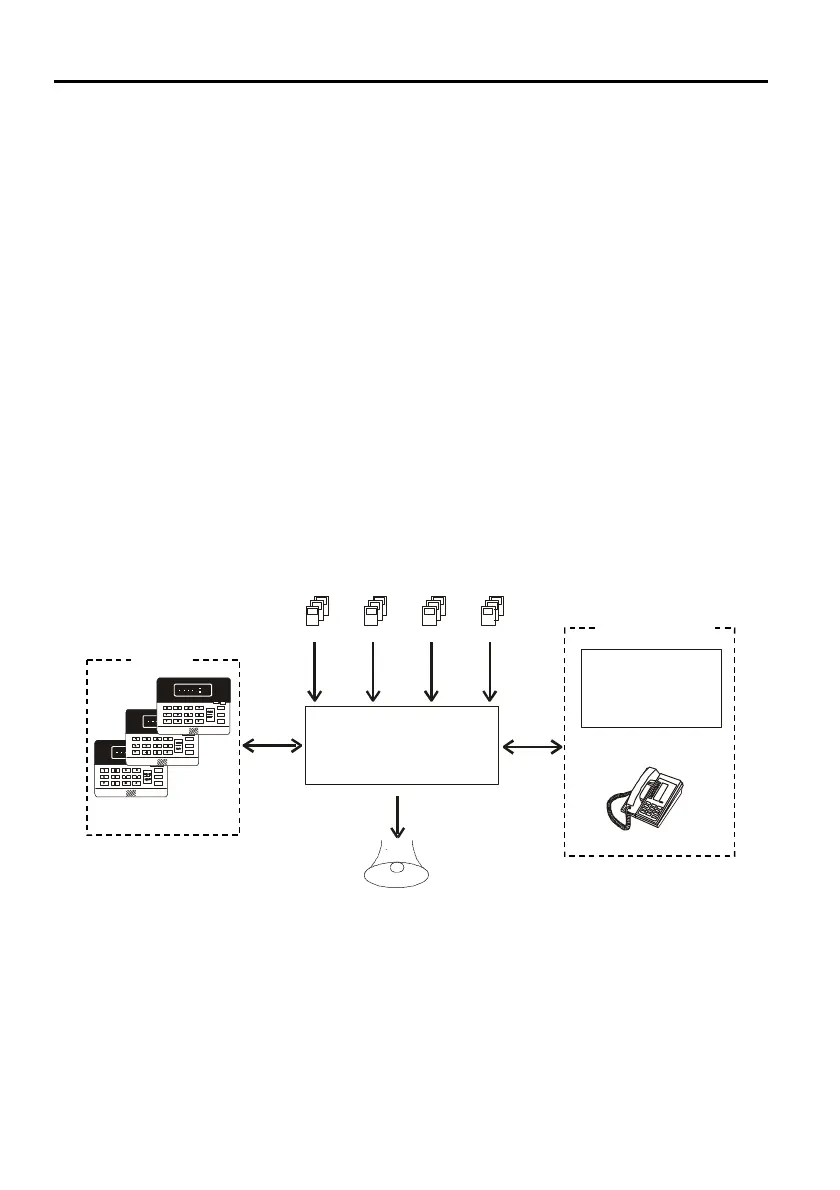
Your security system is made up of a control panel, keypads, and various detection
devices and sensors. The metal cabinet contains the control panel and the stand-by
battery. There is normally no reason for anyone but the installer to have access to the
control panel.
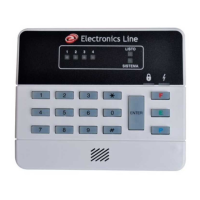
Keypads
Keypads are mounted in areas close to the exit/entrance areas of your home or
business to allow for convenient arming and disarming. The keypad is used to send
commands to the control panel and to display system status.
Zones
The Penta security system comprises four security zones. A zone can be defined as a
protected area in your security system. Each zone can be protected by one or more
detection devices such as motion detectors, magnetic contacts, glassbreak detectors
and shock sensors. When one of these detection devices is activated it “opens” the
zone to which it is connected.
System Monitoring
Your security system can be monitored either by a monitoring service or by using the
Follow-me feature. When using a monitoring service, the Penta sends a message to a
central station when an event occurs within your system. When the Follow-me feature
is programmed, the panel contacts you when an event occurs.
Penta
Control Panel
Central
Station
Or
System Monitoring
Keypads
Siren
1 2
3 4
Figure 2.1: Security System Setup


 To Next Page