THE USER INTERFACE
10
QUICK SCROLLING
In most menus quick scrolling is available. Press [FUNCTION] + the [UP] or [DOWN] arrow keys to move the
cursor one menu page at a time.
COPY, CLEAR AND PASTE
Copy, clear and paste commands are available in a lot of contexts. A copy operation is performed by pressing
[FUNCTION] + [REC]. A paste operation is performed by pressing [FUNCTION] + [STOP]. A clear operation is
performed by pressing [FUNCTION] + [PLAY]. Paste and clear operations can be undone by repeating the but-
ton press combination. See the different sections in the manual for more information about where these com-
mands are available.
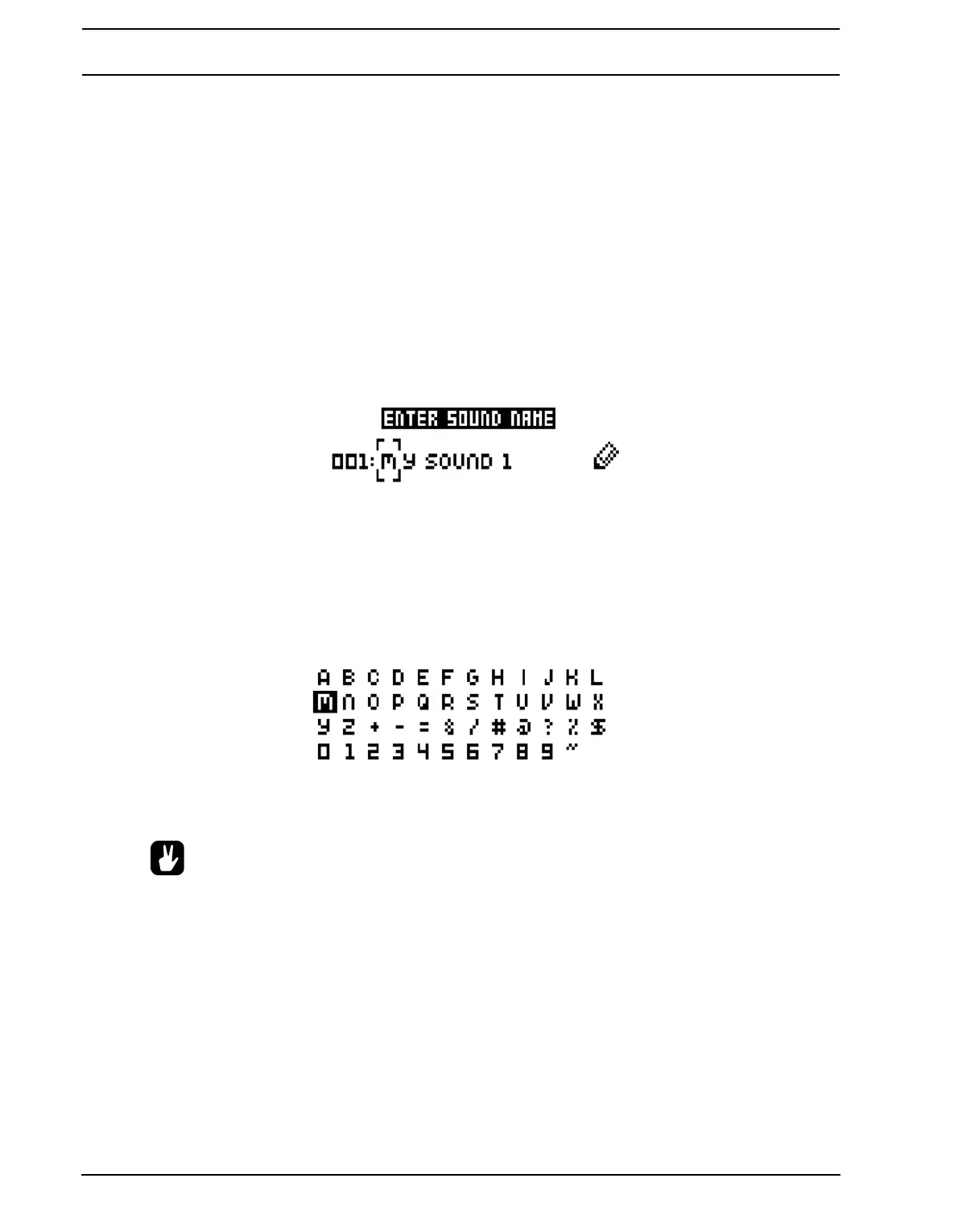
THE NAMING MENU
The naming procedure is identical for the various naming menus that exist.
The [LEFT] and [RIGHT] arrow keys are used to navigate between the letters. Turning the LEVEL knob or
pressing the [UP] or [DOWN] arrow keys select the letter. [FUNCTION] + [NO/RELOAD] will erase letters.
POP-UP MENU NAMING
While in a NAMING menu it is possible to open a pop up-menu displaying all available letters, symbols and dig-
its. Entering characters in the pop up-menu is often a considerably faster naming method. When a NAMING
menu is open, press the [FUNCTION] key to access the pop up-menu.
While keeping [FUNCTION] pressed use the [ARROW] keys to navigate to the character you want to insert.
Once there, release [FUNCTION] to insert the character.
• Copy, paste and clear commands are available in the naming menus.



 To Next Page