EasyManua.ls Logo

Element ELCFW329 - User Manual

Element ELCFW329
28 pages
Print Icon
To Next Page IconTo Next Page
Loading...
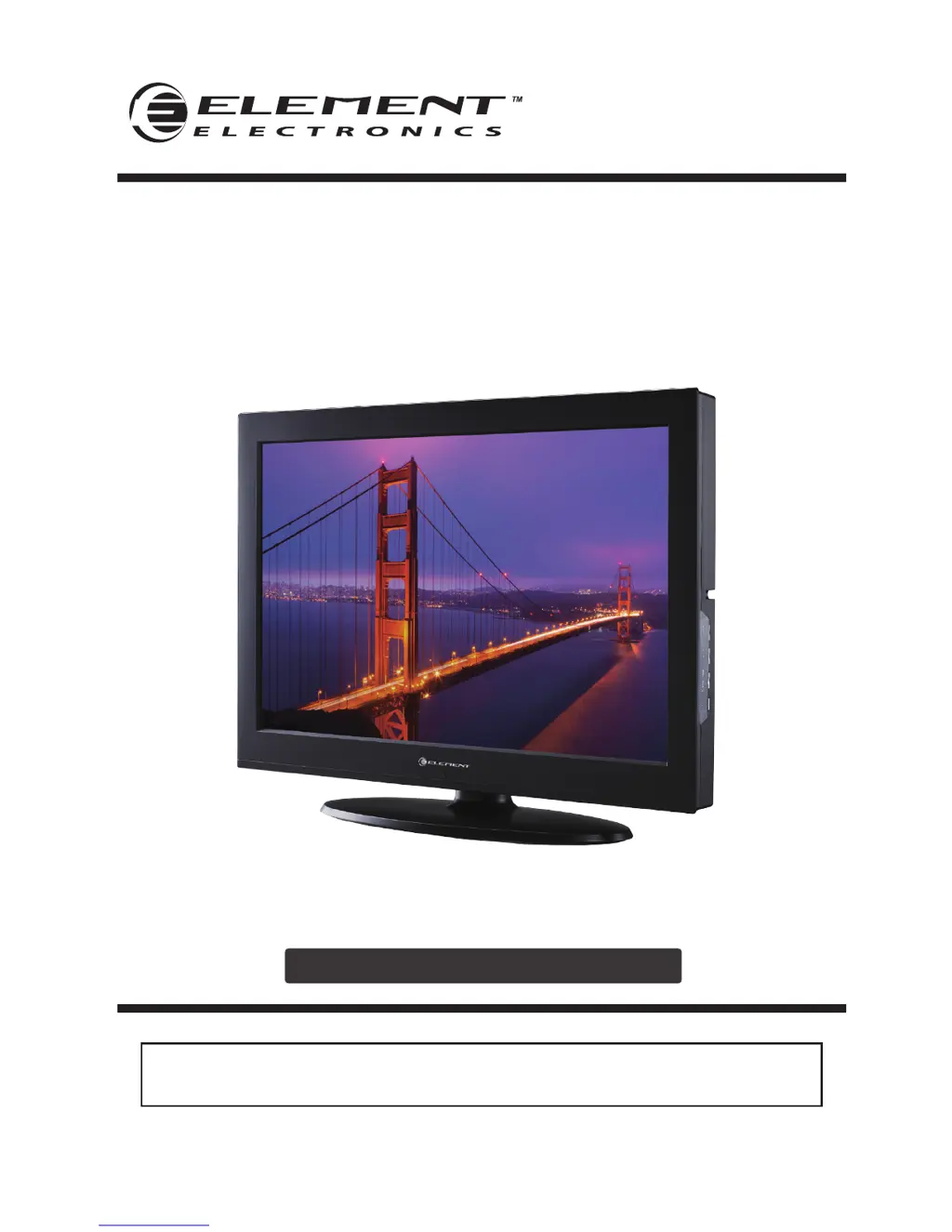
ELCFW329
INSTRUCTION MANUAL
Please read all the instructions carefully before using this TV,
and keep the munual for future reference.
32" HD Digital LCD TV

Questions and Answers

  • J
    Jacob MooreSep 8, 2025
    What does it mean when the red LED indicator lights on my Element ELCFW329 LCD TV?
    • C
      Christina KiddSep 8, 2025
      If the red LED indicator is lit on your Element LCD TV, the set is likely in standby mode. Press either the Power button or the Standby button on the remote control to turn it on.
  • M
    Mary JohnsonSep 10, 2025
    How to improve poor reception on some channels of Element ELCFW329 LCD TV?
    • R
      Richard ShermanSep 10, 2025
      If you're experiencing poor reception on some channels with your Element LCD TV, the station or cable might be experiencing problems, so try tuning to another station. The station signal might be weak, so reorient your antenna for better reception. Also, check for sources of possible interference.
  • C
    Carla AndersonSep 12, 2025
    What to do if my Element ELCFW329 is dead and no LED is lit?
    • P
      pughchristopherSep 12, 2025
      If your Element LCD TV is dead and no LED is lit, it indicates that there is no power to the TV. Check all connections to the TV's AC socket.
  • W
    William ParsonsSep 14, 2025
    What to do if my Element LCD TV is dead and no LED lit red?
    • J
      Jessica AverySep 14, 2025
      If your Element LCD TV is dead and no LED is lit red, the set may be in standby mode. Press either the Power button or the Standby button on the remote control.
  • S
    Sheila PenaSep 15, 2025
    What to do if the signal is out of range on Element LCD TV?
    • R
      Rebecca CoxSep 15, 2025
      If the signal is out of range on your Element LCD TV, adjust the resolution, horizontal, or vertical frequency. Check whether the signal cable is connected or loose. Also, verify the input source.
  • H
    Heather KhanSep 18, 2025
    How to solve vertical bar or strip on the background, horizontal noise and incorrect position on Element LCD TV?
    • A
      Anthony SimsSep 18, 2025
      To solve a vertical bar or strip on the background, horizontal noise, and incorrect position on your Element LCD TV, set the auto configure or adjust clock, phase, or H/V position.

Summary

Important Safety Instructions

Additional Safety Information

Preparations

What is Included?

Lists all items included with the TV.

Front View

Details the controls and indicators on the front of the TV.

Rear View

Identifies all input and output ports on the back of the TV.

Wall Mounting

Instructions and precautions for mounting the TV on a wall.

Remote Control

Visual guide to the TV's remote control and button functions.

Operating Your TV

Turning On;Off Your TV

Step-by-step guide to powering the TV on, off, and standby modes.

Setup Wizard

Explains the initial setup process using the on-screen wizard.

Selecting the Input Source

How to choose between different connected devices for input.

Channel Selection

Methods for tuning and selecting TV channels.

Volume Adjustment

How to control the TV's sound volume and mute function.

Customizing TV Settings

Navigating the On-screen Display

Guide to using the MENU button and navigating OSD menus.

Picture Settings

Adjusting image quality parameters like contrast, brightness, and color.

Audio Settings

Configuring sound modes, bass, treble, and other audio enhancements.

Time Settings

Setting the sleep timer, time zone, and daylight saving time.

Setup Menu

Accessing and configuring menu language, zoom, and captioning.

Lock Settings

Managing parental controls, system locks, and password settings.

Parental Control

Setting restrictions for programming based on content ratings.

Channel Settings

Managing channel tuning, favorites, and display options.

USB Multimedia

Listening to Music

How to play MP3 files from a USB storage device.

Viewing Photos

How to display JPEG image files from a USB storage device.

Element ELCFW329 Specifications

General IconGeneral
Screen Size32 inches
Display TypeLCD
USB Ports1
Refresh Rate60 Hz
Resolution1366 x 768

Related product manuals