Operating Your Television
19
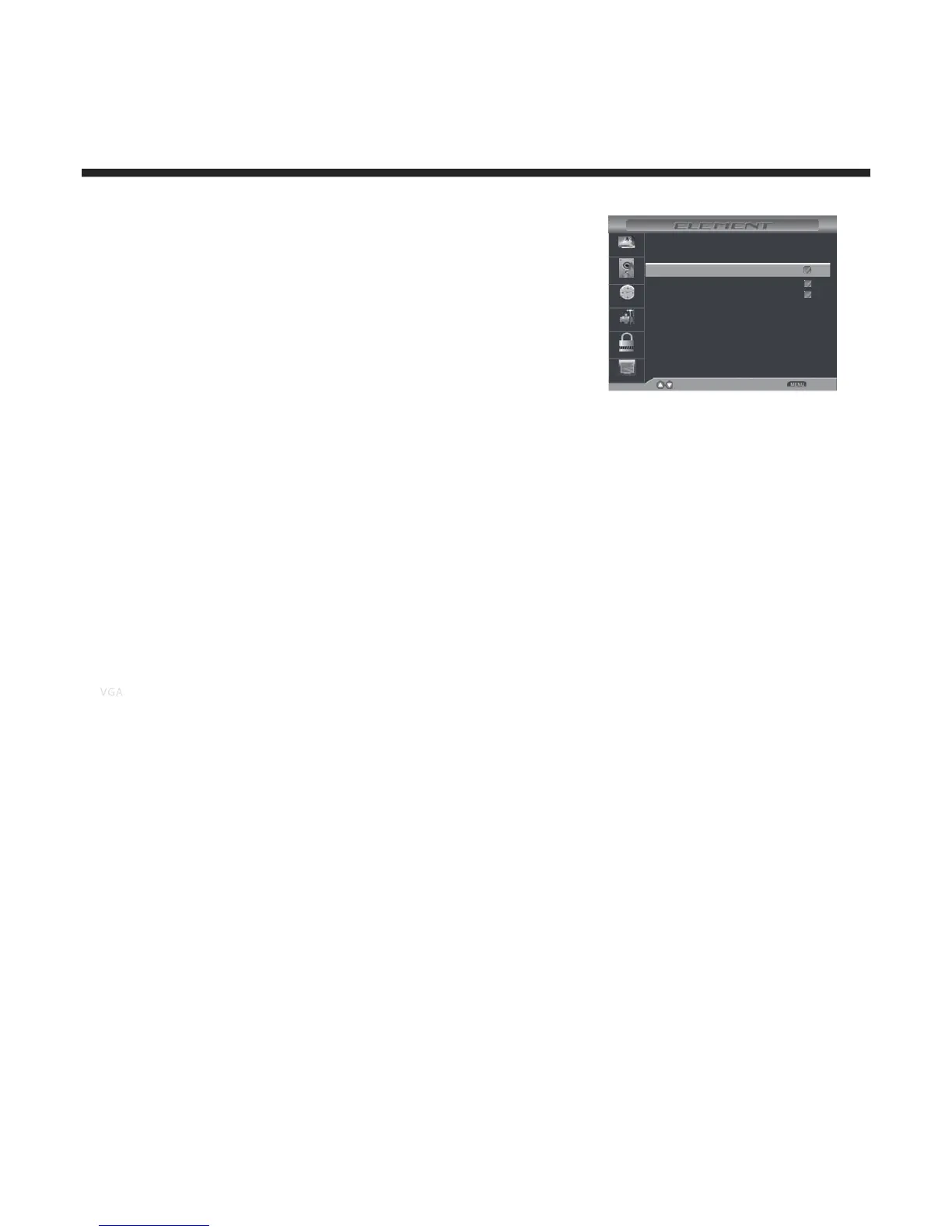
Show / Hide
Allows you to show or hide the channels.
Use UP or DOWN button to highlight the “Show / Hide” item, then
press RIGHT button to enter into the following menu.
Use UP and DOWN button to highlight the desired item, then press
OK button to show or hide the highlighted channel.
Channel No.
Display the number of current channel.
Channel Label
Display the lable of current channel.
DTV Signal:
Display the quality of current DTV signal.
50-1
50-2
50-3
Picture
Audio
Time
Setup
Lock
Channel
KOCE-HD
Press’OK’Change
Move Return
Channel No.
Channel Name
Favorite
KOCE-SD
KOCE-LB


 To Next Page