EasyManua.ls Logo

Element ELDFW374 - User Manual

Element ELDFW374
27 pages
Print Icon
To Next Page IconTo Next Page
Loading...
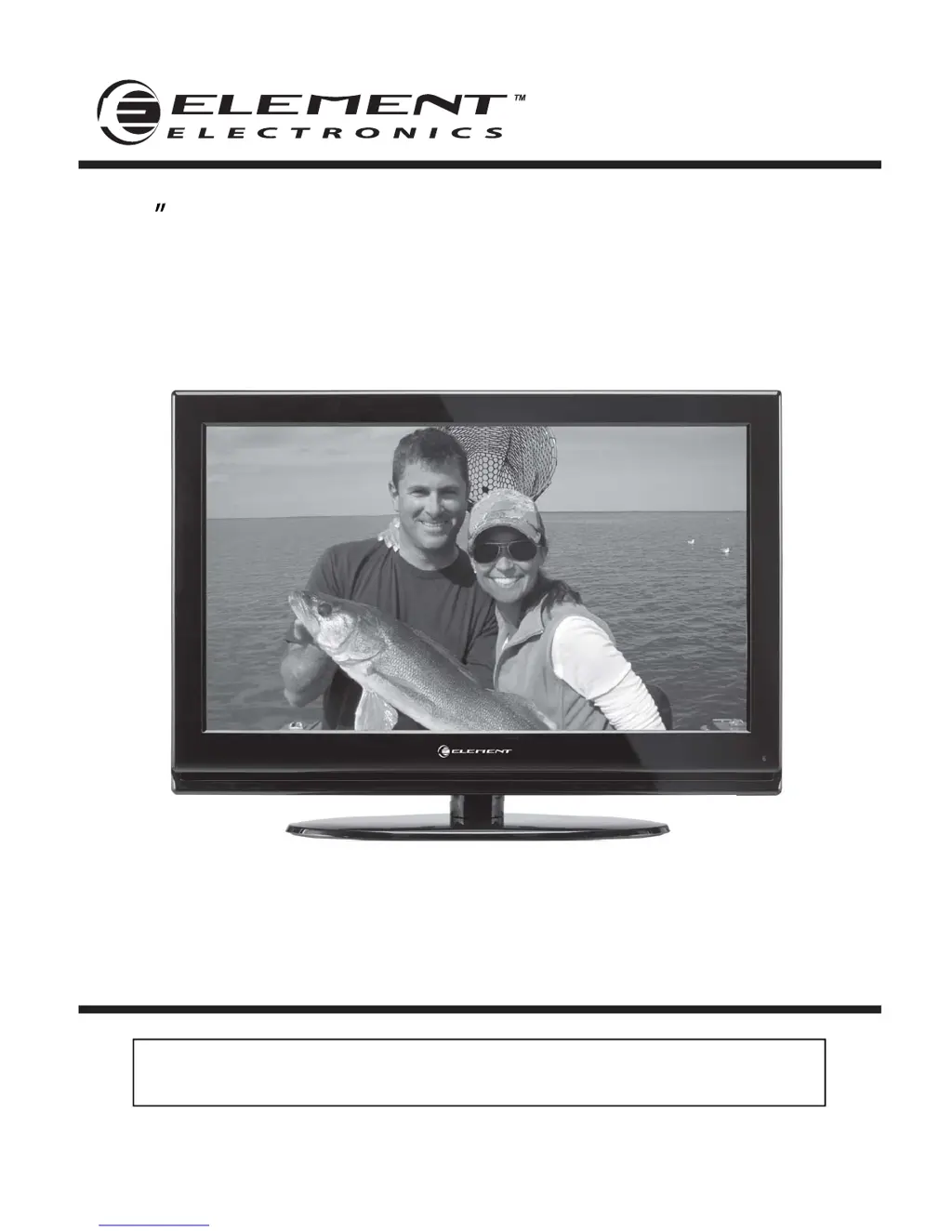
37 Full HD Digital LCD TV
Instruction Manual
Read all of the instructions before using this TV and keep the
manual in a safe place for future reference.
ELDFW374

Questions and Answers

Summary

Important Safety Instructions

Caution

Safety Information

Electrical Safety Precautions

Safety precautions related to electrical connections and usage.

Physical Safety Precautions

Safety precautions related to the physical handling and placement of the TV.

Whats Included

Included Unit and Accessories

Lists the components and accessories included with the TV set.

Getting Started

Front Panel Overview

Describes the front panel controls and indicators of the TV.

Wall Mounting Guide

Instructions and cautions for mounting the TV on a wall.

Rear Panel Connections

Details the various input/output terminals on the back of the TV.

Connecting to External Devices

Remote Control Key Functions

Operating Your Television

Basic TV Operations

General operations like turning the TV on/off and adjusting volume.

Onscreen Language Setup

Guide to setting the initial display language for menus.

Volume Adjustment Guide

Instructions for adjusting the TV's audio volume.

Navigating the Onscreen Display

How to use the OSD menu and navigate through options.

Selecting TV Channels

Methods for selecting TV channels using buttons or remote.

Input Source Selection

How to switch between different input signals (HDMI, AV, etc.).

Picture Settings Adjustment

Adjusting picture settings like Contrast, Brightness, Color, etc.

Audio Settings Adjustment

Adjusting audio settings like Sound Mode, Bass, Treble, Balance.

Time Settings Adjustment

Setting Sleep Timer, Time Zone, and Daylight Saving Time.

System Setup Options

Configuring various system settings like language, zoom, and noise reduction.

System and Channel Lock Options

Setting up parental controls and channel/system locks.

Parental Control Setup

Detailed explanation of parental control features and rating systems.

Channel Management Options

Managing channels, including Air/Cable selection and Auto Scan.

Show;Hide Channels

Options to display or conceal specific TV channels from the channel list.

USB Multimedia Operation

USB Music Playback

How to play music files from a USB drive.

USB Photo Viewing

How to view photo files from a USB drive.

Troubleshooting

Maintenance

Screen Cleaning Instructions

Instructions for safely cleaning the TV screen.

Cabinet Cleaning Instructions

Instructions for cleaning the TV's exterior cabinet.

Extended Absence Precautions

Recommendations for protecting the TV during long periods of non-use.

FCC Compliance Information

Technical Specifications

Summary

Important Safety Instructions

Caution

Safety Information

Electrical Safety Precautions

Safety precautions related to electrical connections and usage.

Physical Safety Precautions

Safety precautions related to the physical handling and placement of the TV.

Whats Included

Included Unit and Accessories

Lists the components and accessories included with the TV set.

Getting Started

Front Panel Overview

Describes the front panel controls and indicators of the TV.

Wall Mounting Guide

Instructions and cautions for mounting the TV on a wall.

Rear Panel Connections

Details the various input/output terminals on the back of the TV.

Connecting to External Devices

Remote Control Key Functions

Operating Your Television

Basic TV Operations

General operations like turning the TV on/off and adjusting volume.

Onscreen Language Setup

Guide to setting the initial display language for menus.

Volume Adjustment Guide

Instructions for adjusting the TV's audio volume.

Navigating the Onscreen Display

How to use the OSD menu and navigate through options.

Selecting TV Channels

Methods for selecting TV channels using buttons or remote.

Input Source Selection

How to switch between different input signals (HDMI, AV, etc.).

Picture Settings Adjustment

Adjusting picture settings like Contrast, Brightness, Color, etc.

Audio Settings Adjustment

Adjusting audio settings like Sound Mode, Bass, Treble, Balance.

Time Settings Adjustment

Setting Sleep Timer, Time Zone, and Daylight Saving Time.

System Setup Options

Configuring various system settings like language, zoom, and noise reduction.

System and Channel Lock Options

Setting up parental controls and channel/system locks.

Parental Control Setup

Detailed explanation of parental control features and rating systems.

Channel Management Options

Managing channels, including Air/Cable selection and Auto Scan.

Show;Hide Channels

Options to display or conceal specific TV channels from the channel list.

USB Multimedia Operation

USB Music Playback

How to play music files from a USB drive.

USB Photo Viewing

How to view photo files from a USB drive.

Troubleshooting

Maintenance

Screen Cleaning Instructions

Instructions for safely cleaning the TV screen.

Cabinet Cleaning Instructions

Instructions for cleaning the TV's exterior cabinet.

Extended Absence Precautions

Recommendations for protecting the TV during long periods of non-use.

FCC Compliance Information

Technical Specifications

Element ELDFW374 Specifications

General IconGeneral
Screen Size37 inches
Display TypeLCD
USB Ports1
Refresh Rate60 Hz
Aspect Ratio16:9
Resolution1366 x 768
InputsHDMI, Component, Composite, VGA, RF

Related product manuals