EasyManua.ls Logo

Element ELEFC461 - User Manual

Element ELEFC461
27 pages
Print Icon
To Next Page IconTo Next Page
Loading...
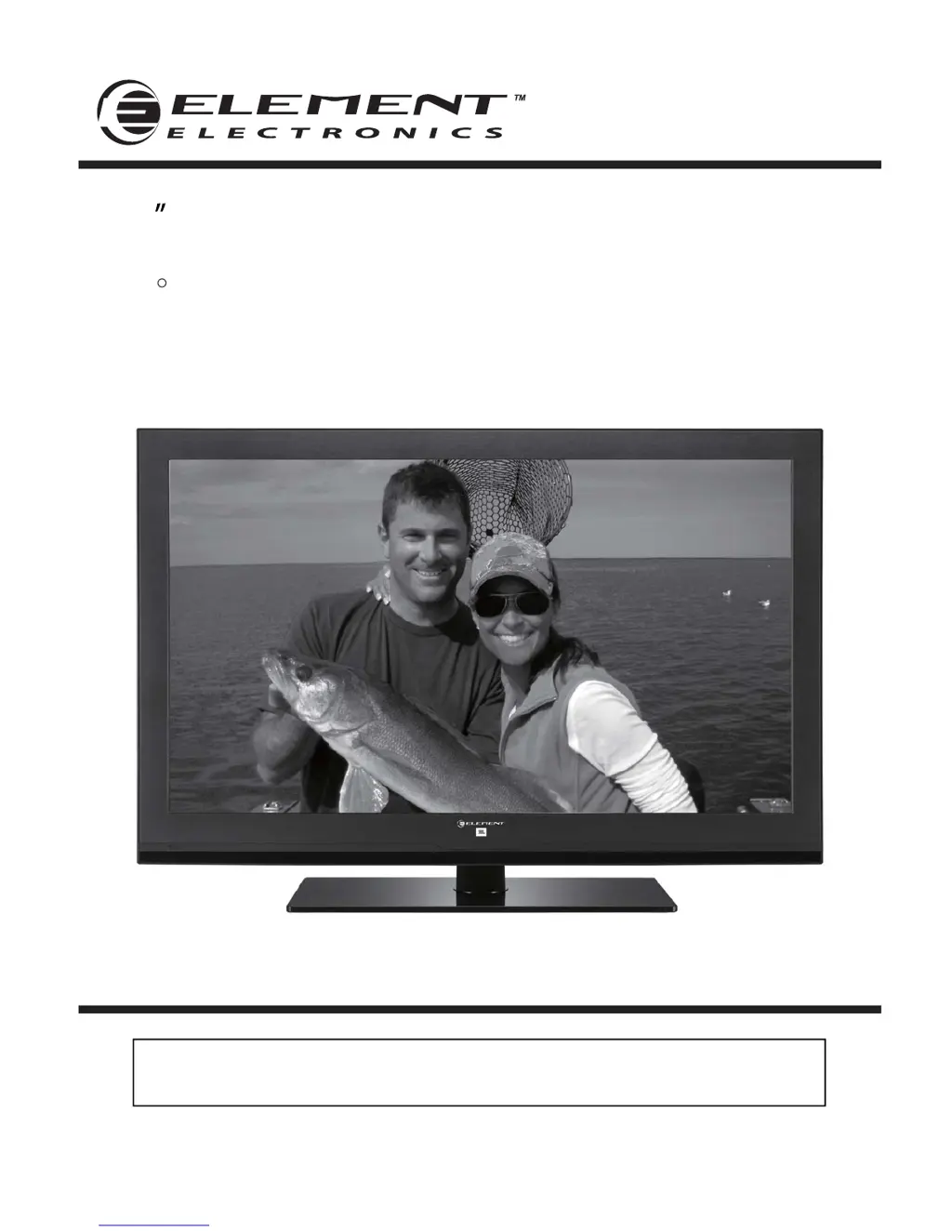
46 Full HD Digital LED TV
Instruction Manual
Read all of the instructions before using this TV and keep the
manual in a safe place for future reference.
ELEFC461
JBL sound is found everywhere – from top recording studios and concert venues to
millions of homes and cars. The worldwide authority in audio reproduction for more
than 60 years, JBL engineers have acoustically tuned the audio system for Element’s
display, creating maximum performance from minimal space. The built-in JBL subwoofer
and front speaker system unlocks the powerful studio sound for an unprecedented
widescreen cinematic experience.
R

Questions and Answers

  • M
    Margaret GreenSep 2, 2025
    What to do if my Element ELEFC461 has no sound and picture?
    • A
      Angela FigueroaSep 2, 2025
      If your Element LED TV has no sound and picture, ensure that the main plug is connected to a wall outlet and that you have pressed the POWER button on the front of the TV set. Also, check the picture contrast and the brightness settings.
  • W
    williamsryanAug 31, 2025
    Why is my Element ELEFC461 LED TV screen blue?
    • V
      Vanessa WarrenAug 31, 2025
      A blue screen on your Element LED TV typically indicates that there's no signal. To resolve this, press the SOURCE button on your remote to select the correct input source.
  • J
    Johnny CookAug 29, 2025
    What to do if my Element ELEFC461 LED TV has no sound?
    • E
      Erica LloydAug 29, 2025
      If your Element LED TV has no sound, first, ensure that the sound isn't muted. If it is, turn mute off. Then, check the volume settings to make sure the volume isn't set too low. Finally, if you are using external leads, verify that they are connected properly.
  • C
    caitlinjohnsonAug 27, 2025
    How to fix unstable or single color screen on Element LED TV?
    • C
      Carolyn SheltonAug 27, 2025
      To fix an unstable or single color screen on your Element LED TV, check the signal cable and re-install the PC video card.
  • J
    Jennifer ShannonAug 26, 2025
    How to fix vertical bar or stripe on background, horizontal noise and incorrect position on Element ELEFC461?
    • Y
      ybarkerAug 26, 2025
      To fix a vertical bar or stripe on the background, horizontal noise, and an incorrect position on your Element LED TV, set the auto configure or adjust the clock, phase, or H/V position.
  • S
    Sonya LeeAug 25, 2025
    How to remove lines or streaks in pictures on Element LED TV?
    • D
      Donna PetersonAug 25, 2025
      To remove lines or streaks in pictures on your Element LED TV, check the antenna and change its direction.
  • A
    Amanda RyanAug 22, 2025
    How to fix horizontal/vertical bars or picture shaking on Element ELEFC461?
    • J
      Joshua MartinAug 22, 2025
      To fix horizontal/vertical bars or picture shaking on your Element LED TV, check for local interference from electrical appliances or power tools.

Summary

Important Safety Instructions

Safety Information

Electrical safety

Guidelines to prevent electrical shock and fire hazards.

Physical safety

Precautions to prevent physical injury and damage to the TV.

Getting Started

Rear View

Details the various input/output ports on the rear of the TV.

Connecting to External Devices

Remote Control Key Functions

USB Operation

Operating Your Television

Basic Operations

Covers turning the TV on/off and initial setup wizard.

Picture Menu Options

Adjusting picture settings like brightness, contrast, and color.

Audio Menu Options

Customizing audio settings like sound mode, bass, and treble.

Parental Control

Setting up program restrictions based on age and content ratings.

USB Multimedia Operation

Troubleshooting

Element ELEFC461 Specifications

General IconGeneral
BrandElement
ModelELEFC461
CategoryLED TV
LanguageEnglish

Related product manuals