22
Demonstration Songs
There are 12 pieces of demonstration songs saved in the electronic or-
gan. When the demo song starts, the related numbers will be shown on
the LCD window.
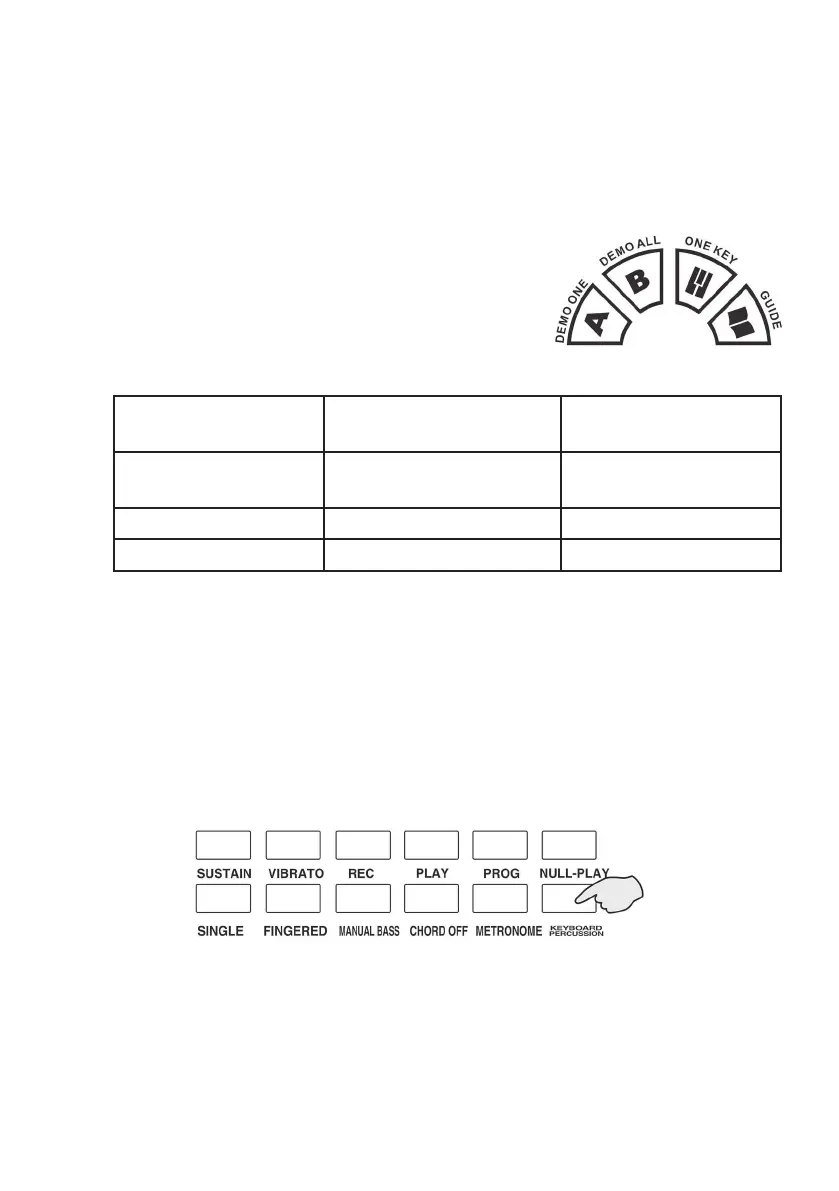
1) Press the [Demo All] button, the system will play the Demo Songs
successively and press the [Demo One] button, the system will play
the present songs repeatedly.
2) In the state of [Demo All] or [Demo One] , if
you want to change for other songs, you can
press the [Demo All] or [Demo One] but-
ton first to make it stop, and then press one
of the button again, the organ will play the
next Demo Songs.
12 pieces of demonstration songs:
01 Grassland paean 02 Courser gallop de-
fend the frontiers
03 Beijing opera
04 Embroider gold
plaque
05 Noisy New Year 06 Turkish march
07 Childhood 08 Merry Christmas 09 Jingle bells
10 For Elise 11 Clap Your Hands 12 Music Box dancer
Percussions
There are 8 Panel percussions and 61 Keyboard percussions.
Press panel percussions and the related percussion will sound. The per-
formance effect can be enhanced if the percussion added according to
the real time requirement.
Press the [Keyboard Percussion] button, the screen shows [PEr] ,the
keyboard becomes the percussion keyboard transitorily. And now any
one of the keystroke corresponds to a type of percussions, and
press the [ Keyboard Percussion] button once more, you can exit the
keyboard percussions, and the keyboard turns to normal.



 To Next Page