28
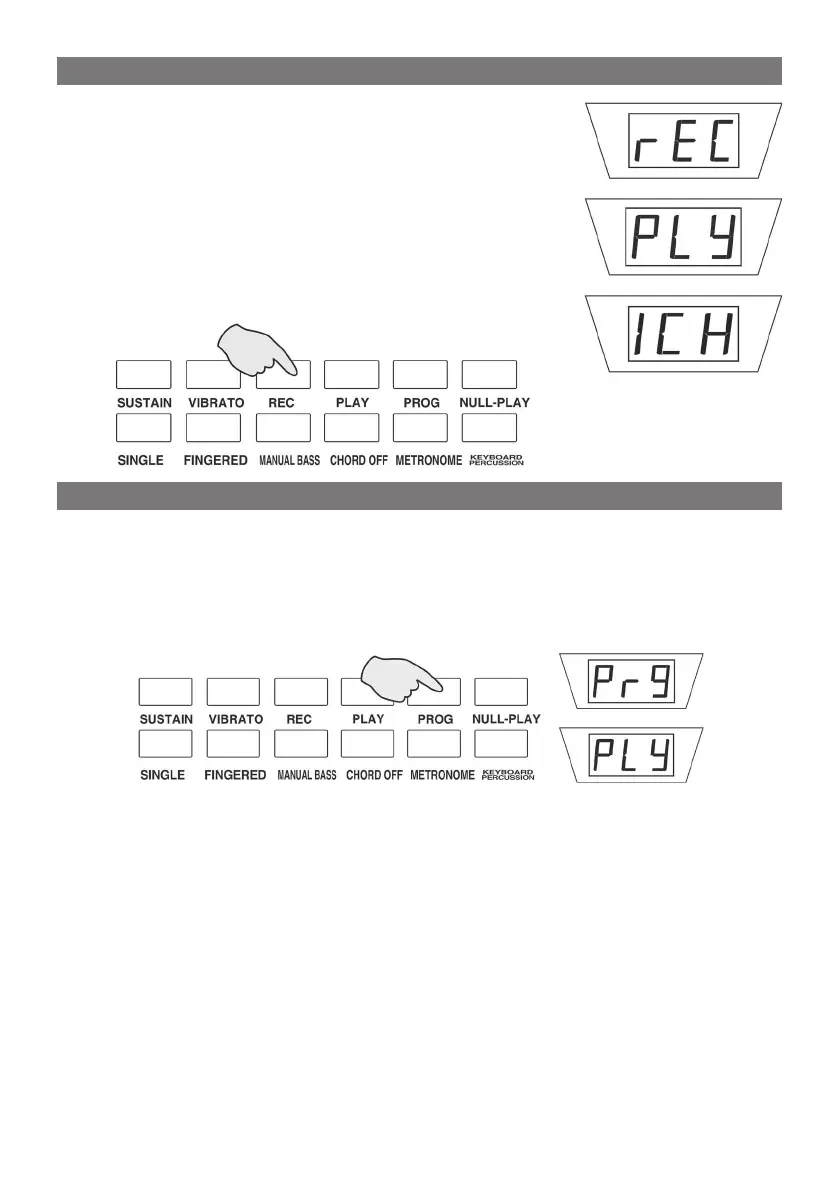
Press the [REC] button with the digital screen displays
“rEC”, now the performer can play freely as the likes
and the played note will be recorded. Press the [REC]
button again or record 63 pieces of notes, the digital
screen displays “ICH” , and the system quit the re-
cord function.
Press the [Playback] button, the digital screen displays
“PLY”, and the system will play the melody which be
recorded just now.
Programming
Press the [PROG] button ,the screen shows “Prg”, now you can press any
of 8 pieces of percussion button to edit a group of rhythms as you like.
Press the button [PROG] again or record 32 pieces of percussions, the
system will quit the function.
Null Play
Press the [Null Play] button with the screen displays shows “PLy”, the
self-edited rhythm will be played in circle. Press the [Null Play] button
gain or [Start/Stop] to stop playing.
RECORD AND PLAYBACK
PROGRAM



 To Next Page