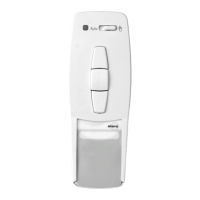
Conguring the drive
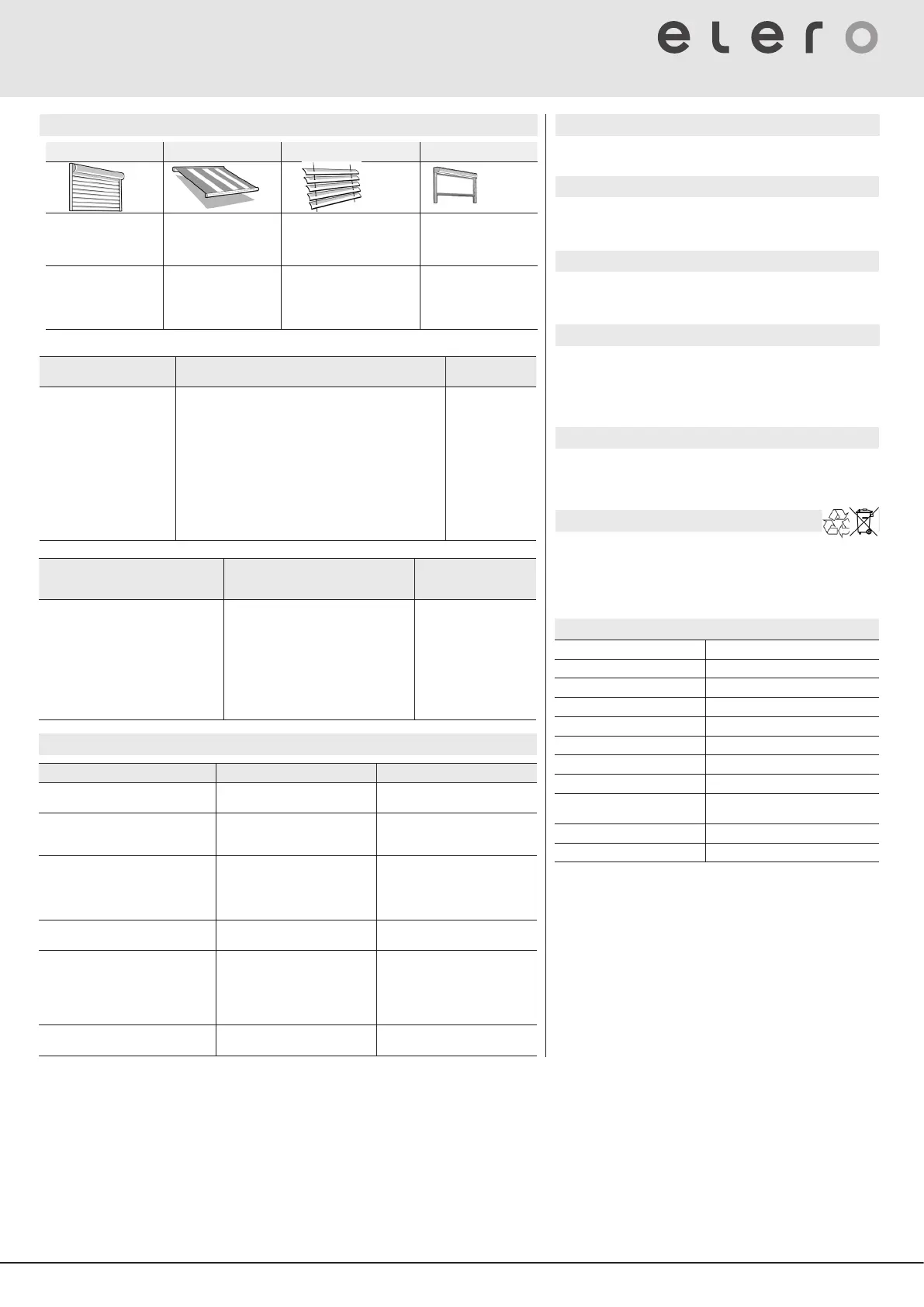
Roller shutters Awnings Venetian blind Interio shading
Intermediate position of
blind at any position
between upper and lower
end position
Intermediate position of
blind at any position
between upper and lower
end position
Intermediate position of blind
at any position between upper
and lower end position
Intermediate position 1 of
blind at any position
between upper and lower
end position
Ventilation position
ventilation gaps open
Fabric tautening
position
Position is taut
Tilting position
Blind slats are tilted by brief
travel in the opposite direction
(only for receivers in JA mode
or with „JA” in product name)
Intermediate position 2
any subsequent position
ob blind
Prerequisite for all actions: The channel of the hand-held transmitter is programmed in the receiver.
Dening the interim
position in the receiver
Moving to the intermediate position Deleting the inter-
mediate position
Prerequisite: The blind is in
the upper end position.
1. Press the [DOWN/CLOSE
▼] button until the desired
intermediate position is
reached.
2. Additionally press the
[STOP ■] button. The blind
will stop. The status LED
lights up briey.
The intermediate position is
now stored.
Prerequisite: The intermediate position is dened.
Press [DOWN/CLOSE ▼] button twice (in quick succession):
Blind moves to the intermediate position saved.
If no intermediate position has been dened, the blind will
move to the lower end position.
Important: If you are using a venetian blind and a dened tilt
position (receiver in JA mode or „JA“ in product name), the
venetian blind slats will also tilt.
If no tilt position has been dened, the blind will stop at the
intermediate position with the slats closed.
If an intermediate position is to be approached for various
receivers simultaneously, the receivers must be programmed
on one channel.
• Press the but-
tons [DOWN/
CLOSE ▼]
+ [STOP ■]
simultaneously
for approx. 3
seconds.
The intermediate
position is now
deleted. The
status LED lights
up briey.
Dening one of the ventilation/fab-
ric tautening/tiling positions in the
receiver
Moving to one of the ventilation/tilting/
fabric tautening positions
Deleting the ventilation/
fabric tautening/tilting
position
Prerequisite: The blind is in the lower end
position.
1. Press the [UP ▲] button until the
ventilation gaps open, the venetian
blind slats are tilted or the awning
fabric is taut.
2. Additionally press the [STOP ■] button.
The blind will stop. The ventilation/fabric
tautening/tilting position has now been
saved.
Prerequisite: The ventilation/tilting/fabric
tautening position is dened.
• Press the [OPEN ▲] button twice:
blind moves to the position saved.
If no ventilation/fabric tautening/tilting
position is dened, the blind will travel to
the upper end position.
• Press the [OPEN ▲]
+ [STOP ■] buttons
simultaneously and
hold them down for
approx. 3 seconds.
The ventilation/tilting/fab-
ric tautening position has
now been deleted.
Technical data
Power supply 3 V, 2 x Micro LR03 (AAA)
Battery life typical up to 2 years
Radio frequency [MHz] (Band) 868 | 915
Transmitter power [mW] | [dBm] ≤ 500 | ≤ 10
Number of channels 1 resp. 6 (bidirectional in each case)
Operating temperature [°C] 0 ... 50
Relative humidity 0 ... 95 % non condensing
Protection class (IP) 20
Dimensions (LxWxH) [mm]
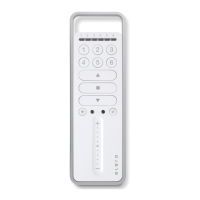
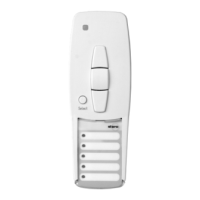
modul transmitter
150 x 49 x 14
Weight [g] (incl. batteries) ca. 90
Type of mounting (optional) wall mounting
Warranty
Within the legal warranty period, we will remedy any defects caused by
material or manufacturing defects by repairing or replacing the unit. Unau-
thorised modications will void the warranty.
Service / manufacturer‘s address
If malfunctions occur or the device is damaged despite correct handling,
contact your contractor or dealer.
elero GmbH
Antriebstechnik
Maybachstr. 30
732378 Schlierbach
GERMANY
www.elero.de
Reparatur
Please specify the item number, item description, type of fault, situational
circumstances, presumed cause, unusual events prior to the problem.
Cleaning
Do not use solvent or abrasive detergents to clean the product.
General notes on troubleshooting
Conformity
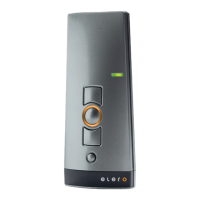
elero hereby declares that the COM series handheld transmitter is in
compliance with Directive 2014/53/EU.
The full text of the EU Declaration of Conformity is available at the following
Internet address: www.elero.com/downloads-service
Fault Possible cause Possible solution
Receiver not responding and status
indicator of transmitter ashing orange
Not transmitter programmed Program the transmitter
Receiver cannot be programmed Transmitter and receiver systems
are congured dierently
(unidirectional or bidirectional)
Adapt the system conguration
Receiver not responding and status
LED of transmitter ashing red
1. No power supply
2. The receiver is outside the radio
range.
3. Radio receiver defective
1. Check mains voltage.
2. Change the transmitter‘s positi-
on. Change the position of the
receiver‘s aerial.
3. Replace receiver.
Receiver not responding and status
LED of transmitter not lighting up
Battery in transmitter is used up Replace batteries in transmitter
Receiver reacting only intermittently
1. Poor radio reception
2. Inuence from faulty or non-
approved radio systems
1. Change the transmitters‘s
position.
Change the position of the
receiver‘s aerial.
2. Localise the source of the inter-
ference and rectify malfunction.
Empfänger fährt in die falsche Richtung Directions are incorrectly pro-
grammed
Delete transmitter and program
correctly
Disposal
Batteries and old units may not be disposed of with household waste.
1. Dispose of packaging in the recycling bin for cardboard and paper.
2. Dispose of old batteries in the recycling bin for used batteries or have a
retailer recycle them.
3. Dispose of old units at an electronic waste recycling facility or have a
retailer recycle them.
© elero GmbH EN | 3


 To Next Page
 Loading...