EasyManua.ls Logo

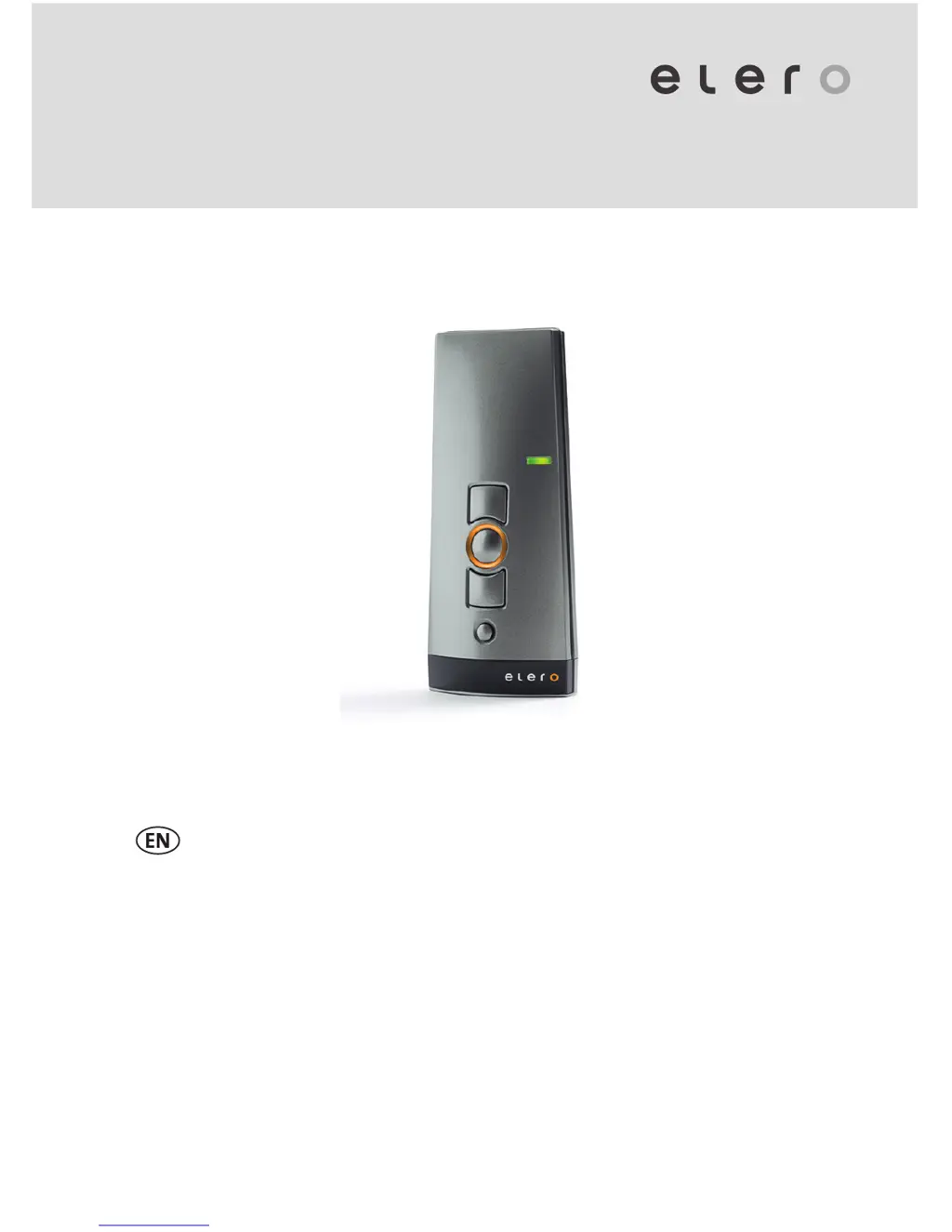
elero LumeroTel 2 - User Manual

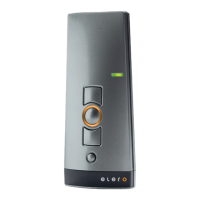
elero LumeroTel 2
11 pages
Print Icon
To Next Page IconTo Next Page
Loading...
LumeroTel 2 867/868/915 MHz
28225.0001, 28226.0001,
28227.0001, 28225.0901,
28226.0901, 28227.0901
Operating instructions (translation)
181220101_EN_0614

Questions and Answers

  • J
    Jordan FitzpatrickAug 3, 2025
    Why elero Transmitter drive is not running and status display does not light up?
    • D
      Dominic PowellAug 3, 2025
      If the drive of your elero Transmitter is not running and the status display doesn't light up, it could be due to exhausted batteries. In this case, insert new batteries. Another possibility is that the batteries are incorrectly installed, so ensure that you insert batteries correctly.
  • M
    Megan RodriguezAug 12, 2025
    What to do if elero Transmitter drive is not running and the status display is flashing?
    • T
      Thomas MooreAug 12, 2025
      If your elero Transmitter's drive isn't running and the status display flashes red or orange (or lights green for Unidirectional), it might be due to a few reasons. First, the receiver could be out of radio range, so try reducing the distance to the receiver. Alternatively, the receiver may not be operating or could be faulty; in this case, switch on or replace the receiver. It's also possible that the receiver hasn't been programmed yet, so you should program the receiver.
  • L
    Linda HessAug 22, 2025
    How to fix elero LumeroTel 2 when the drive runs in the wrong direction?
    • S
      Stephanie CookAug 22, 2025
      If your elero Transmitter drive runs in the wrong direction, the directions are incorrectly allocated. To fix this, delete the transmitter and reprogram it.

Summary

Safety and Specifications

Safety Instructions

Precondition for safe and fault-free operation.

Intended Use

Describes the product's designated purpose and limitations.

Radio Operation Safety

General Safety Warnings

Critical warnings for safe operation and installation.

Installation Guidelines

Guidelines for proper installation of the device.

Explanation of Functions

Initial Operation

Steps for first-time use and basic setup.

Transmitter Programming

Requirement for Programming

Prerequisites before starting transmitter programming.

Programming Additional Transmitters

Steps to add more transmitters to a receiver.

Advanced Programming Modes

Synchronized Programming Mode

Programming one transmitter to multiple receivers simultaneously.

Position Control and Programming

Programming Intermediate Position

Steps to set a custom intermediate position.

Maintenance and Troubleshooting

Troubleshooting Guide

Common faults and their solutions.

Repair and Compliance Information

Repair Information

Contacting support and information needed for repair.

elero LumeroTel 2 Specifications

General IconGeneral
Brandelero
ModelLumeroTel 2
CategoryTransmitter
LanguageEnglish

Related product manuals