EasyManua.ls Logo

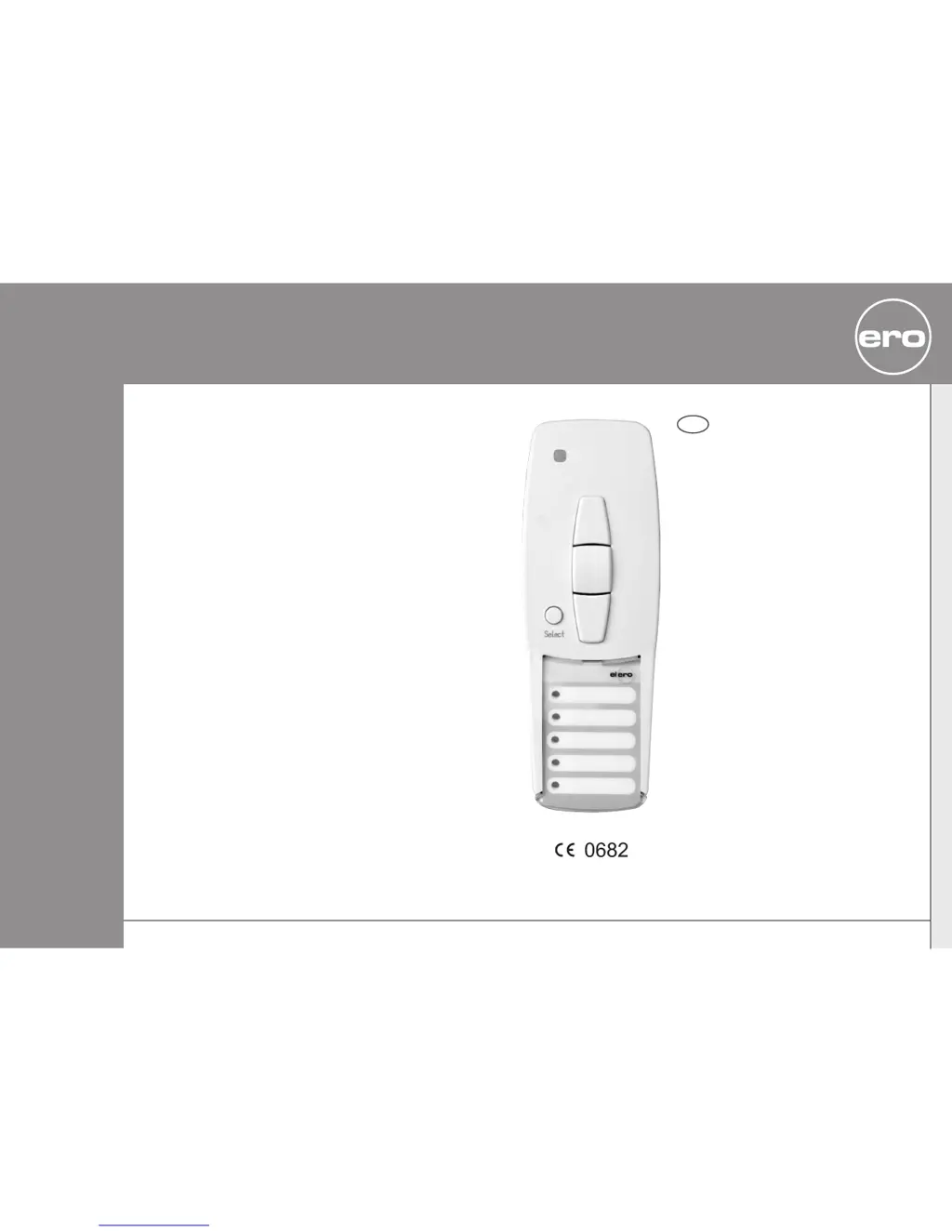
elero VarioTel-915 - User Manual

elero VarioTel-915
8 pages
Print Icon
To Next Page IconTo Next Page
Loading...
VarioTel-915
Operating Instructions
Please keep the instructions in a safe place.
Nr. 18100.6001/0606
USA
elero
309406 01
elero USA
10827 Alder Circle
USA-Dallas
Texas 75238
info@eleroUSA.com
elero GmbH
Antriebstechnik
Linsenhofer Str.5963
D-72660 Beuren
info@elero.de
www.elero.com

Questions and Answers

Summary

Safety Instructions

General Safety Precautions

Key safety guidelines including proper use, battery handling, and child safety for the VarioTel-915 device.

General Information and Designated Use

Programming Radio Channel Settings

Programming Transmitter;Channel

Step-by-step guide for programming a transmitter to a receiver, including defining the keyboard layout.

Programming Additional Transmitters

Instructions for programming multiple transmitters to a single receiver, ensuring correct keyboard layout.

Intermediate Position for Roller Shutter;Awning;Venetian Blind

Programming Intermediate Position (Pos ∇)

Procedure for setting the intermediate position for roller shutters/awnings by adjusting the drive and using the STOP button.

Programming Ventilation;Reverse Position (Pos △)

Procedure for setting the ventilation position for awnings or reverse position for venetian blinds using the UP and STOP buttons.

Adjusting and Deleting Intermediate Positions

Deleting Radio Channel Settings and Technical Data

Deleting Individual Transmitters

Procedure to remove a specific transmitter from a receiver's memory using button combinations.

Deleting All Transmitters

Procedure to erase all programmed transmitters from a receiver using multiple button presses.

Battery Replacement, Cleaning, and Troubleshooting

Troubleshooting Guide

A table listing common problems, their causes, and remedies for the VarioTel-915 transmitter.

elero VarioTel-915 Specifications

General IconGeneral
Brandelero
ModelVarioTel-915
CategoryTransmitter
LanguageEnglish

Related product manuals