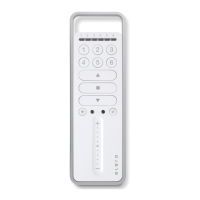
© elero GmbH 14 | EN © elero GmbH EN | 15
Approaching the lower end position (roller blind/awning)
Press the DOWN button briey. The curtain descends to the lower
end position/the awning extends fully.
Approaching the lower end position (blind)
Press the DOWN button until the status display lights briey. The
blind approaches the lower end position.
Press the DOWN button only briey (jog mode on JA, pulse mode
for Combio Pulse), the blind approaches briey and stops again.
Approaching the upper end position (roller blind/awning)
Press the UP button briey. The blind approaches the upper end
position/the awning retracts.
Approaching the upper end position (blind)
Press the UP button until the status display lights briey. The blind
approaches the upper end position.
Press the UP button only briey (jog mode on JA, pulse mode for
Combio Pulse), the blind approaches briey and stops again.
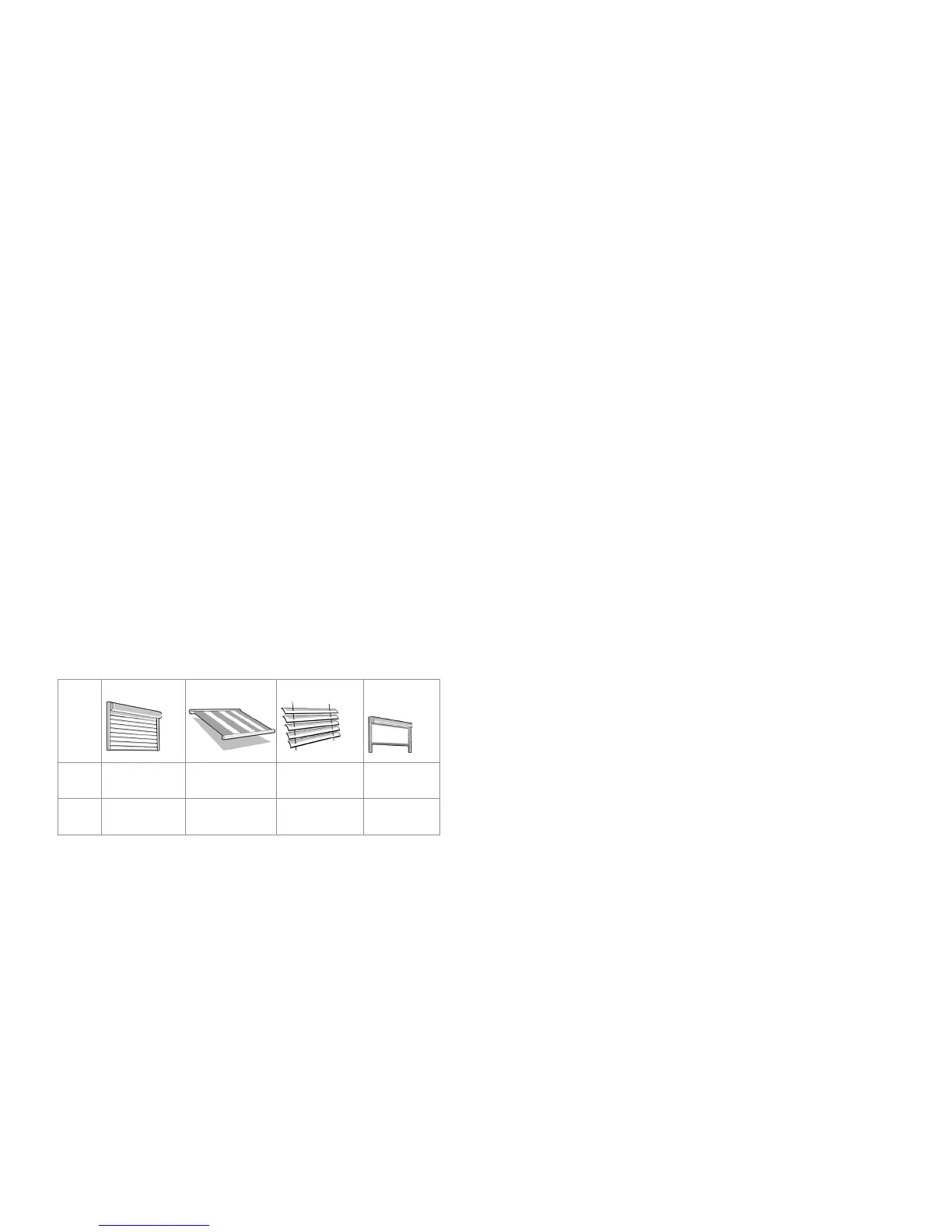
Intermediate positions of the blinds
Roller shutter Awning Venetian blind Interior
shading
Pos▼ Intermediate
position
Intermediate
position
Intermediate
position
Intermediate
position 1
Pos▲ Ventilation
position
-- /fabric ten-
sioning
Turning
position
Intermediate
position 2
Programming the intermediate position in the receiver
Requirement
The transmitter/transmitter channel is programmed. The end
positions of the drive have been set. The blind is in the upper end
position.
1. Move the blind to the desired position with the DOWN button.
Press and hold the DOWN button to do this.
2. Also press the STOP button. The blind stops. The status display
lights up briey.
The intermediate position is programmed.
Programming the ventilation/turning position in the receiver
Requirement
The transmitter/transmitter channel is programmed. The end
positions of the drive have been set. The blind is in the lower end
position.
1. Move the blind in the UP direction using the UP button until the
ventilation slots open, or the slats have turned. Keep the UP
button pressed during the movement.
2. Also press the STOP button. The blind stops. The status display
lights up briey.
The ventilation/turning position is programmed.
Approaching the intermediate position
Requirement
The transmitter/transmitter channel is programmed. The curtain is at
its upper end position.
1. Press the DOWN button twice briey. The status display lights
up briey.
2. The curtain travels to the stored intermediate position. In the
case of Venetian blinds, the slats turn automatically after


 To Next Page