EasyManua.ls Logo

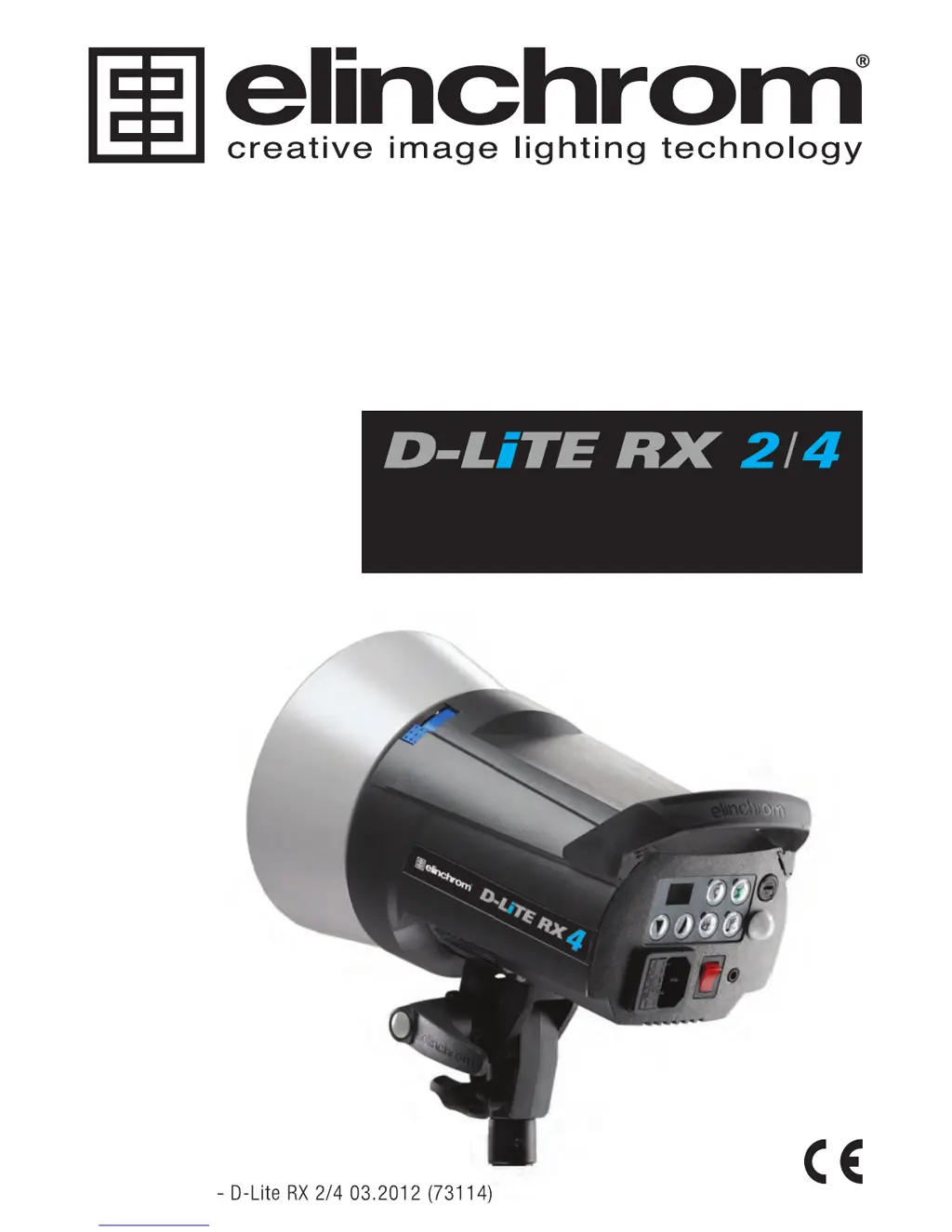
Elinchrom D-Lite RX 4 - User Manual

Elinchrom D-Lite RX 4
131 pages
Print Icon
To Next Page IconTo Next Page
Loading...
OPERATION MANUAL
GEBRAUCHSANLEITUNG
MANUEL D’UTILISATION
MANUALE D’USO
MANUAL DE FUNCIONAMIENTO
РУКОВОДСТВО ПОЛЬЗОВАТЕЛЯ
Elinchrom LTD – D-Lite RX 2/4 03.2012 (73114)
El-Skyport Receiver RX built-in with full support for:
EL-Skyport Transmitter Speed functions
EL-Skyport Computer Remote Control
EL-Skyport WiFi Remote Control for Apple
TM
Mobile devices
Elinchrom LTD – D-Lite RX 2/4 03.2012 (73114)

Table of Contents

Other manuals for Elinchrom D-Lite RX 4

Questions and Answers

  • P
    pbarberAug 9, 2025
    What to do if Elinchrom D-Lite RX 4 Lighting Equipment test flash works, but the camera won't trigger the flash unit?
    • T
      Tracy DuncanAug 9, 2025
      If the TEST flash works, but the camera will not trigger the flash unit, you should: * Check the hot-shoe fitting. * Connect the 2.5 mm to PC SYNC cable instead of the hot-shoe connection.
  • K
    katie77Aug 16, 2025
    Why Elinchrom D-Lite RX 4 flash units don't fire in “All” Transmitter Mode?
    • R
      Richard BellAug 17, 2025
      If no flash unit is triggered with the Transmitter Mode set to “All”, consider these checks: * Ensure the Transmitter is switched ON. * Verify the battery polarity. * Confirm the Receiver module is correctly connected to the unit. * Check that the frequency selector switch is set to the same channel. * Ensure the Transmitter is in the same trigger mode, either Speed or Standard.
  • W
    Wendy HooverAug 25, 2025
    What to do if some Elinchrom D-Lite RX 4 Lighting Equipment units don't fire in “Grp” Transmitter Mode?
    • Z
      Zachary HouseAug 25, 2025
      If some units do not fire when triggered with the Transmitter Mode set to “Grp”, consider the following: * Check if the Channel selector switch is set to the same Group. * Reduce the distance to any “not working” unit. * Ensure the Transmitter is in the same trigger mode: Speed or Standard.
  • J
    Jessica RamseyAug 31, 2025
    How to improve the limited distance range of Elinchrom D-Lite RX 4 Lighting Equipment?
    • L
      Laura CooperAug 31, 2025
      To address a limited distance range with your lighting equipment, try the following: * Reposition the units. * Increase the distance to walls and ceilings. * Position the antenna of Transmitter and Receiver. * Use an RX extension cable to reduce the distance between the modules.

Summary

Safety Precautions

Flash Tube and Modelling Lamp Safety

Warnings regarding hot flash tubes and modelling lamps.

Product Features Overview

Advanced Programmable Features

Details on customizable functions like VFC, PMS, Eye-Cell, etc.

Initial Setup and Operation

Control Panel Layout

Understanding Control Elements

Identifies and describes each button and port on the control panel.

Display, Sync, and Testing

Digital Multi-Display and Error Codes

Explanation of the display's power range, error codes, and indicators.

Eye-Cell Sensor Setup and Modes

Eye-Cell Functions and Pre-Flash Settings

Explains Standard, Eye-Cell Pre-Flash, and Automatic modes.

Advanced Eye-Cell Configuration

Manual Eye-Cell Pre-Flash Setup

Manual configuration for pre-flash detection based on camera flashes.

EL-Skyport Wireless Setup

EL-Skyport On;Off and Group Settings

Configuration for turning EL-Skyport on/off and selecting groups.

Flashtube Replacement and Error Handling

Replacing the Flashtube

Step-by-step guide for safely replacing the flash tube.

Error Code Descriptions and Solutions

Explains error codes (E1-E8) and recommended actions.

EL-Skyport Transmitter Speed Features

Transmitter Features and Battery Installation

Key features of the transmitter and battery installation instructions.

EL-Skyport Wireless Operation

EL-Skyport Transmitter Configuration and Operation

EL-Skyport Modules and Troubleshooting

Troubleshooting Common Issues

Guidance on resolving common problems with the transmitter and receivers.

Product Guarantee Details

Elinchrom D-Lite RX 4 Specifications

General IconGeneral
Flash Power400 Ws
Recycling Time0.35 - 1.6 s
Color Temperature5500 K
Sync Voltage5 V
Guide Number64 (ISO 100, 1m)
Power Adjustment1/10 f-stop increments
CompatibilityElinchrom accessories
Flash Duration1/800 s
TriggeringSync cable
Modeling Lamp100 W

Related product manuals