DASHBOARD VIEWS
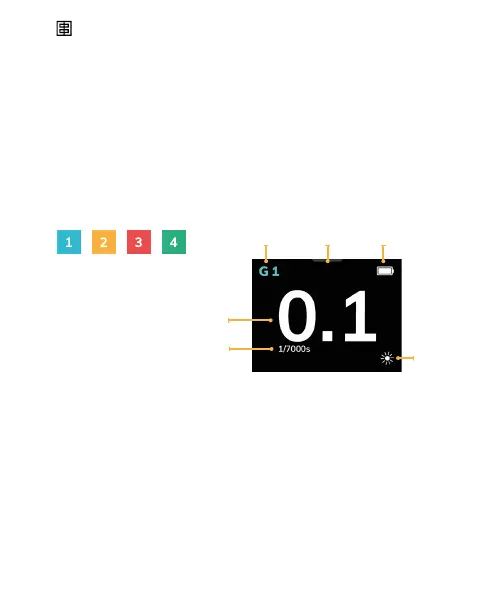
The colour of the Group corresponds to the group
number :
Blue for Group 1
Yellow for Group 2
Red for Group 3
and Green for Group 4.
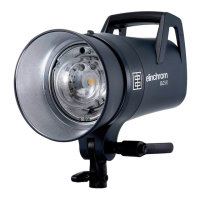
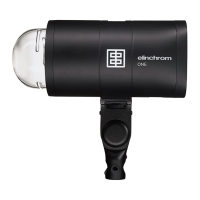
The Elinchrom logo on the side of the unit illuminates
with the color of the selected group.
1. Group 1-4
2. LED Modelling lamp menu , slide down on the
touchscreen by touching the grey bar
3. Battery status
4. Favorite Function;
default setting is Mod. Lamp on/off
5. Power value
6. Flash duration
1 2 3
4
5
6
14 — ELINCHROM ONE User manual


 To Next Page