12
To set a radio station (up to 25 preset stations):
• Choose the desired radio station
• Press on the «Memory» button
13
• Enter a number on the digital track
• Conrm by pushing on the «Enter» button
6
Up Joystick
6
: launch scanning sequence.
Display
14
: show DAB information if available.
3.4 AUX. 1 and AUX.2 inputs
AUX 1/2
You can only adjust the volume on this input.
3.5 USB input
USB
Once the USB key is plugged in to the side of the device, the MC
scans its content and displays the track number.
Use the track changing buttons to navigate.
MP3 and WMA compatibility.
3.6 Optical input
Optical
You can only adjust the volume on this input.
3.7 MP3 input
MP3
You can only adjust the volume on this input.
3.8 Menu
Menu
The MC menu lets you congure certain functions. Use the
directional track and the «Enter»
6
conrmation key in the center
to navigate and validate.
3.8.1 EQ
You can adjust treble, bass, and balance on the MC to modify
the sound of your speakers.
3.8.2 Subwoofer
You can congure the MC so that it lters the signal sent
to the speakers and to the Sub-out output. This will provide better
integration of the subwoofer with your speakers.
The bass cut frequency is adjustable from 50 Hz to
200 Hz in increments of 5 Hz. Frequencies cut on the output
of the MC speakers will be sent toward the Sub out output.
No lter : the Sub out output includes the same frequencies as
the speaker output.
Filter : the Sub out ouput includes the frequencies that
have been cut on the speaker output.
3.8.3 Rename AUX.
The two Aux inputs can be renamed to allow easier user
recognition. A label with 4 letters can be added (AUX.1, TV,
AUX.2 TNT for example)
3.8.4 Display luminosity
The MC’s screen luminosity can be adjusted over four
levels: 1-2-3-AUTO
The AUTO position adapts screen brightness according to
available light in the room
3.8.5 Reset default
You can return your MC back to its factory conguration by
using the Reset default function. All settings will be returned to
zero.
4. SPECIFICATIONS
• 2 x 120 W / 4 ohms ICEpower® Amplier
• CD Player (MP3/WMA compliant)
• Bluetooth aptX wireless input
• Optical digital input
• 2 analog stereo inputs (RCA)
• USB input (MP3/WMA compliant)
• MP3 analog input (3.5 mm mini-jack )
• FM / DAB / DAB+ tuner
• Headphone output (3.5 mm mini-jack )
• Pre-amplier output
• Subwoofer output
• Lighting sensor
• Supply : 100-120V / 220-240V AC - 200 W
• Remote control
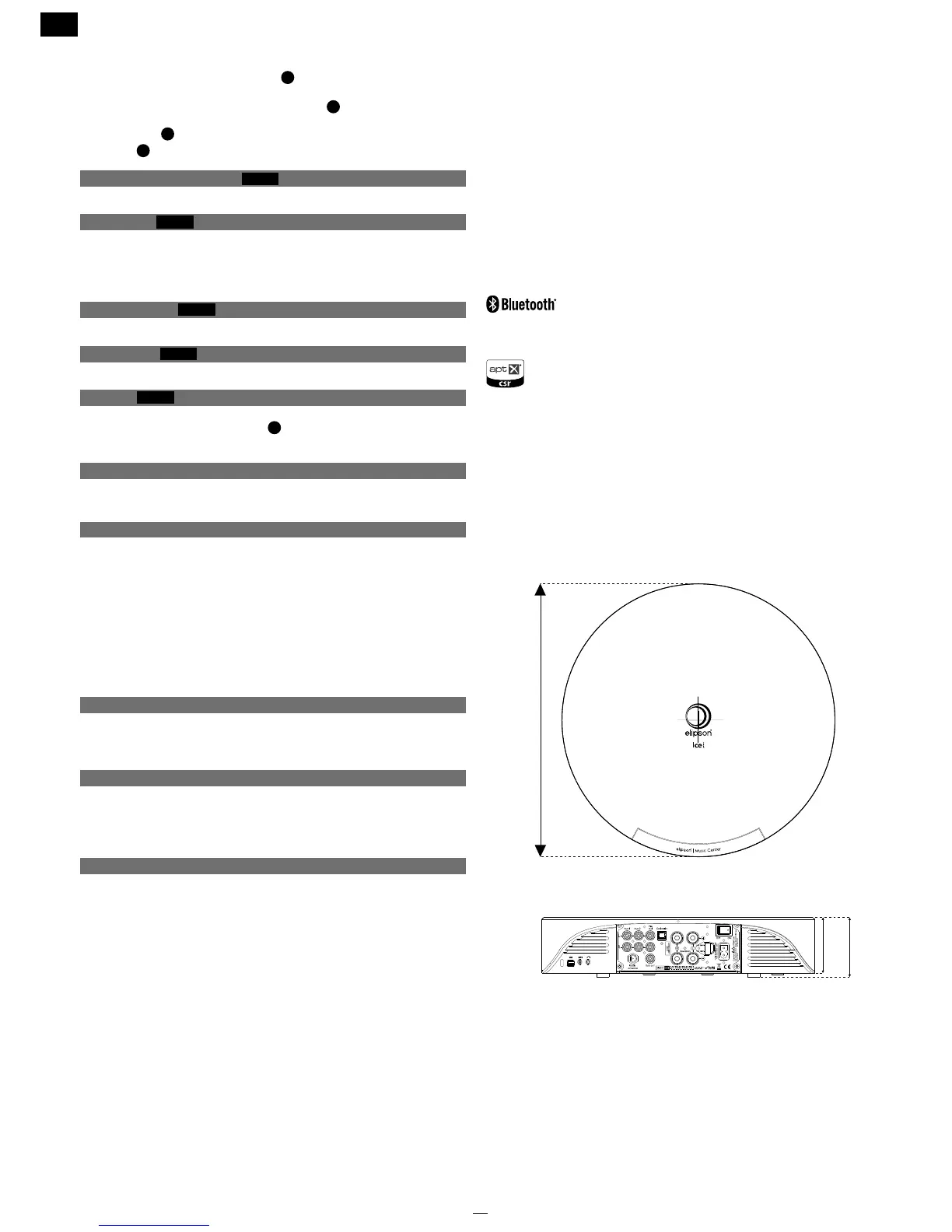
• Dimensions : Ø 330 mm x H 73 mm
Have a question about the MC ? Please contact us at :mc@elipson.com
The Bluetooth word mark and logos are owned by the Bluetooth SIG
Inc. and any use of such marks by Elipson is under license.
Other trademarks and trade names are those of their respective owners.
© 2012 CSR plc and its group companies.
The aptX® mark and the aptX logo are trade marks of CSR plc or one of its group companies and
may be registered in one or more jurisdictions.


 To Next Page