Recheck all bolts and nuts are tightened securely before use the
machine
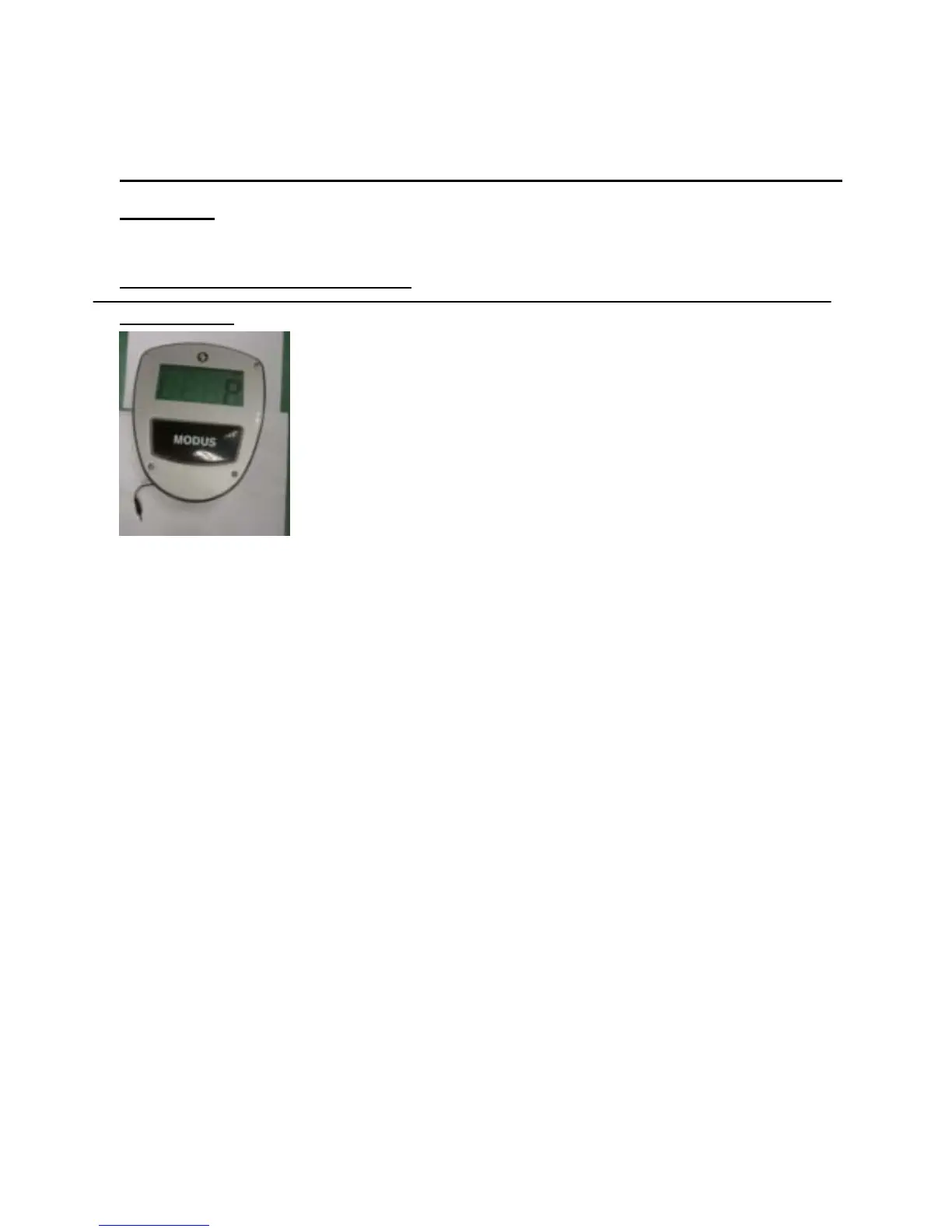
EXERCISE COMPUTER
FRONT VIEW
KEY GUIDE:
MODE: 1. Select function to be preset.
Time, Calories, Pulse and Distance.
2. Select function and display on the screen during exercise
Scan, Time, Speed, Calories, Pulse and Distance.
RESET: 1.Hold two seconds to reset all of the values to zero.
2. During the setting mode, press this button to clear the setting values to zero.
3. During the stop mode , press this button to clear the values on the display to zero.
START/STOP: Press this button to start or stop exercise.
SET : Press to set the values of Time, Speed, Calories, Pulse and distance to zero.
PULSE: Select function of pulse.
HOW TO INSTALL BATTERIES:
1. Take out the batteries on the back of monitor.
2. Place two pieces of SIZE-AA or SUM-3 batteries into the battery housing.
3. Insure batteries are correctly positioned and battery spring is in proper contact with
batteries.
4. Batteries life is approx. three months under normal usage.
5. If the display is illegible or only partial segments appear, please remove the batteries and
wait for 15 seconds before reinstalling.
6. Removing the batteries will erase monitor memory.



 To Next Page