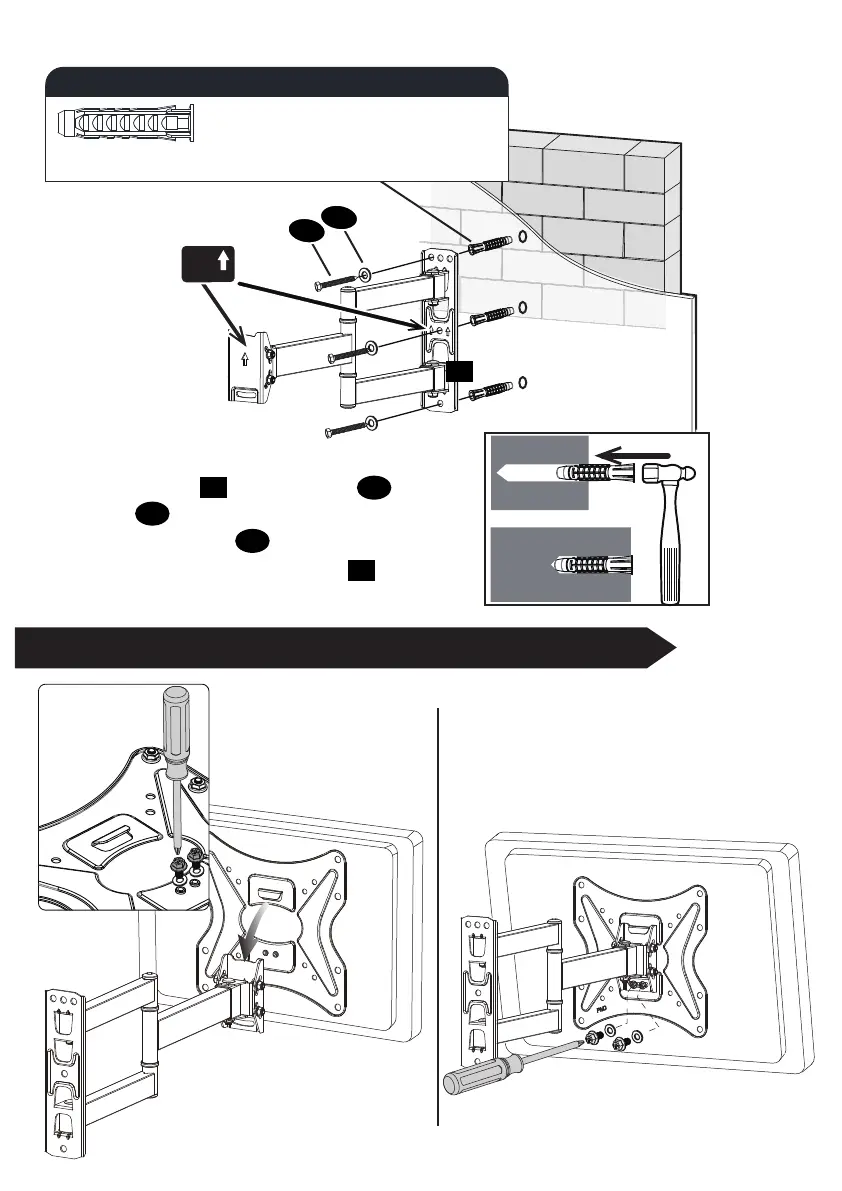
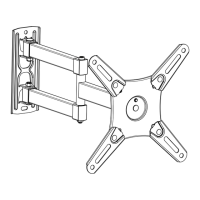
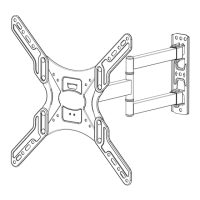
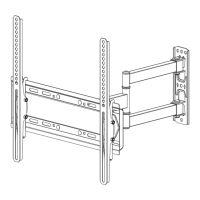
Lift and hang TV assembly
onto arm and wall plate.
Secure the monitor plate to the arm
and wall plate with the removed
screws and washers from the
previous step.
- 9 -
A
B
Concrete Wall
Concrete Wall
STEP 5 Lift and hang TV with brackets onto wall bracket.
Contact us by email help@elivedglobal.com to have
these additional pieces shipped directly to you.
Concrete Wall Anchor
3pcs
Concrete wall anchor (NOT INCLUDED)
01
A
B
01
Install wall plate using lag bolts ,
washers and anchors (not included).
Tighten the lag bolts until they are
pulled firmly against the wall plate .
A
01
UP
Remove 2
preassembled
screws and
washers, save
them for using
to next step.


 To Next Page