19
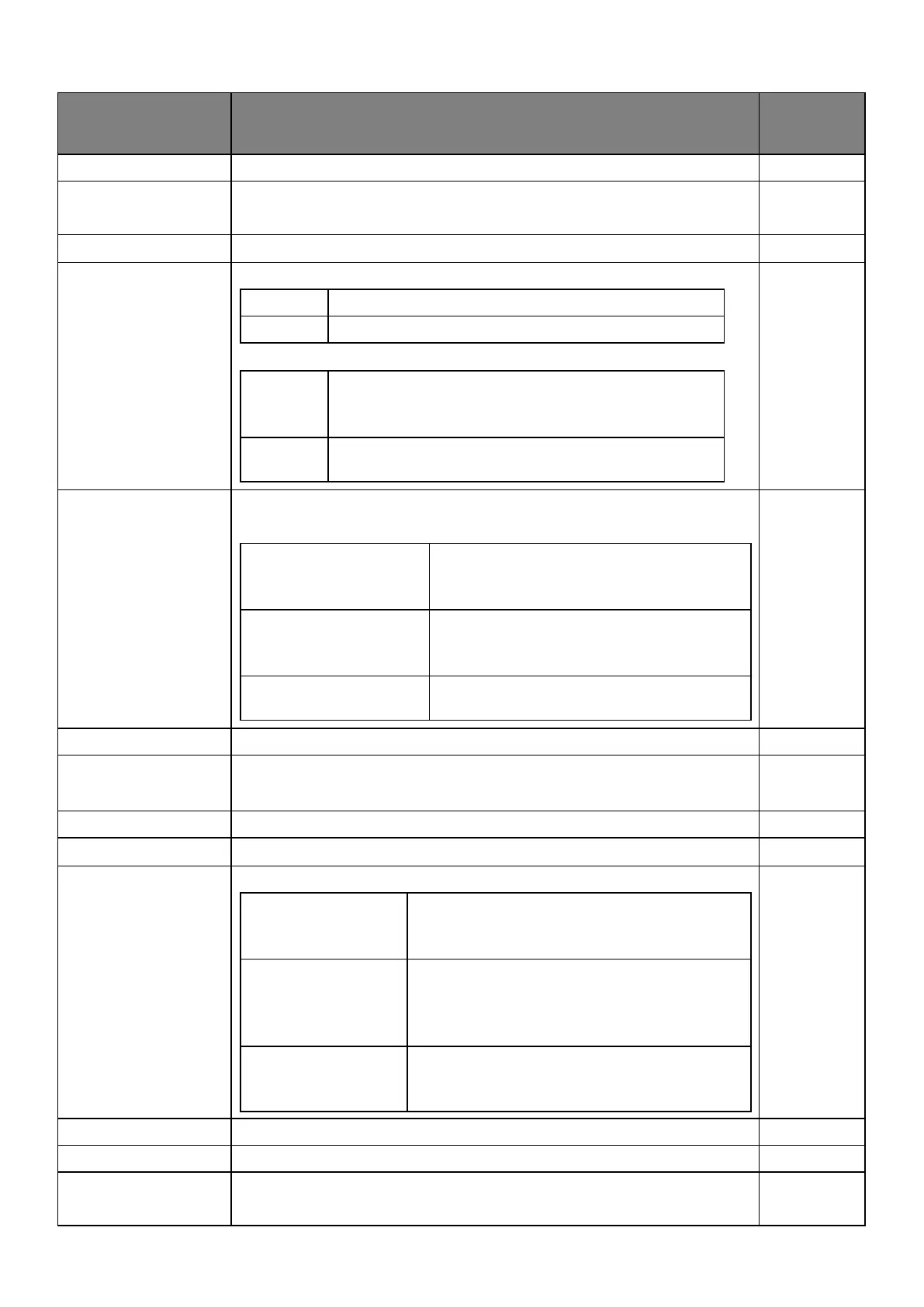
●Administrator settings (✔:Default setting)
When the
changes
take effect
To change admin password.
To change the wireless certificate from WPA2-PSK to WPA2-EAP.
A digital certificate is required for WPA2-EAP.
It is possible to change screen sharing.
It is not possible to change screen sharing.
When multiple devices are mirrored, their screen
content will be displayed in split-screen display.
(Max.4 split screen)
When multiple devices are mirrored, their screen
content will be displayed one by one.
To set the network access of the device directly connected to the
receiver.
All devices connected are allowed to
connect to the existing network through
the receiver.
Devices that are casting are allowed to
connect to the existing network through
the receiver.
No devices are allowed to connect to the
existing network through the receiver.
To set ON/ OFF ✔ the SNMP.
To change the Home screen.
※Resolution 1,920×1,080, size 2MB or less, PNG format only
To select the connection method.
Devices may connect to the receiver through
the existing network by using direct link to
WiFi and a router.
Only devices connected to the WiFi of the
receiver are allowed to connect.
The video streaming performance of the
local media improves in this connection.
WiFi of the receiver is disabled and only
connections from the existing network are
allowed.
To access the Internet and upgrade to the latest firmware.
To reset the setting value to factory default.



 To Next Page