EasyManua.ls Logo

Elta 8847MP4 - User Manual

Elta 8847MP4
41 pages
Go to English
Print Icon
To Next Page IconTo Next Page
Loading...
8847MP4
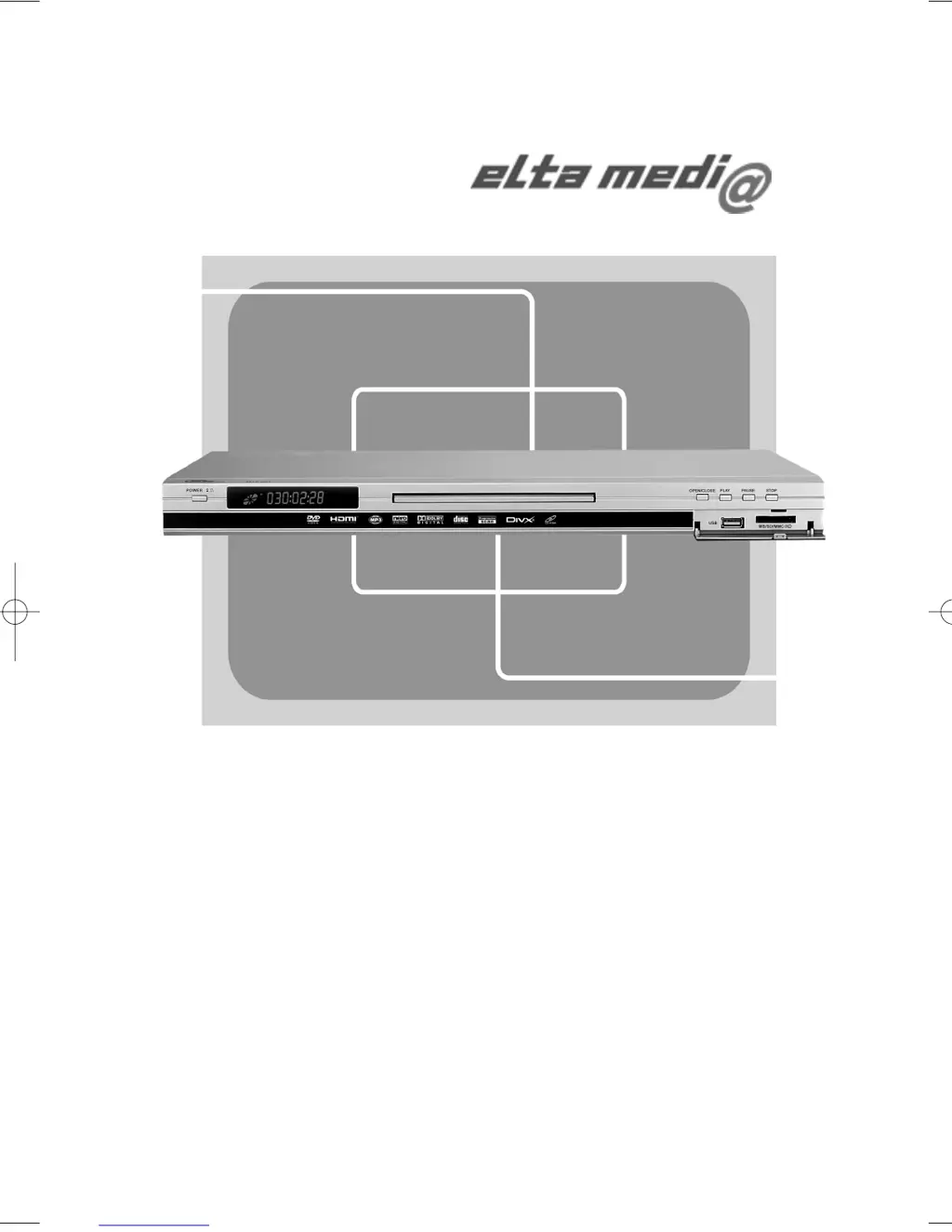
HOCHAUFLÖSENDER DVD-PLAYER
HIGH DEFINITION DVD PLAYER
D
00-8847MP4 Cover 4/26/06 3:00 PM Page 3

Questions and Answers

  • A
    Adam KiddAug 16, 2025
    How to fix Elta DVD Player when there is no picture, sound and indication?
    • A
      Anthony MoodyAug 16, 2025
      If your Elta DVD player shows no picture, sound, or indication, first ensure the power switch is on and the wall outlet is functioning correctly. Check the power cord for damage and ensure it's securely connected. Verify all audio and video cables are connected according to the manual's instructions. For HDMI connections, confirm both devices are in HD mode with the correct resolution. If using AV/Scart/S-video/YUV cables, ensure the TV is set to the correct input and use the V-mode button on the DVD player's remote to select the right output.
  • L
    Lee LeblancAug 19, 2025
    Why is there no sound but picture on my Elta DVD Player?
    • J
      Joshua FlemingSep 12, 2025
      If your Elta DVD player has no sound but the picture is fine, ensure the player's audio output is properly connected to the TV's audio input. Check the audio connector for any damage. Make sure the audio settings on the player are correctly configured. Verify that your TV is set to the correct AV input channel connected to the player. Also, ensure that the audio is not muted and the volume is turned up.
  • K
    Kenneth Howell MDAug 22, 2025
    What to do if my Elta DVD Player displays 'No Disc'?
    • A
      Alejandra EvansAug 22, 2025
      If your Elta DVD player displays 'No Disc', first ensure that the disc is placed correctly on the tray. Check if the disc is inserted with the correct side facing down. Also, verify that the disc is not physically distorted or badly scratched/stained.
  • T
    Tonya EllisAug 26, 2025
    Why does my Elta DVD Player have no picture but sound?
    • E
      Elizabeth DixonAug 26, 2025
      If you have picture but no sound on your Elta DVD player, verify that the player's video output is properly connected to the TV's video input. Ensure your TV is set to the correct AV input channel for the DVD player. Check the video connector for damage. Also, confirm that you have selected the correct VIDEO settings on the player.
  • A
    Alyssa BestAug 28, 2025
    What does 'Bad Disc' mean on my Elta DVD Player?
    • A
      alopezAug 28, 2025
      If your Elta DVD player displays 'Bad Disc', check if the disc is of poor quality. Make sure the disc isn't badly stained or damaged. Ensure the disc format is compatible with the player, and verify that the disc is not deformed.
  • J
    Joshua HillAug 31, 2025
    Why is my Elta DVD Player remote control not working?
    • M
      Melanie RomeroAug 31, 2025
      If the remote control for your Elta DVD player is not working or is insensitive, check the batteries and ensure they are powerful and have good conductivity. Point the remote directly at the IR sensor on the player. Also, make sure there are no obstructions between the remote and the IR sensor.
  • R
    Richard MannSep 3, 2025
    How to fix black and white picture on Elta DVD Player?
    • J
      Julie CooperSep 3, 2025
      If the picture on your Elta DVD player is black and white, or the screen is rolling, make sure you have set the correct TV SYSTEM setting (e.g., PAL, NTSC).
  • D
    David MckeeSep 6, 2025
    What causes flaws of picture or sound on Elta DVD Player?
    • L
      Lauren ProctorSep 6, 2025
      If you are experiencing flaws in the picture or sound on your Elta DVD player, check whether the AUDIO setting is correct. Inspect the disc for scratches or stains. Also, examine the AV connector and the output terminal for any stains. Check if the disc is badly scratched.
  • C
    Crystal TurnerSep 9, 2025
    What to do if Elta DVD Player has abnormal function operation?
    • Z
      zatkinsSep 9, 2025
      If your Elta DVD player is functioning abnormally, try turning off the power and then turning it back on.
  • H
    hayden93Sep 12, 2025
    How to unlock disc in Elta DVD Player tray?
    • D
      David LeeSep 12, 2025
      If the disc is locked in the tray of your Elta DVD player, you cannot remove it while the player is reading. Turn the power off and then on again, and immediately press the OPEN/CLOSE key to open the tray.

Elta 8847MP4 Specifications

General IconGeneral
BrandElta
Model8847MP4
CategoryDVD Player
LanguageEnglish