9.4 RATING SETUP
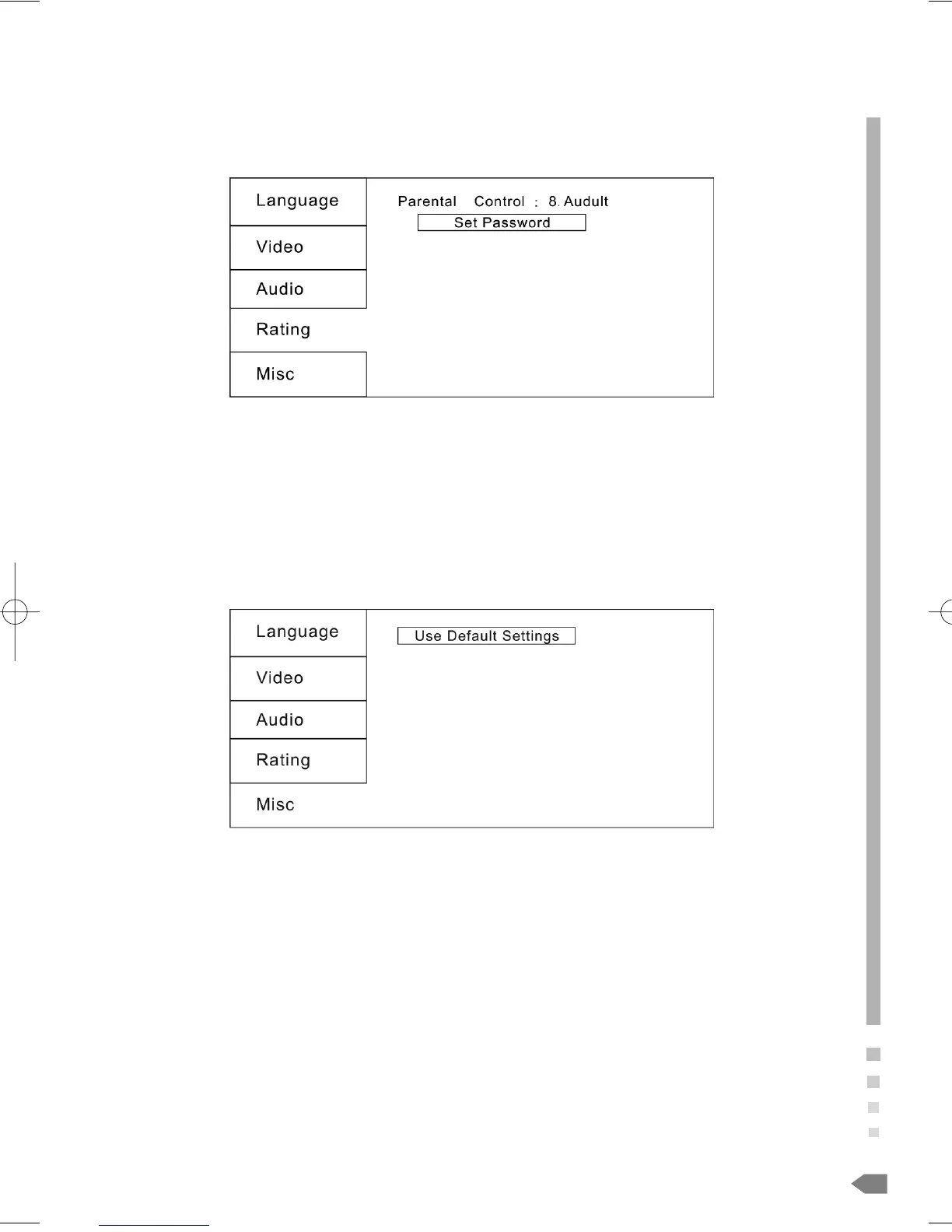
Select Rating in the setup menu, and display the Rating submenu:
Note: Not all DVDs support ratings.
9.4.1 Parental Control
Selecting a Rating allows the user to set the parental control feature of the player
Select Parental Control, and press ENTER to change the different mode.
Note: Unlock the password before setting Parental Control
9.4.2 Set Password
Use the 0-9 keys to input four digits (password), then press ENTER to confirm.
Note: If you forget your password, please use the universal password 8888 to unlock.
9.5 MISC SETUP
Select MISC in the setup menu, and display the submenu:
* Use Default Settings
Reset setup data to factory default and re-load disc
37
02-8847MP4N-GB 4/26/06 2:50 PM Page 37



 To Next Page