Step ➍
Install Software
(LP+ Only)
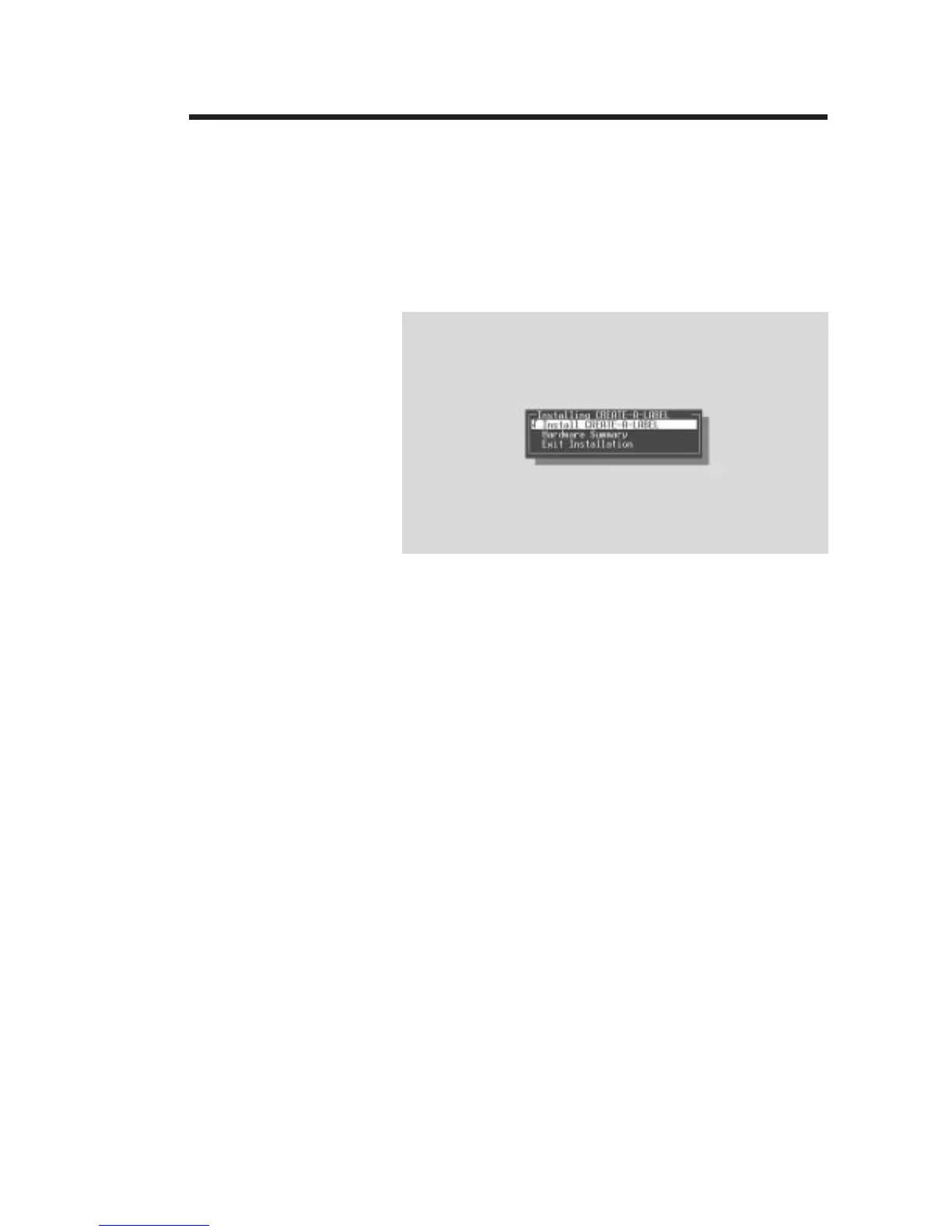
Start your computer. After DOS has loaded,
insert the Creat-A-Label Tools diskette into
your floppy disk drive. From the DOS prompt,
enter B:INSTALL (or A:INSTALL if you placed
the diskette in drive A). Press the Enter key.
Follow the installation instructions on the
screen to install the software.
Refer to Section 2 - Operation, for information
on loading labels and using your printer.
Getting Started
980008-001 Rev. B
7



 To Next Page