Step ➍
Press the FEED control to feed the leader
through the dispenser.
Step ➎
Push the Label Release towards the rear of the
printer and pull the excess liner through the
front until it is tight across the peeler bar.
Step ➏
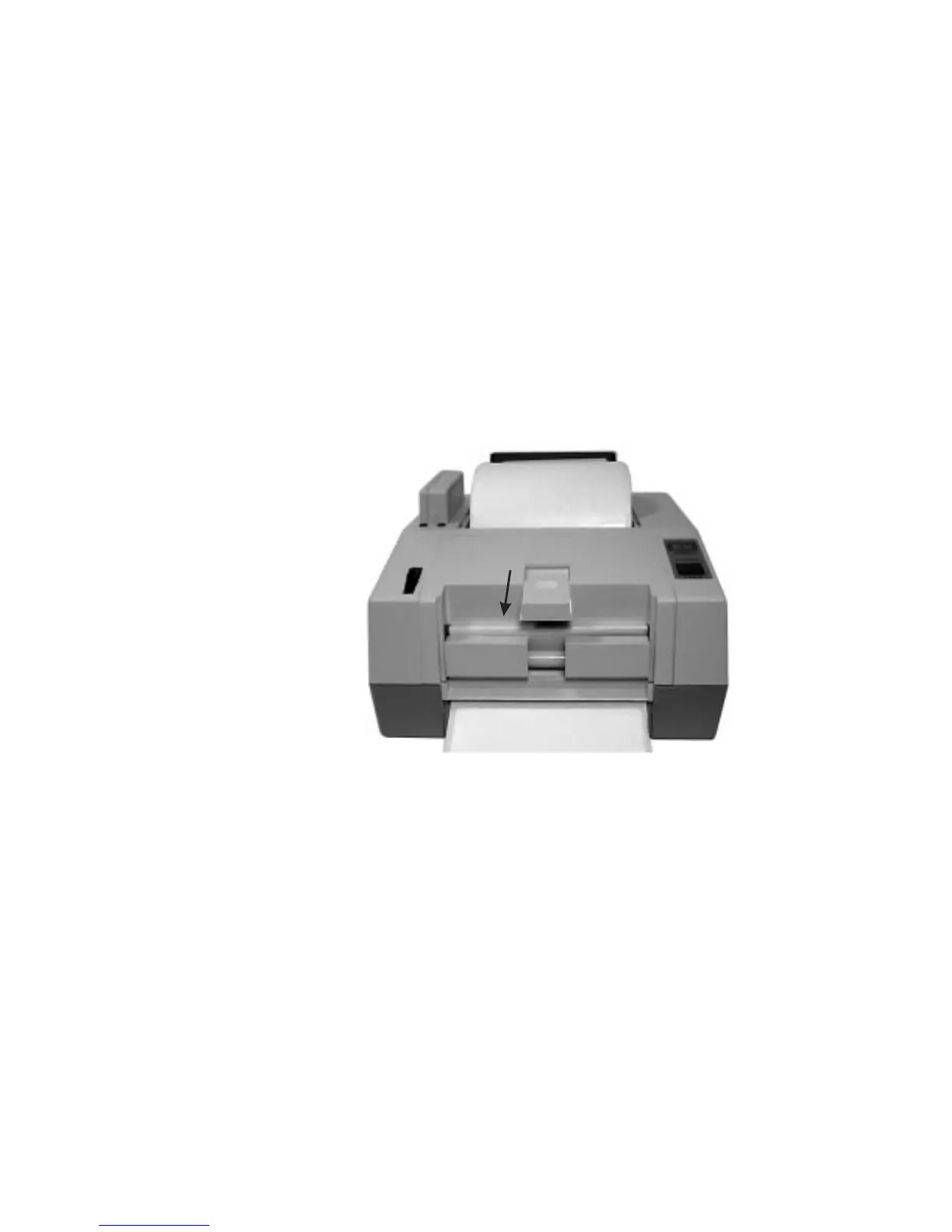
Activate the Label Taken Sensor by pushing on
the top and sliding towards the front of the
printer (see Figure 2-1). The printer is now
ready to dispense automatically peeled labels.
Push Sensor Out
To Activate
Figure 2-10
Activate Sensor
Operation
18
980008-001 Rev. B



 To Next Page