Battery
Replacement
Step ➌
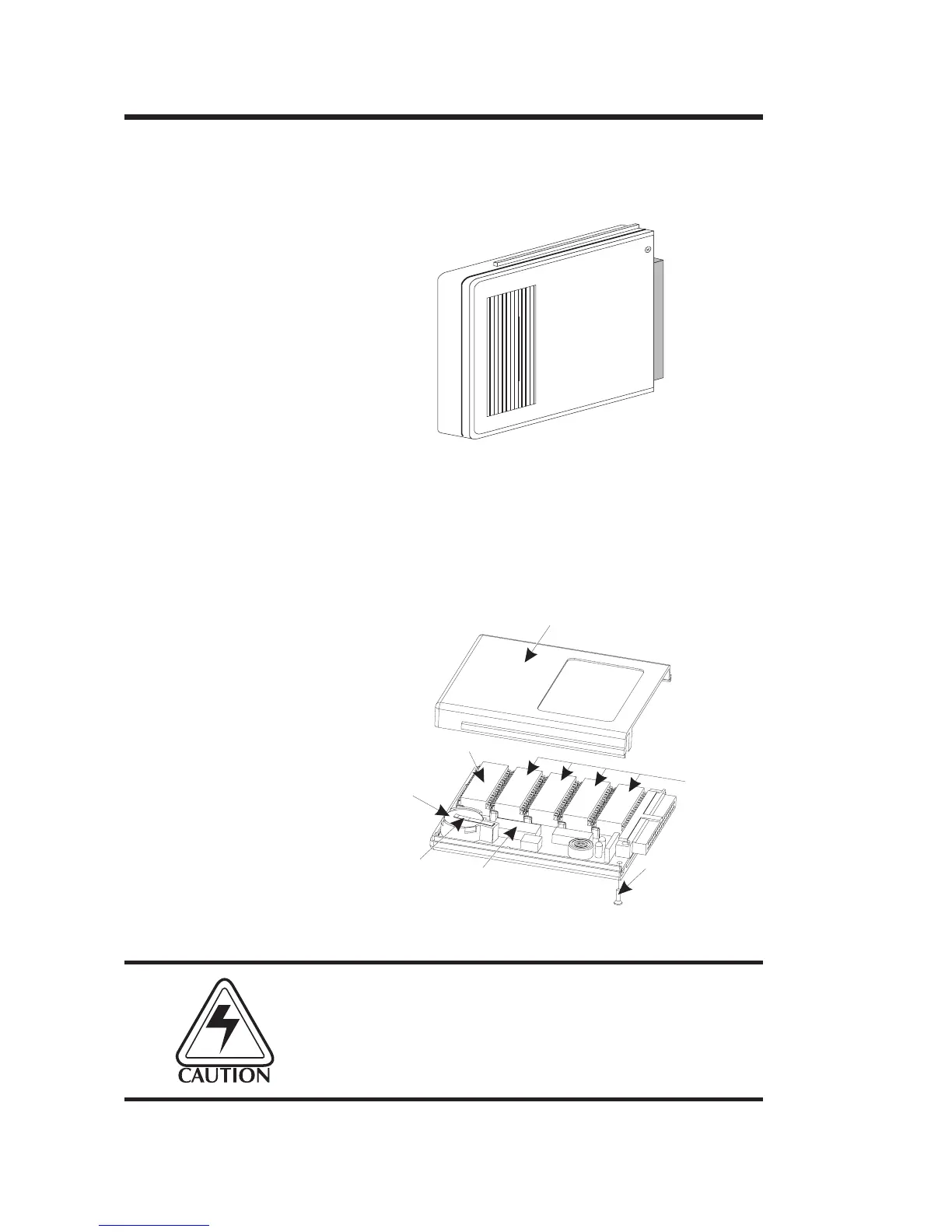
Remove the Memory Cartridge’s top cover
screw with a #1 Phillips screwdriver. Slide the
casing top cover off.
Step ➍
Lift the battery retaining clip up and slide the
old battery out. Replace the battery by lifting
the battery retaining clip up and inserting the
new battery in with the printed side up.
INSTALL BATTERY WITH PRINTED
SIDE UP!
Improper installation can damage the printer.
Figure 2-11
Open Cover
TOP COVER
SRAMS
BATTERY
TIME/DATE CHIP
TOP COVER SCREW
EPROM
BATTERY
RETAINING
CLIP
Figure 2-12
Replace Battery
Operation
22
980008-001 Rev. B



 To Next Page