EM Test ditoControl
Short form Introduction V 2.04 12 / 15
5.2 Registration
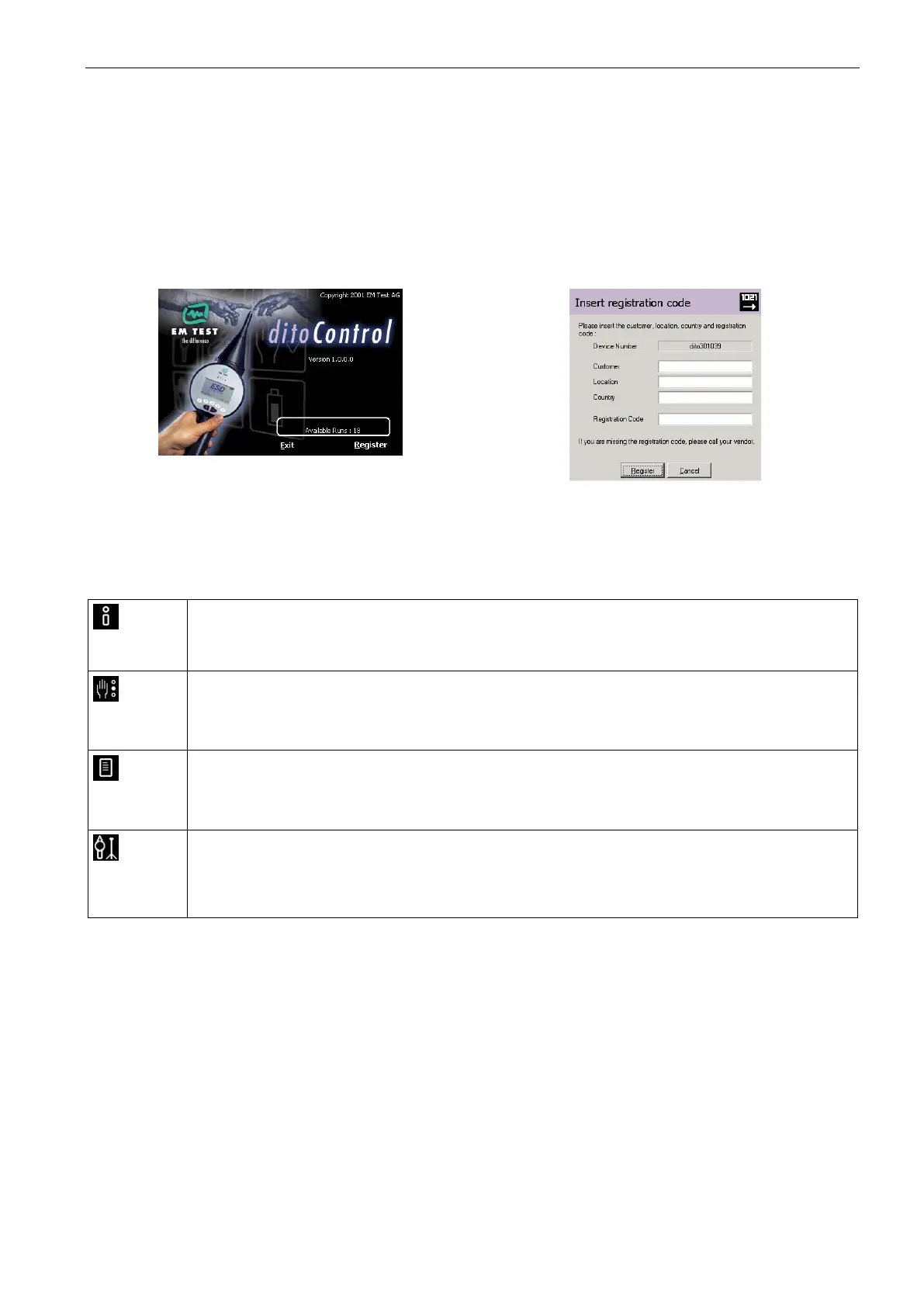
After a successful installation of ditoControl, it is necessary to register the software.
If the software is not registrated correctly, the operator can use it twenty times. After that a registration code
must be inserted, otherwise the software can no more be used. For registration code please call factory or the
responsible sales office.
For registration please select the menu <About><Info and Registration> and then click on Register. The reg-
ister dialog will now appear. Please insert the requested data and press the button Register.
During the registration it is necessary to connect the dito simulator, because the registration code is related
to the actual dito device number.
5.3 Mode
ditoControl supports two different operation modes, Easy and Expert mode.
For more information please refer to the information window or the application note.
5.3.1 Functions in Easy Mode
Information
The operator gets information how to generate test procedures or how to conduct a tripod
test.
Test Routines
They are preprogrammable and can be download to dito.
The test routines can be imported or exported.
Test Report
The test data can be uploaded from dito after a test is finished.
A wizard guides you through the generation of a test report
Tripod Test
A tripod test can be performed with dito. The parameters can be defined manually or based on
a standard with different test levels. It is also possible to execute a voltage sweep, with start to
stop voltage in certain voltage steps.



 To Next Page